Participant
May 13, 2022
Answered

Déformer un motif

  • May 13, 2022
  • 2 replies
  • 428 views

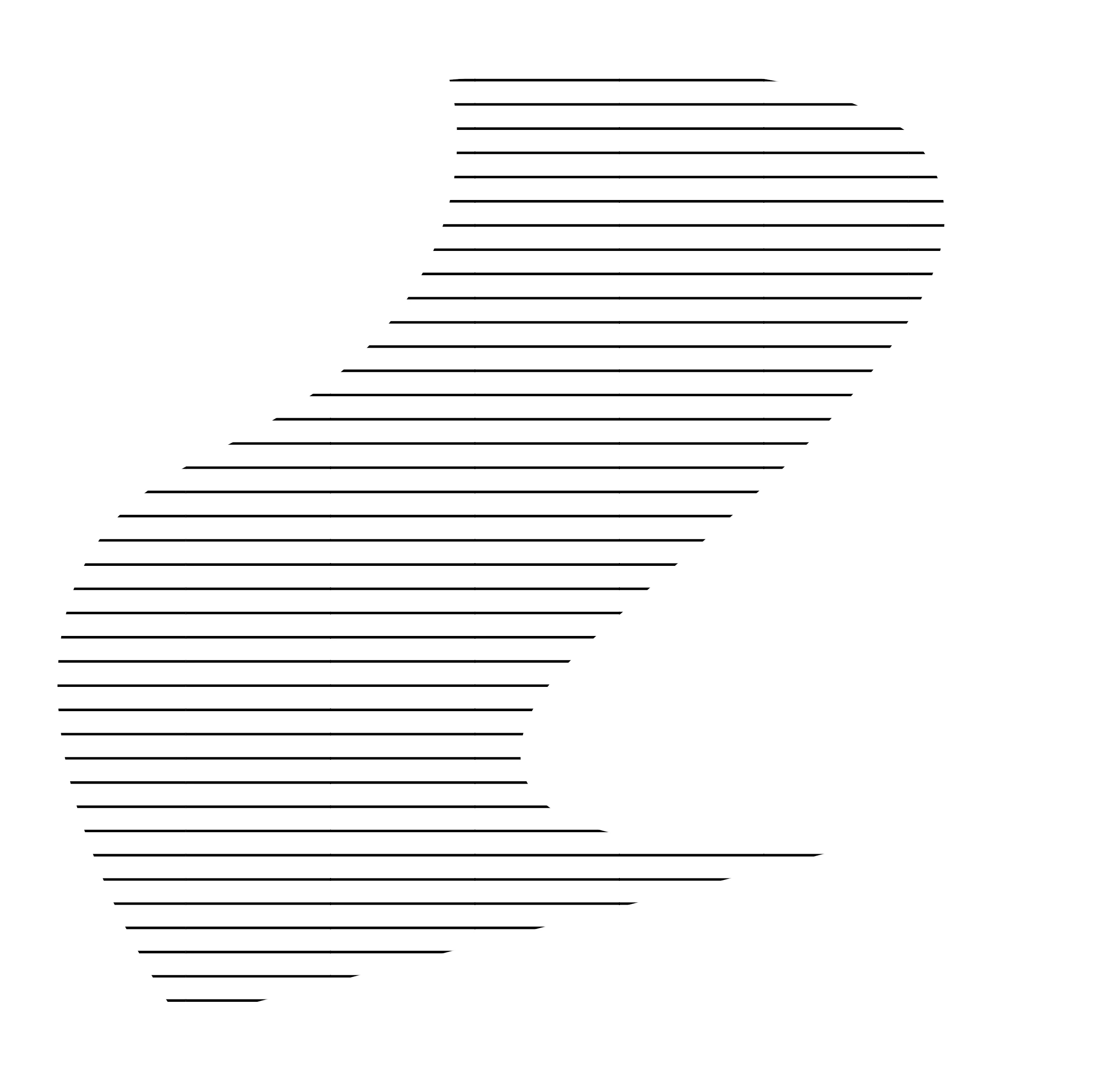
Est-il possible de déformer un motif comme sur photoshop sur illustrator ? 

Correct answer Mike_Gondek10189183

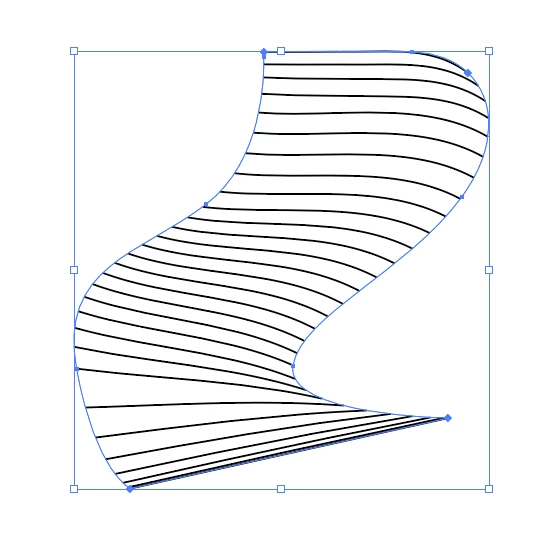
The translate said distort, which might not be accurate. If you indeed wanted to distort:

Group the line, put the other path on top. Select all. Object >> Envelope Distort > Make with Top Object.


2 replies

Mike_Gondek10189183
Community Expert
Mike_Gondek10189183Community ExpertCorrect answer
Community Expert
May 13, 2022

The translate said distort, which might not be accurate. If you indeed wanted to distort:

Group the line, put the other path on top. Select all. Object >> Envelope Distort > Make with Top Object.


Jacob Bugge
Community Expert
Community Expert
May 13, 2022

Lily,


As I (mis)understand it, create a single (or Compound) path with the shape (and position) of the desired outer boundary on top of the pattern, then select everything and hold Ctrl/Cmd and press 7.


This will give you a clipping set, with the path as the clipping path that hides everything outside.


Lily5C70Author
Participant
May 31, 2025

sorry for the time, thank you !!

Jacob Bugge
Community Expert
Community Expert
May 31, 2025

You are welcome, Lily.


I said As I (mis)understand it, and I did.