


phthomas71
Participant
March 13, 2025
Answered

Delete Artboard Options Presets

  • March 13, 2025
  • 1 reply
  • 318 views

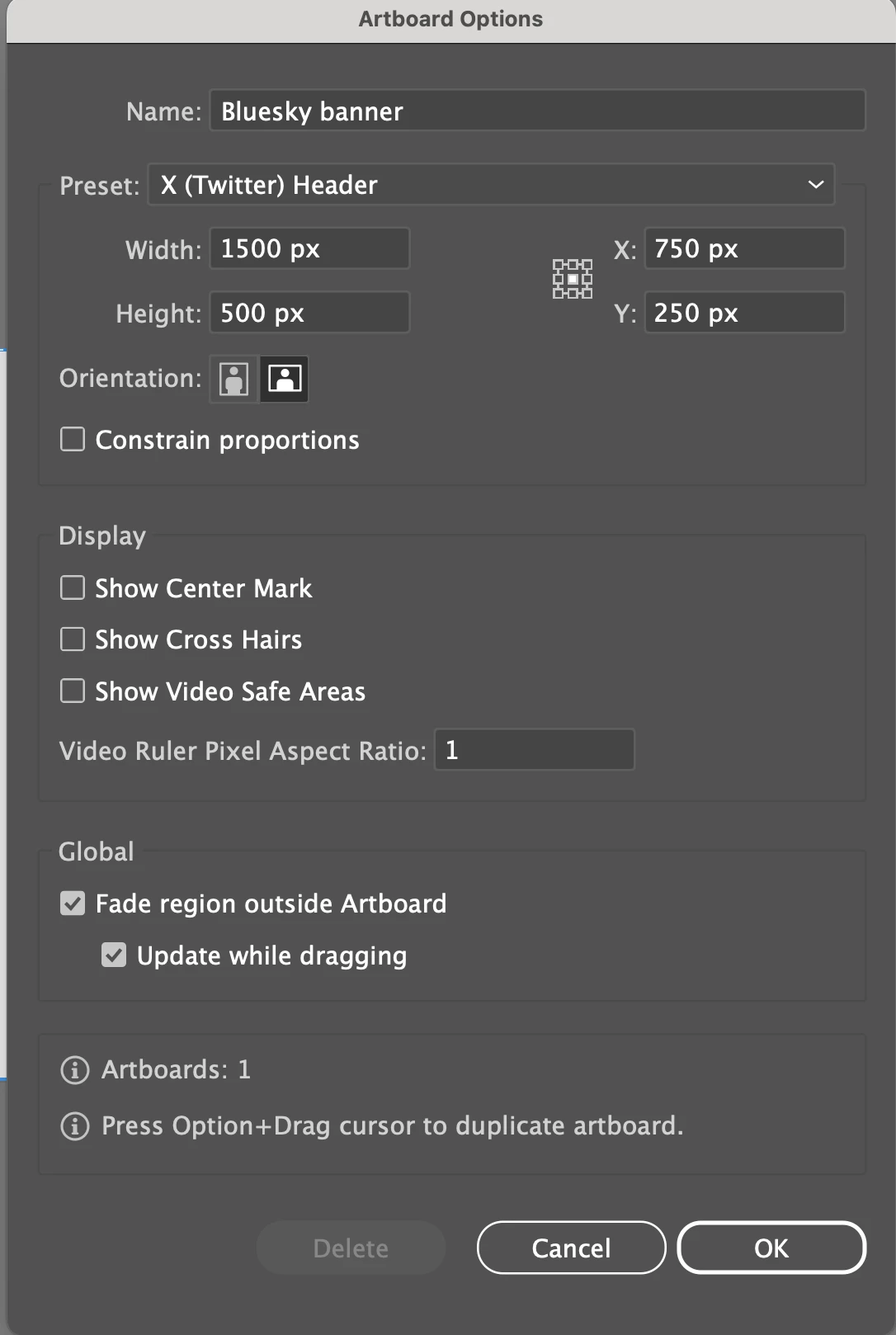
I have Artboard Options Presets that have inaccurate names (I'm learning the app and made errors), and I would like to delete them, as they confuse me. The dimensions are for Bluesky but the preset label is for Twitter.


How can I delete these Presets? I'm using Illustrator 29.3.1 for Mac.


Thank you in advance for your help.
Correct answer Monika Gause

You cannot delete the presets. You can just enter the dimensions you need.

1 reply

Monika Gause
Community Expert
Monika GauseCommunity ExpertCorrect answer
Community Expert
March 13, 2025

You cannot delete the presets. You can just enter the dimensions you need.

phthomas71
Participant
March 21, 2025

Thank you for your reply. I'll mark this "correct" to be a good community member.


That said, I don't really understand the purpose or benefit of presets if they cannot be corrected. So, 10 years from now, after I've mastered the tool, it'll be cluttered with inaccurate presets from when I'm a newbie (based on similar threads from the teens. It's a really crappy customer experience--and pretty sad that users pay a huge premium for products that are bloated with legacy functionality.

Maybe, one day, if we're really lucky, the 1990s will call and want their Illustrator presets back!

Monika Gause
Community Expert
Community Expert
March 21, 2025

I think that on the Uservoice there is a feature request that asks for presets in a text file that you can configure. A lot of people would prefer it that way. You can add your vote over there: https://illustrator.uservoice.com
