Question
Delete unused artboard presets from "new file" screen in Illustrator
How can I delete unused artboard presets from "new file" screen in Illustrator?
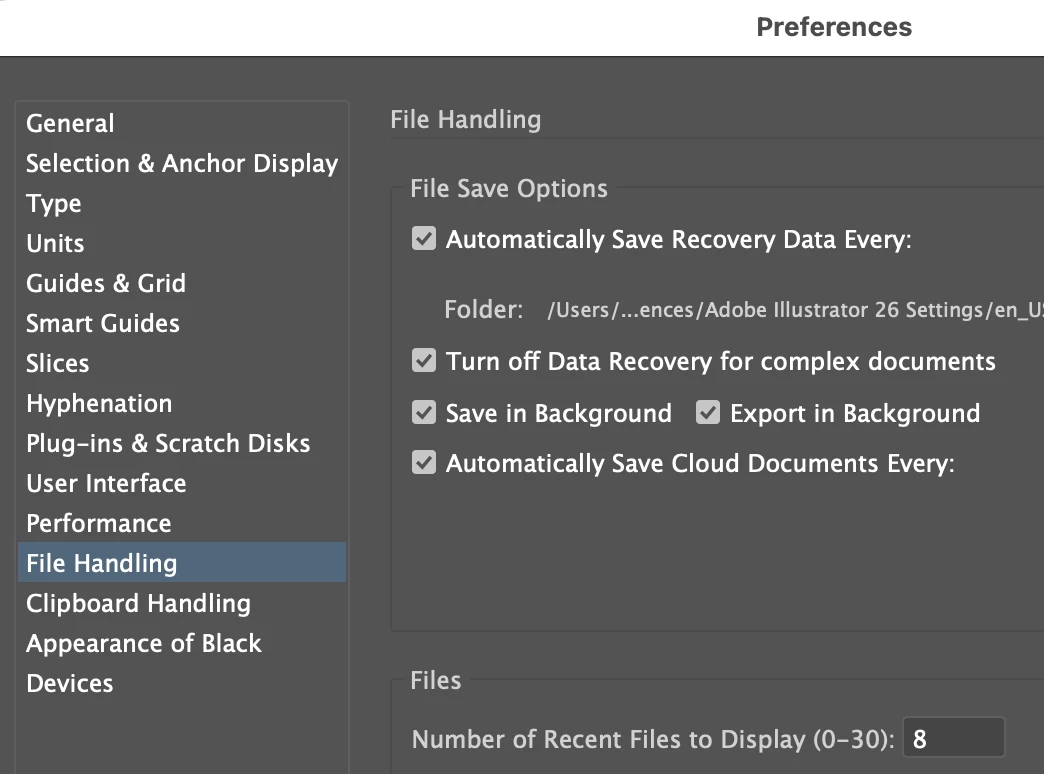
I tried setting the number to keep in Preferencessaved, and restarted, but nothing changed.
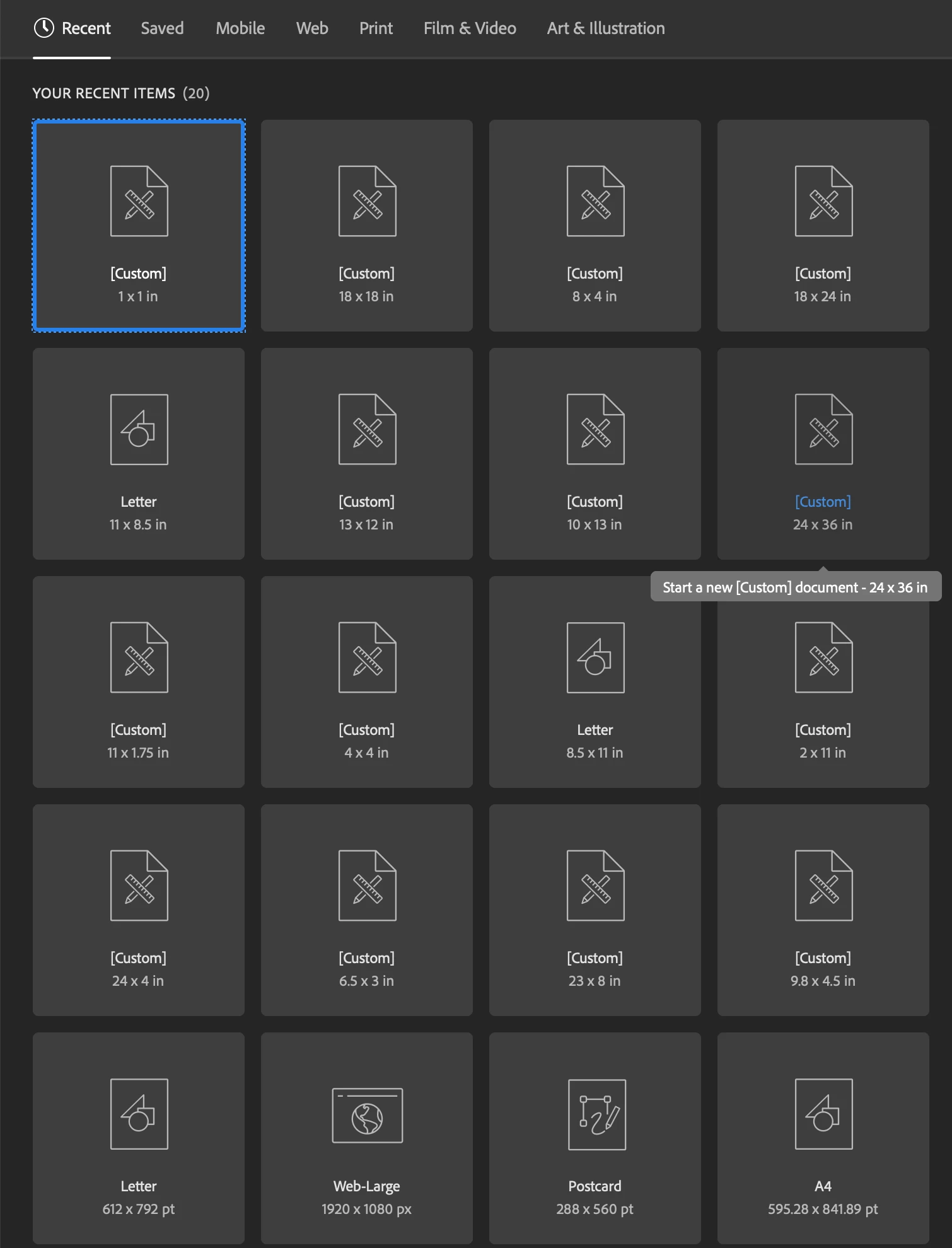

How can I delete unused artboard presets from "new file" screen in Illustrator?
I tried setting the number to keep in Preferencessaved, and restarted, but nothing changed.
Already have an account? Login
Enter your E-mail address. We'll send you an e-mail with instructions to reset your password.
 AdChoices