
Participant
October 30, 2023
Answered

Detaching multiple clipping mask shapes/images after using compound path

  • October 30, 2023
  • 3 replies
  • 1743 views

Hi,

I am trying to take a single photo and break it into individual, multiple shapes/images using the compound path and clipping mask commands. 

In the example below, I have made the shapes (squares) that I want to apply a clipping mask to:
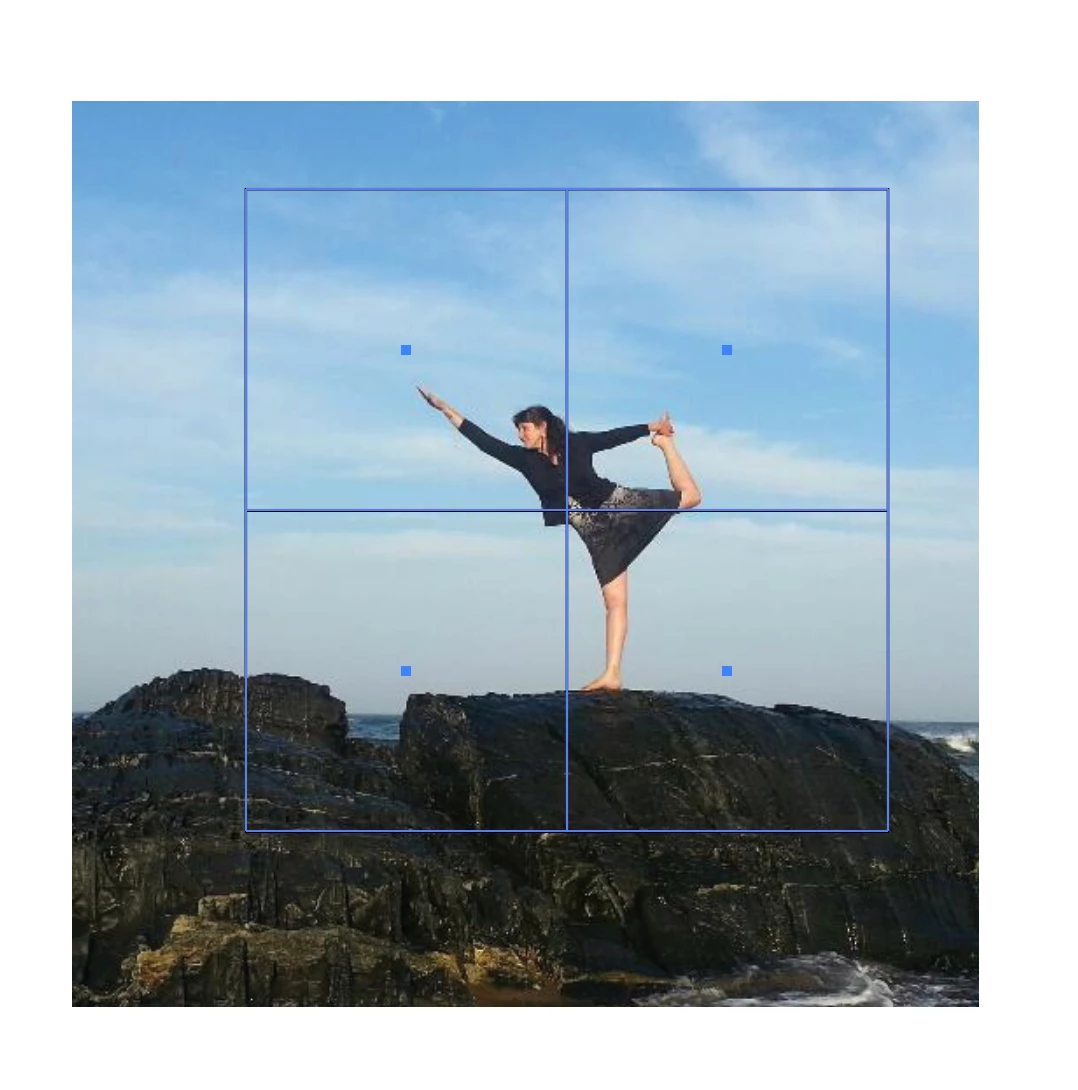
 

Next, I made those four squares into a compound path, so that I can have multiple clipping masks, and apply the clipping mask:
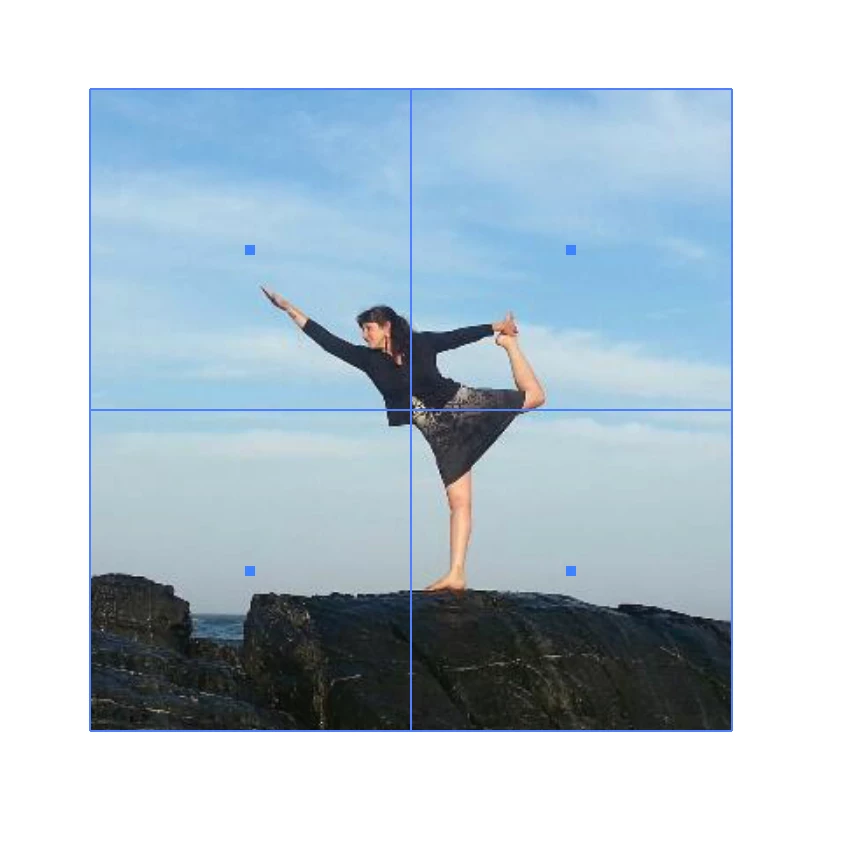
Then, I tried releasing the compound path so that (I thought) I could move the four squares individually:
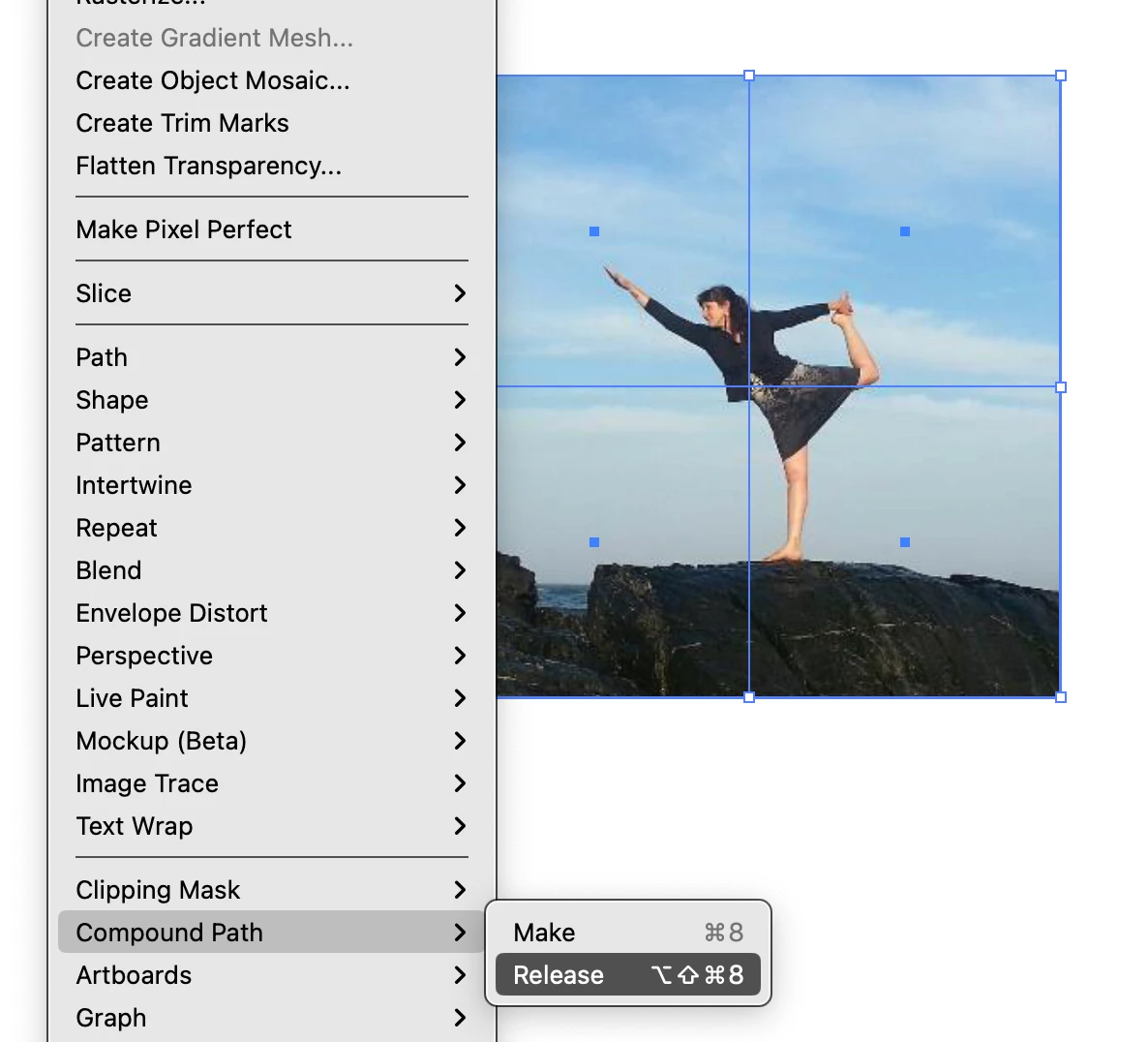
But, when I do, the images disappear.
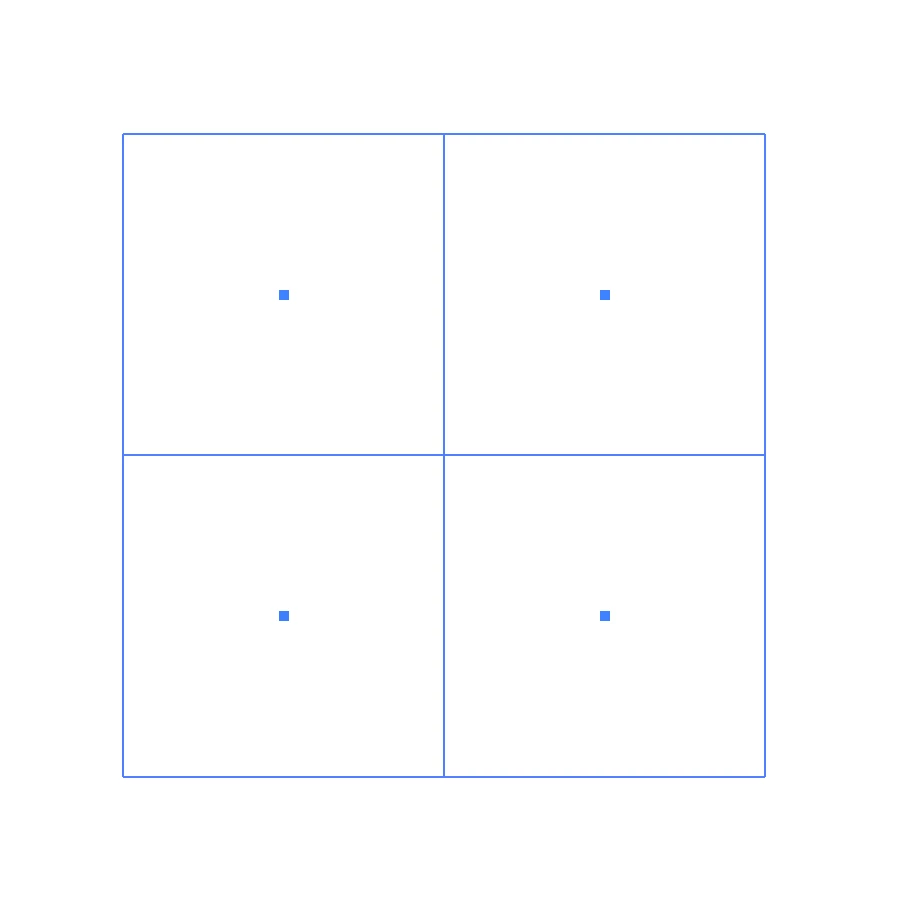
Please advise. I have looked for solutions in this discussion forum, and online. 


Thanks,

Abigail

This topic has been closed for replies.
Correct answer Kurt Gold

Alexander Ladygin has a neat script that probably does what you want.


PuzzleClipper


3 replies

Kurt Gold
Community Expert
Kurt GoldCommunity ExpertCorrect answer
Community Expert
October 30, 2023

Alexander Ladygin has a neat script that probably does what you want.


PuzzleClipper


Participant
October 30, 2023

You are my hero!

Thank you!

EXACTLY what I needed 🙂


Michael Ambroise
Community Expert
Community Expert
October 30, 2023

I give you this suggestion: you duplicate the image 4 times in the same place and create a clipping mask for each part.

_______Senior graphic designer | United Nations Population Fund
Michael Ambroise
Community Expert
Community Expert
October 30, 2023

_______Senior graphic designer | United Nations Population Fund
Participant
October 30, 2023

I just tried that with exactly the same effect (i.e. did not work- I am still unable to move the images independently once clipped.)

Are you suggesting I not use a compound path at all?

Larry G. Schneider
Community Expert
Community Expert
October 30, 2023

You will need to crop the individual parts and reassemble.