
Participant
November 27, 2016
Question

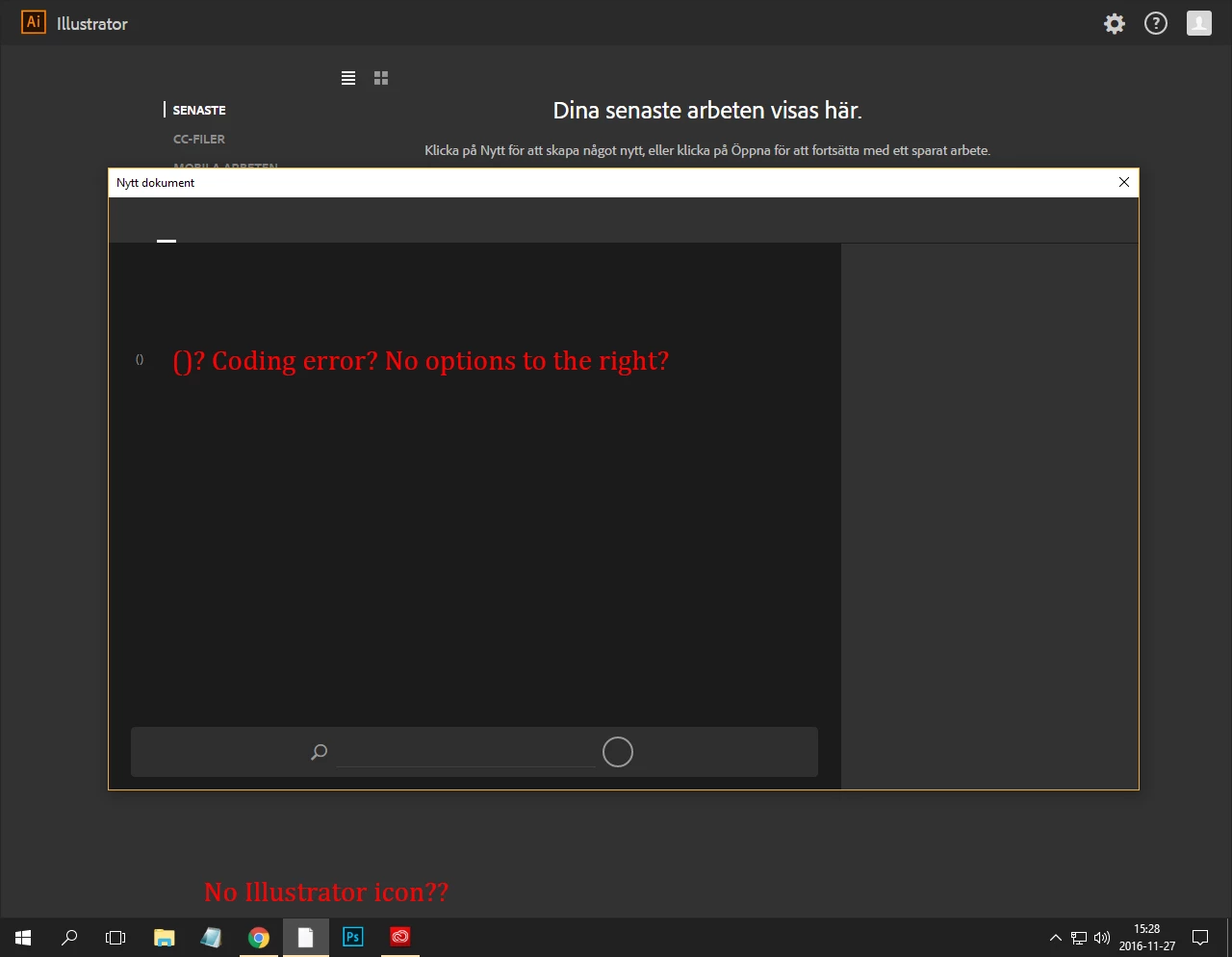
Dialog box error, cant create new files

  • November 27, 2016
  • 2 replies
  • 654 views

Hi guys,

I just downloaded Creative Cloud and Illustrator CC to my computer. When I open the program and tries to start a new project the dialog box doesn't seem to work at all? I tried to open an old EPS-file which worked, so I basically erased all the content and made my project. When I was done and tried to save the file an error message occured.

Does anyone know how to fix this error? I've tried to reinstall the program, restart the computer etc. I have windows 10.
[Moved by moderator to Illustrator Forum]

This topic has been closed for replies.

2 replies

Mohammad.Harb
Community Expert
Community Expert
November 27, 2016

I would suggest Trying to sign out from Creative Cloud then sign back in,

then reset illustrator Preferences :

Press ctrl + alt + shift  while running illustrator

if that did not work, Re-installing illustrator should help.

Participant
November 27, 2016

I have done everything you and Monika told me to. The icon is now shown in the windows menu and it's possible for me to save edited EPS files (almost all the time)... I still have problems creating new projects though, which is reallt frustrating.

Do you have any other advices?

Monika Gause
Community Expert
Community Expert
November 27, 2016

In preferences > General check the option to use the "Legacy" open dialog.

As for issues when saving your file: Do you have a printer connected? If not, try and set up a PDF printer.