
Question
Difference between "Process color"/"CMYK" "(click to convert)" in color panel
I have created a swatch:
- Color Mode: CMYK
- Color Type: Process Color
When I apply the (global) color to an element I see this in the color panel: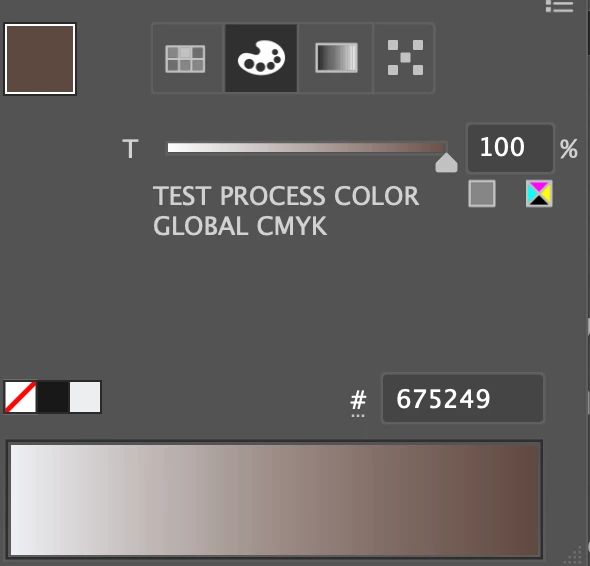
What is the difference between the two rectangular buttons below the "100%"?
left button:
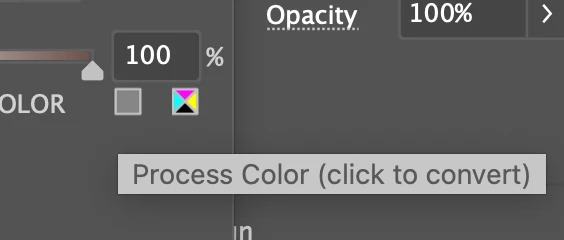
right button:
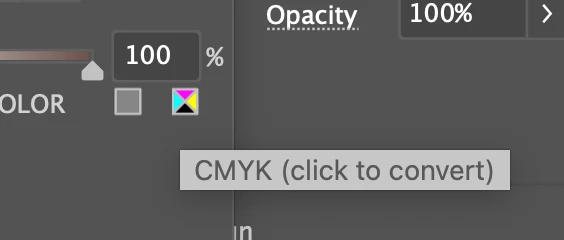
Both lead to the same result:
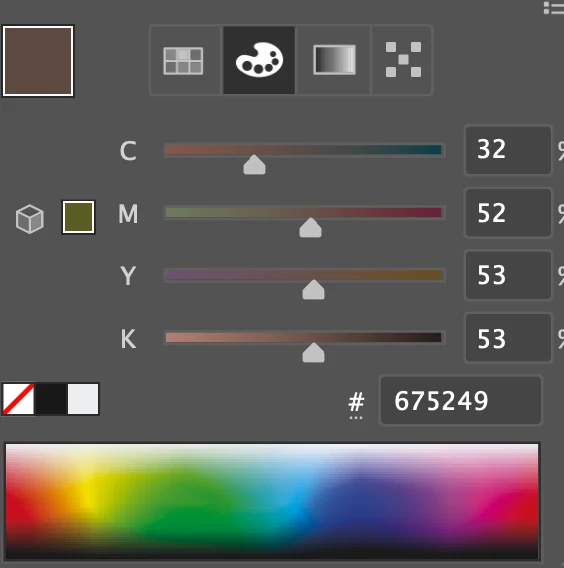
What are they converting? The color already is CMYK and it already is a process color…


 AdChoices