

Difficult to grab and move objects with selection tool
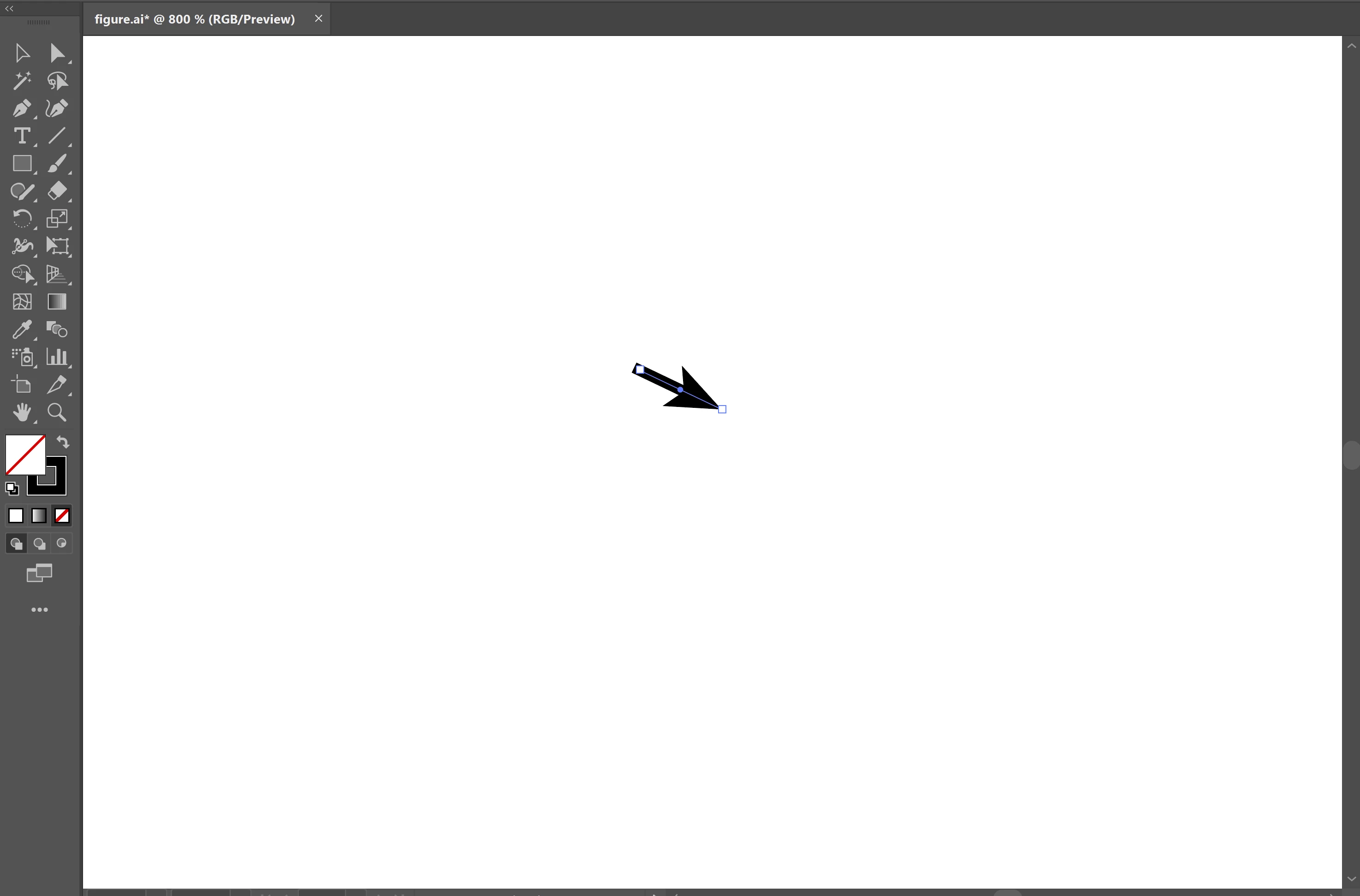
I've used illustrator on mac for years with no issues. Now, on widows, I am having a problem simply grabbing objects and moving them wiht the selection tool unless I remove the bounding box (ctrl + shift + b) or zoom in considerably. When I click *anywhere* on, e.g., this small arrow I've created, it will either grab an endpoint or try to rotate it. What's going on here? Is there some sort of sensitivty I can turn down? This make AI so slow and frustrating to use that I will have to switch to something else if it can't be fixed.
Changing the seleciton tolerance in preferences > selection & anchor display does nothing.
I am running windows 11 on a lenovo machine with intel cpu and nvidia gpu. I htinkthe issue might be similar to what this user is experienc


 AdChoices