


Question
Difficulty Applying Color/Design to Select Areas in a Compound Path Dieline in Illustrator
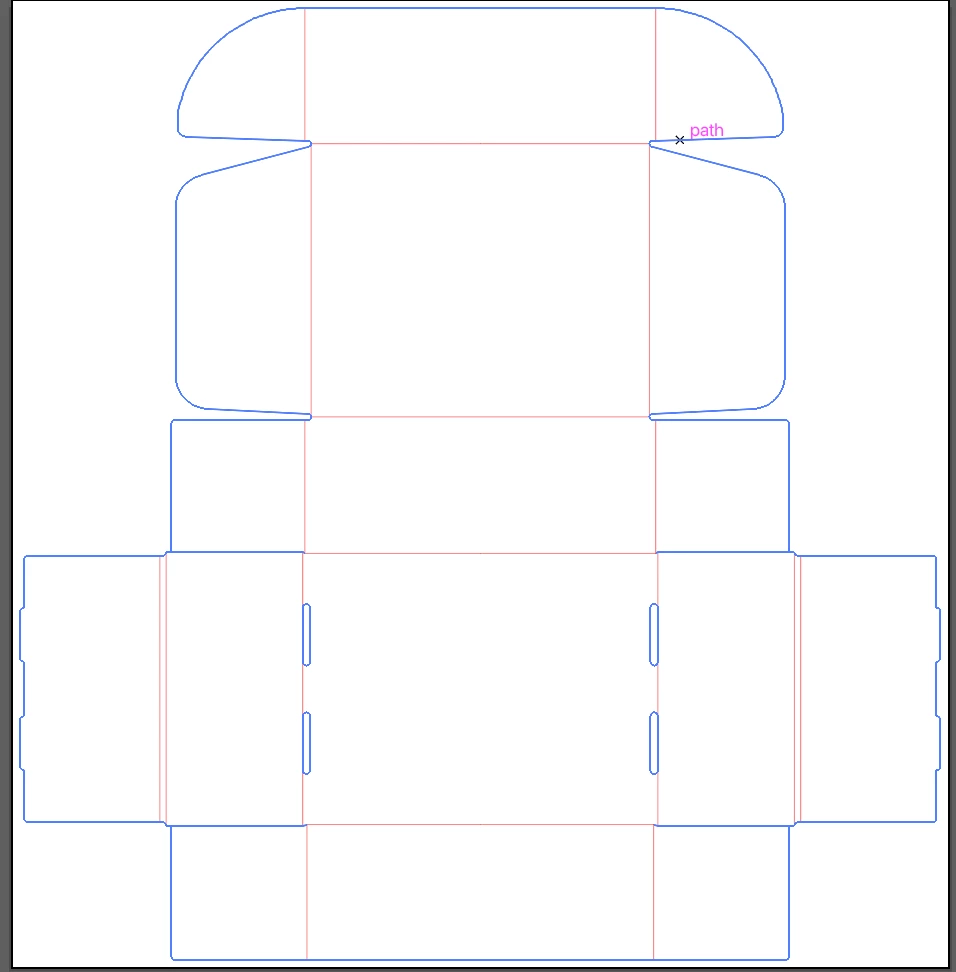
I'm working with a dieline pdf file in Adobe Illustrator, imported from my printing service. When I import the file, it opens as paths set up like this:
- The dieline is contained inside a clip group.
- The outer outline of the box is a compound path.
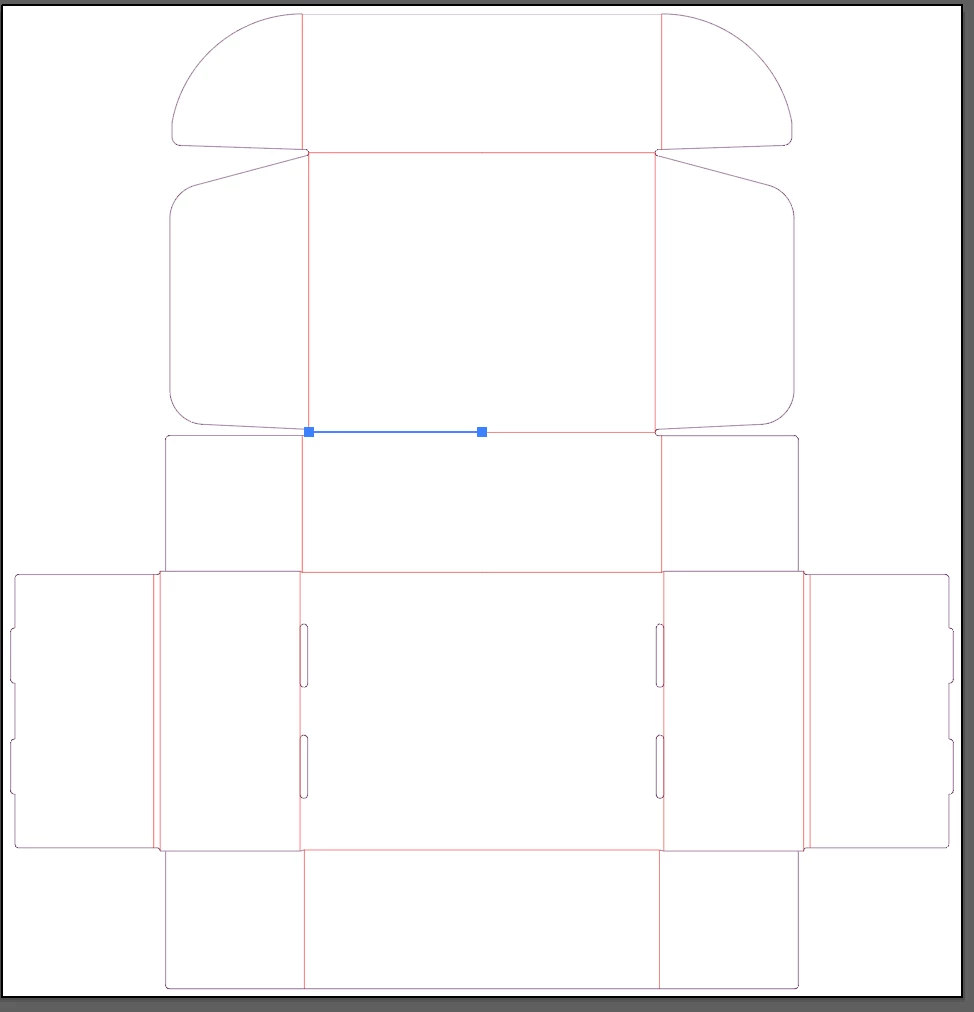
- The interior lines are all singular paths that dont make a shape
Question:
What would be the best way to to fill specific sections within the compound path with colors or designs, while leaving other areas completely transparent?
Do I need to rebuild each section in illustrator? I'd like to avoid doing this if possible because the flaps need to exactly match. If so, what's the best way to do this?
Screenshots of file:
 AdChoices