
jlstn
Participant
November 28, 2017
Question

Disappearing Text Inside Text Boxes

  • November 28, 2017
  • 4 replies
  • 9065 views

I have this infuriating problem (it's also happening in Photoshop) where I draw a text box, paste the text inside, and if it reaches a certain amount, all of the text just disappears. This also happens if I try placing it. This has never happened before, and I haven't been able to find a problem. I called Adobe, the rep simply said to reset the settings, which didn't work.

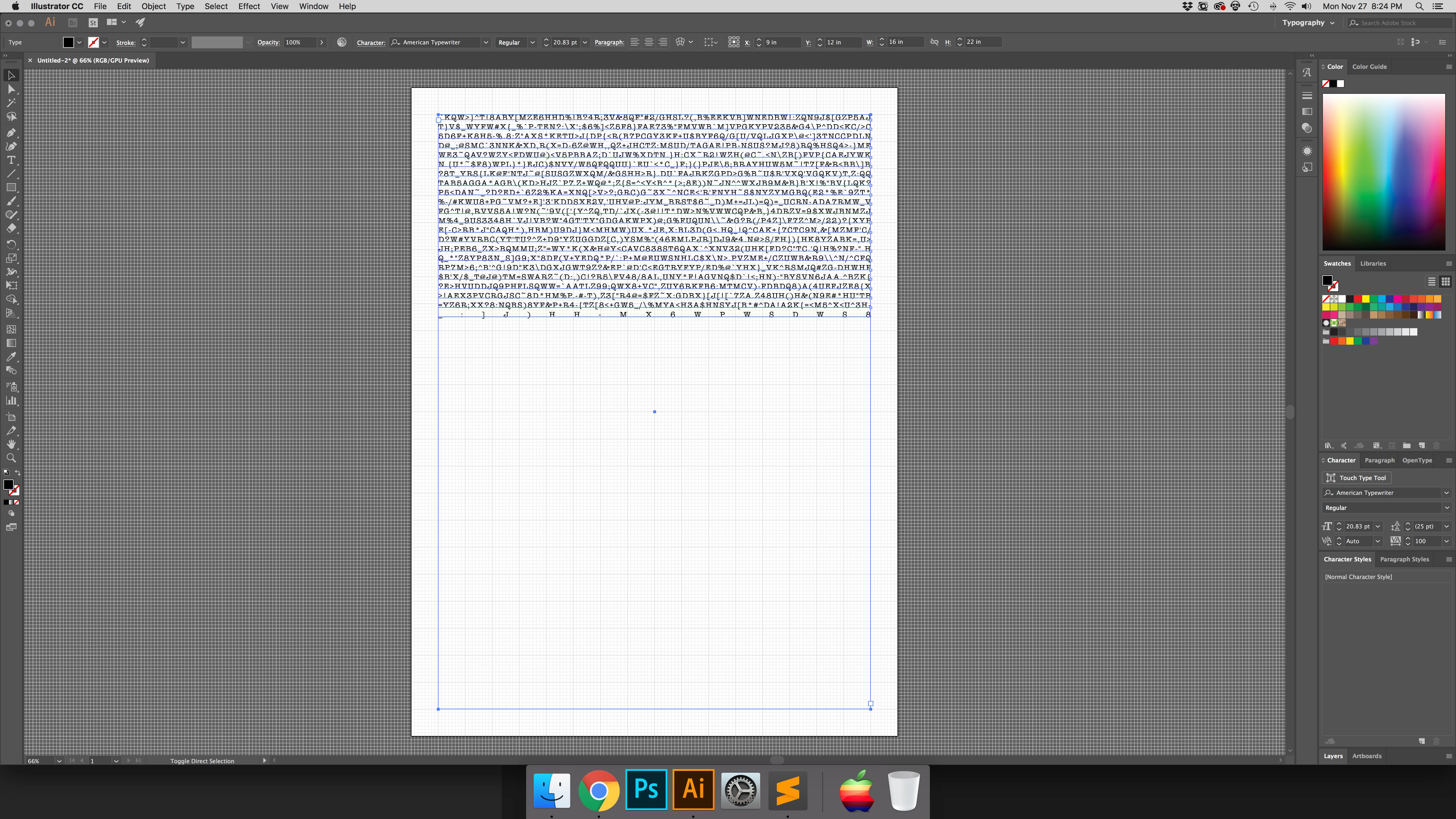
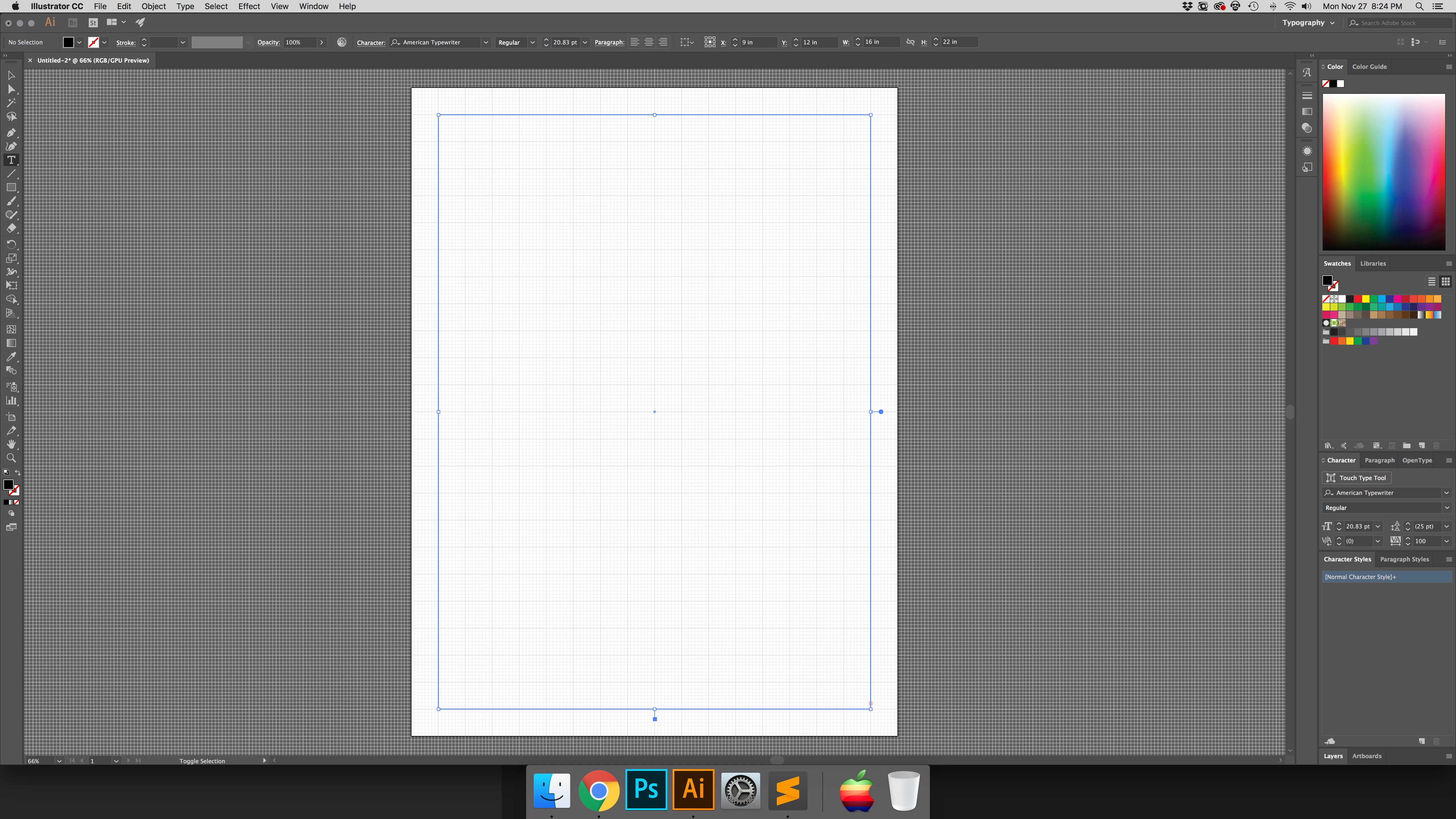
What normally happens is the text will fill up the box until the red symbol appears that the box isn't big enough to fit the text. Now, it's simply all disappearing.

Has anyone experienced anything like this? I've never seen anything like Illustrator/Photoshop having a limit to the text.

Before: (the text you see in the box is what's on the clipboard. The after picture is what happens when I hit Paste again. All the text goes away and the foreground/background colors haven't changed.
Any help would be appreciated. Thanks!

This topic has been closed for replies.

4 replies

Participant
February 27, 2023

Go into the little hamburger menu in the top right corner of the Character panel and uncheck "No Break". Usually only the type-obsessed users even know that option exists, and I don't think there's a shortcut for it, so I'm not sure how it would end up checked by accident, but who knows. Unchecking "No Break" fixed the issue for me.


Kevin Stohlmeyer
Community Expert
Community Expert
December 13, 2018

You have one long run-on word so it has shown up as Overset text. Note the icon at the bottom of the text frame. Add some spacing between words and they will start to show up.

Participant
December 6, 2017

I'm seeing this with the most current update - I can make text appear if I just click for "linear" text. If I type into a text box, either no text appears, the text fills only a single column (like a narrow part of the overall text box), it just disappears.

This has been working for ages. What happened on the new update? Find the correct the code base and get us the right fix. please. This renders my Photoshop useless! I do memes and numerous ads using text in PS.

Ton Frederiks
Community Expert
Community Expert
December 6, 2017

Please ask this in the Photoshop forum.

This is the Illustrator forum.

jlstn
jlstnAuthor
Participant
November 28, 2017

Sorry, forgot to post the version and platform:

Mac

High Sierra

2017 21.1.0

barbara_a7746676
Community Expert
Community Expert
November 28, 2017

I've not experienced this issue. Its possible that it could happen if you have a large Space Before and Space After settings in the Paragraph panel, or if the type is white.

Do you see the type if you choose View > Outline?

From your screen capture, it looks like the text has no space characters. What happens if you add a space character?

It would be helpful to see what the Character and Paragraph panels look like when the text is selected.

jlstn
jlstnAuthor
Participant
November 28, 2017

The type isn't white and the text doesn't show when showing View > Outline.

The screen shot has the text as far as I can go before everything disappears. Hope this helps.