Answered
Displaced fill against the edge of the shape in illustrator
Hi, my object fill is displaced from the edges, as shown in the picture. The small circle in the upper left is centered at the intersection of the guides but, because of the displacement, appears to be not in the center. It is a very large artboard, 600x150 cm, but the file is small. The circle is 2 mm in diameter. Can you help to center the fill and, thus, the objects?
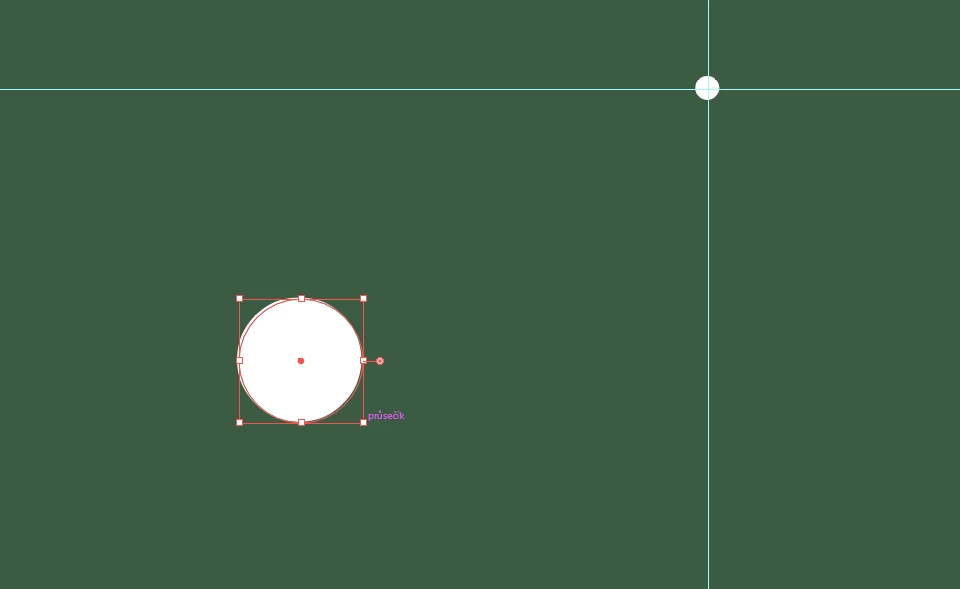
When I create a new file with a smaller artboard, it does not happen.
Thank you. Martin
 AdChoices