Participant
September 12, 2017
Answered

Distorted Artwork

  • September 12, 2017
  • 2 replies
  • 483 views

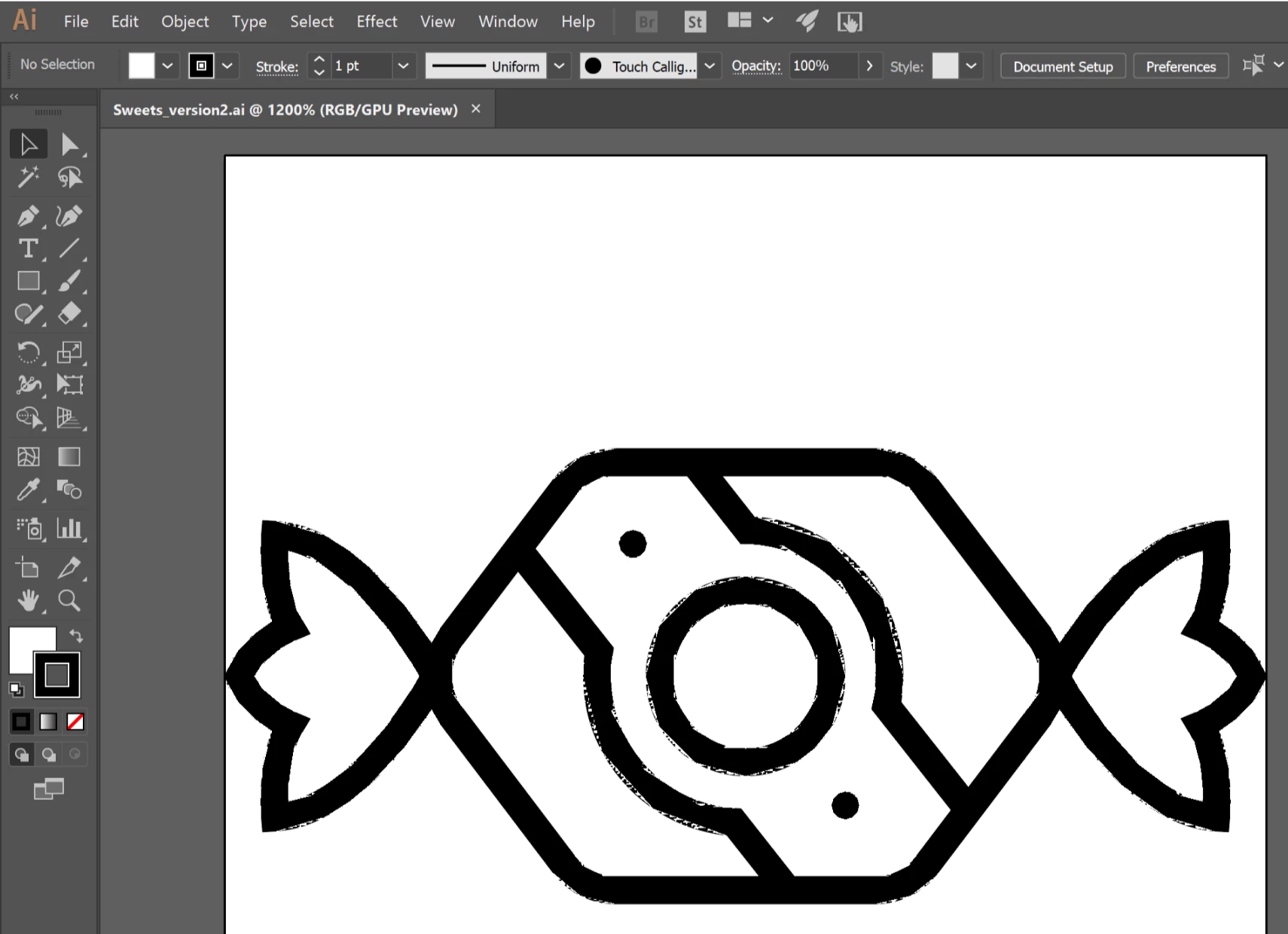
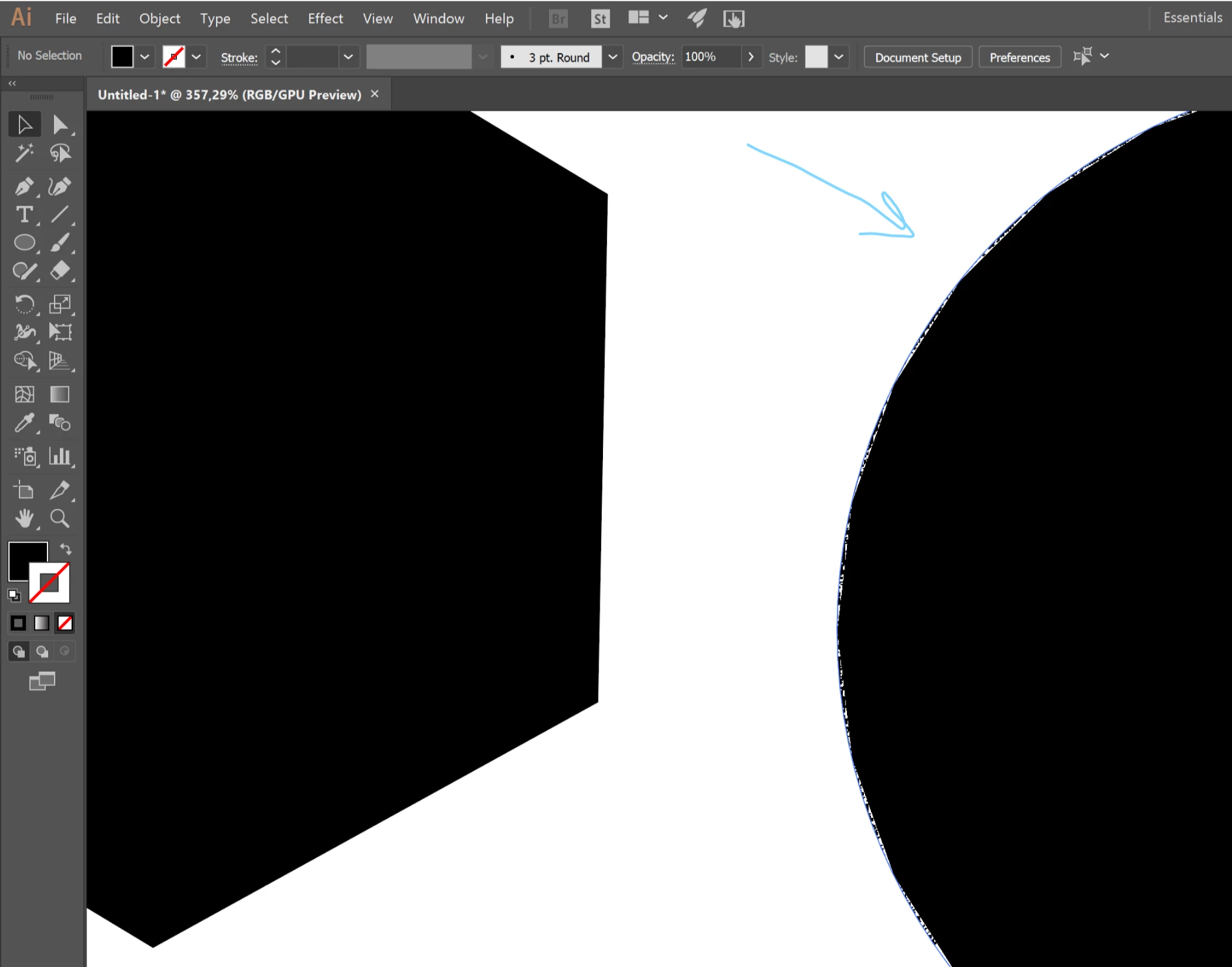
Hello, I used illustrator on the school's computer and something went wrong. As you can see the border of the circle figure is distorted. And it happens with all round shapes. How to fix it?
    This topic has been closed for replies.
    Correct answer rcraighead

    Turn off GPU acceleration.

    2 replies

    Participant
    September 12, 2017

    I had the same problem! It's the Distort effect (zig-zag), but even when I "fix" to standard, it always come back! Is it a bug?

    Monika Gause
    Community Expert
    Community Expert
    September 12, 2017

    You mean it comes back when you create new files or re-open the file?

    It's not a bug, it happens because your graphic card or driver is not compatible with Illustrators GPU acceleration. To turn that off completely, you might open Preferences > GPU-acceleration and turn it off. But then nothing will be done on the GPU, which might not be desirable as well, so maybe just use the shortcut to select the CPU-Preview whenever necessary.

    rcraighead
    rcraigheadCorrect answer
    Legend
    September 12, 2017

    Turn off GPU acceleration.

    Participant
    September 12, 2017

    Thank you!
