betho77658808
Participant
September 3, 2025
Answered

Distorted text

  • September 3, 2025
  • 1 reply
  • 185 views

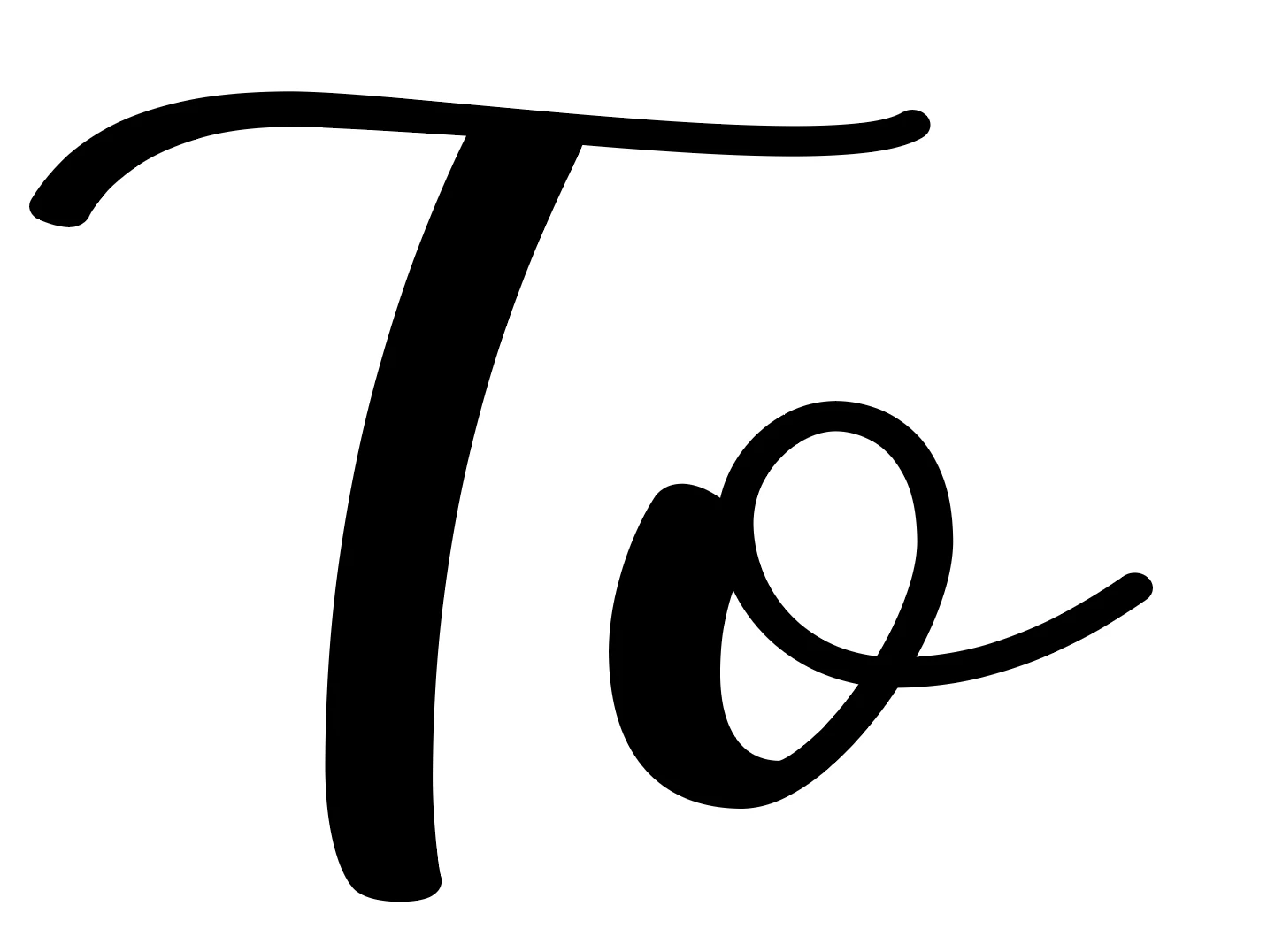
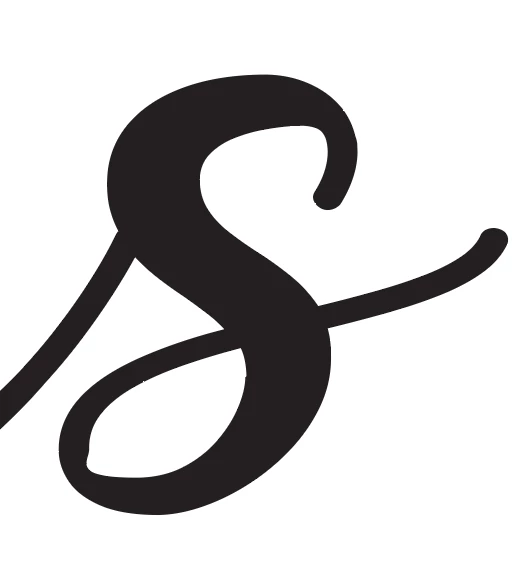
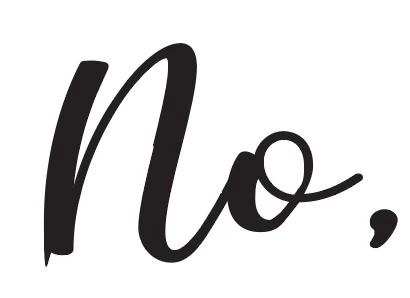
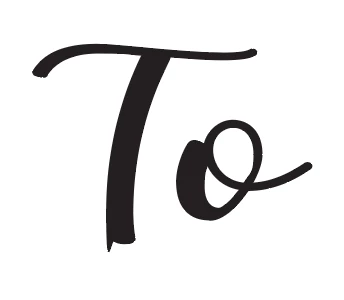
After creating text in AI, I save as .svg. The text is then getting distorted. I need it as an .svg to scale proportionately for other programs. All images below are from AI. The first three photos are as .ai. The last three photos are after being saved as .svg.  Can anyone offer advice. TIA
Correct answer Abhishek Rao

Hi @betho77658808,


Thanks for sharing the screenshots. The distortion you're seeing usually happens if the fonts used are not outlined or embedded properly when saving as SVG. Could you try selecting your text in Illustrator and using Type > Create Outlines before saving to SVG, then check if it stays consistent? Another option is to make sure “Convert to Outlines” is enabled in the SVG export settings. If the issue still appears, please let me know which version of Illustrator and operating system you’re working on.


Looking forward to your update.

Abhishek

1 reply

Abhishek Rao
Community Manager
Abhishek RaoCommunity ManagerCorrect answer
Community Manager
September 3, 2025

Hi @betho77658808,


Thanks for sharing the screenshots. The distortion you're seeing usually happens if the fonts used are not outlined or embedded properly when saving as SVG. Could you try selecting your text in Illustrator and using Type > Create Outlines before saving to SVG, then check if it stays consistent? Another option is to make sure “Convert to Outlines” is enabled in the SVG export settings. If the issue still appears, please let me know which version of Illustrator and operating system you’re working on.


Looking forward to your update.

Abhishek

betho77658808
Participant
September 3, 2025

Thank you so much for the reply. I do always "create outlines" and then unite..  Thank you for the advice of selecting/enabling "Convert to Outlines." That worked perfectly. This is something I had been struggling with for a few months.  I am using a Mac with MacOS Sequoia 15.4.1 and AI 2025 v.29.71
Thank you again for your help!!