Answered
Distribute anchor points evenly
Distribute
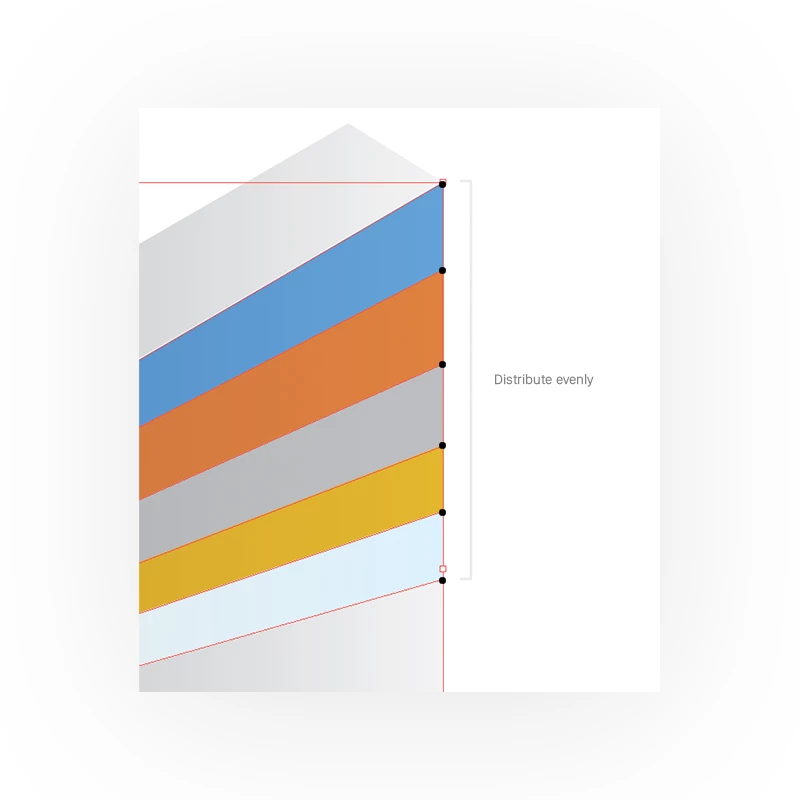
Is there a way to select actor points and distribute them evenly, so they all have the same height.

Distribute
Is there a way to select actor points and distribute them evenly, so they all have the same height.
So this is what happens when I distribute. I want to still keep the proportion but even them
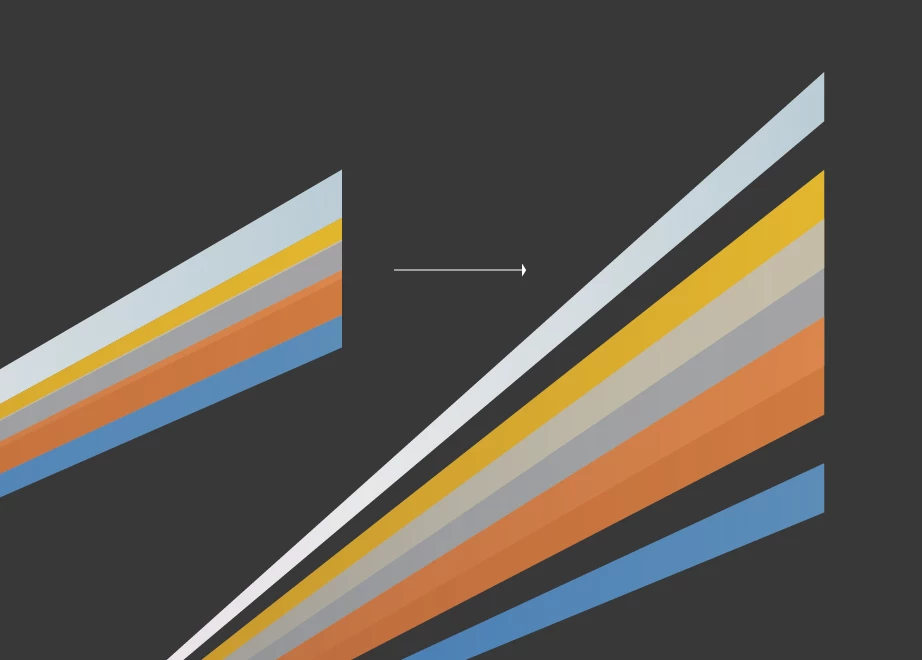
It's hard to tell from your screen shot but it looks like it's dong exactly what it's supposed to. It's distributing every anchor point evenly vertically from top to bottom. I tried to replicate what you're doing. Check out the screen shots below.
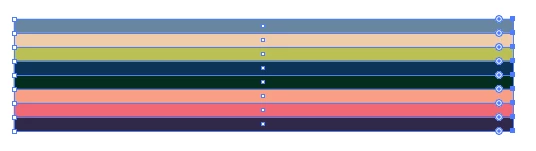
Just a bunch of rectangles
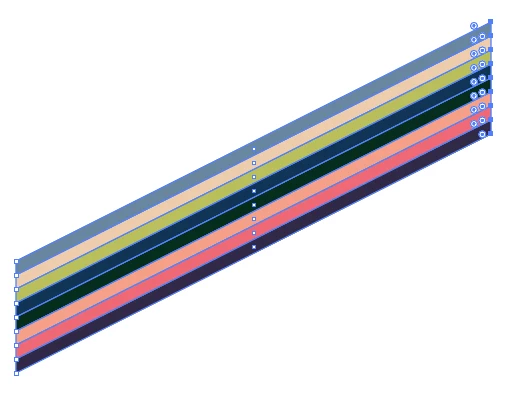
Using the Direct Selection tool, marquee the anchor points on the left.
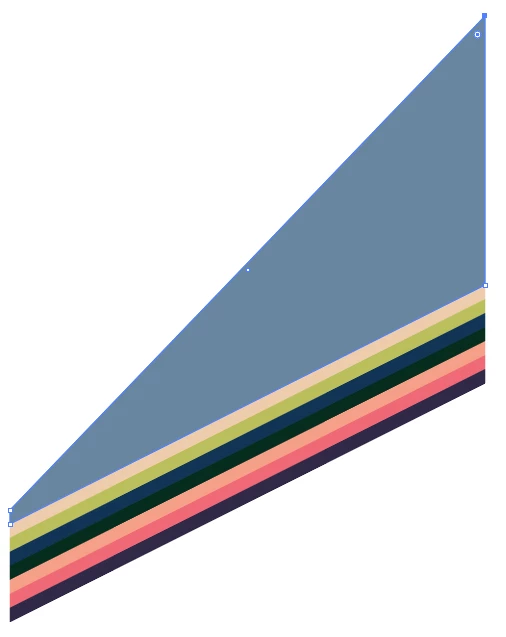
Grab the top anchor point and move it up to where you want the objects distributed.
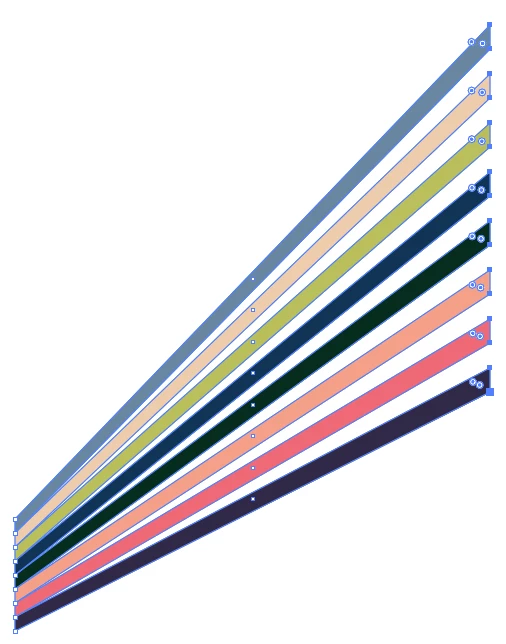
Again, with the Direct Selection tool, marquee all of the anchor points on the right side and choose vertically distribute centers.
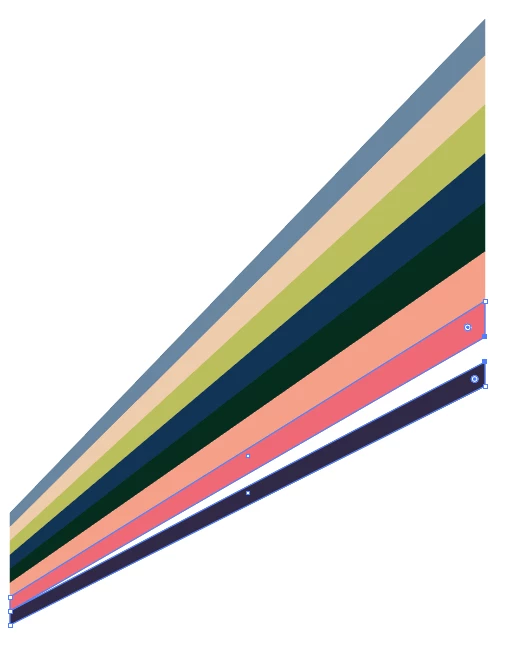
Using the Direct Selection tool, marquee each pair of adjacent anchor points, and align them vertically center. Rinse and repeat.
Already have an account? Login
Enter your E-mail address. We'll send you an e-mail with instructions to reset your password.
 AdChoices