Known Participant
February 8, 2018
Answered

Distribution lines to key object

  • February 8, 2018
  • 2 replies
  • 493 views

Hi,

I want to distribute a set of lines to a key object, but can't figure out how to do it.
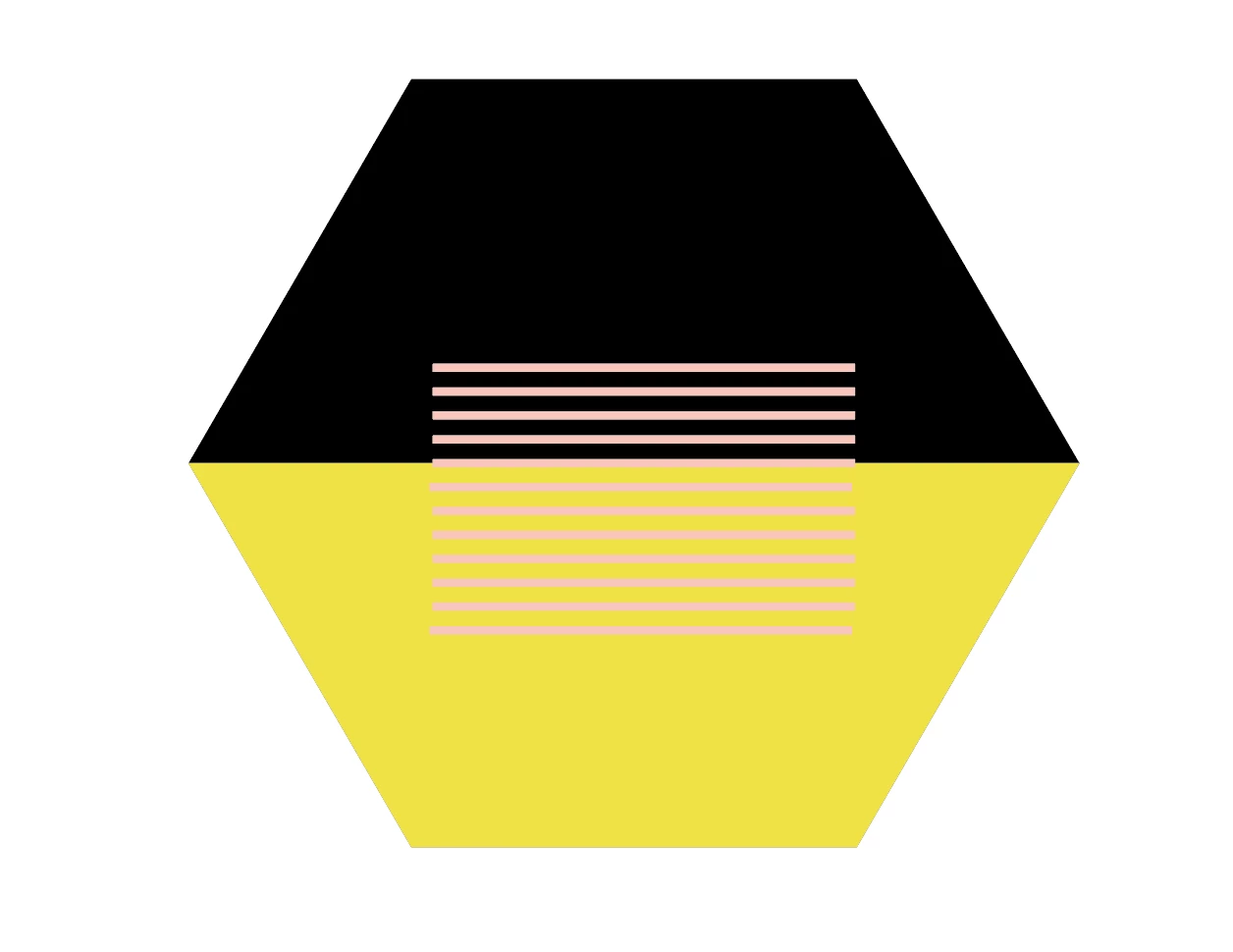

What I have done so far is created a hexagon, divided it into two objects, gave the other an other colour and grouped them together again.
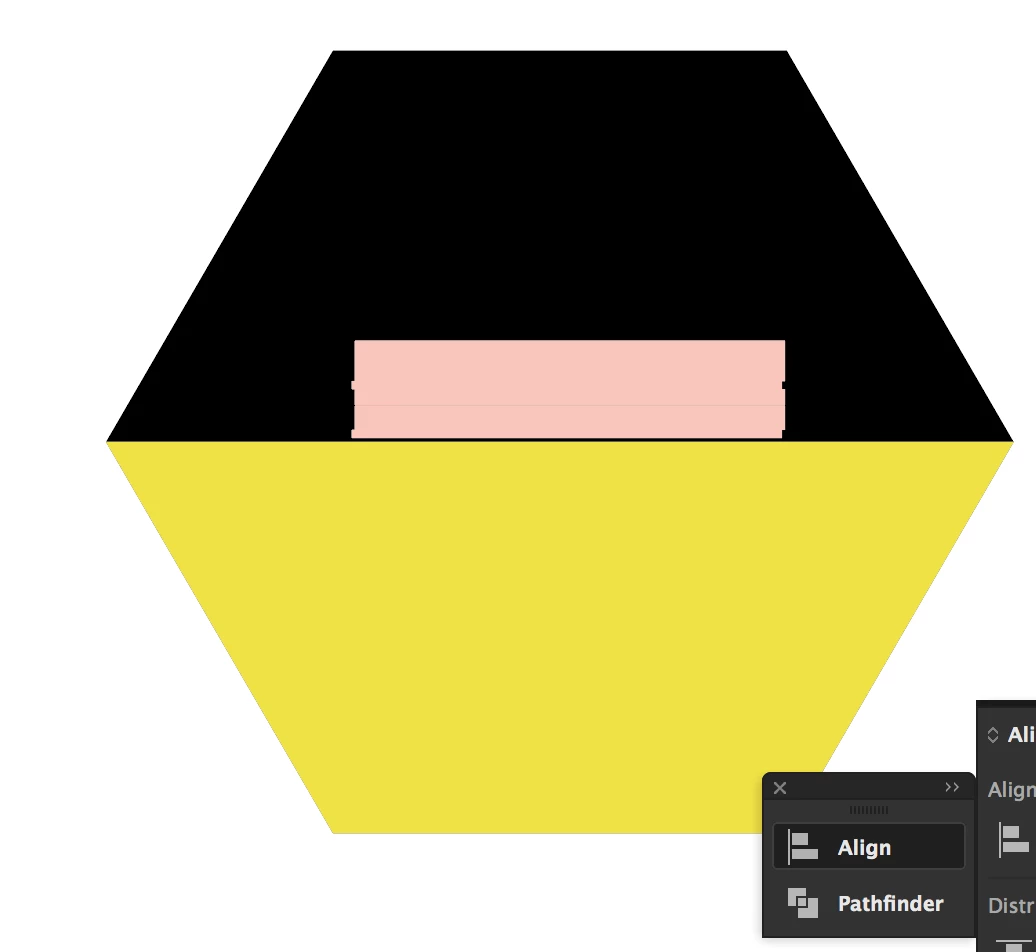
After that I selected everything. Went to align. Align to key object. It automatically selects a line, so i clicked on it and then clicked on the hexagon. If I then choose vertical distribute center, this is the result

What do i do wrong?

    This topic has been closed for replies.
    Correct answer michelew83603738

    Are you trying to align the lines across the whole polygon or align within the polygon? If you are using the polygon as a key object and doing a vertical distribution, the results make sense because it looks at the one side of the object and evenly distributes them - so the top of the polygon and then all the lines. That isn't what you want. So then if you want the lines to be distributed the whole breadth of the polygon, place the top line where you want it, the bottom line where you want it  in relationship to the polygon and then distribute the lines vertically without including the polygon at all.

    Then if the lines are not centered, select all the lines, group them and select the polygon, which should be grouped and center align vertically and horizontally.

    Hope that is what you wanted.

    2 replies

    Kurt Gold
    Community Expert
    Community Expert
    February 8, 2018

    Sounds as if you want to do this:

    - Group all light pink lines

    - Select both the hexagon and the grouped lines

    - Click once again on the hexagon to make it the key object

    - Then use the Align buttons in the Align palette

    Known Participant
    February 8, 2018

    Hi Kurt,

    The problem seems to be to make the hexagon the key object.
    It automatically selects the lines as key object
    It also doesn't work when I alt click on them and then select the hexagon.

    michelew83603738
    Community Expert
    michelew83603738Community ExpertCorrect answer
    Community Expert
    February 8, 2018

    Are you trying to align the lines across the whole polygon or align within the polygon? If you are using the polygon as a key object and doing a vertical distribution, the results make sense because it looks at the one side of the object and evenly distributes them - so the top of the polygon and then all the lines. That isn't what you want. So then if you want the lines to be distributed the whole breadth of the polygon, place the top line where you want it, the bottom line where you want it  in relationship to the polygon and then distribute the lines vertically without including the polygon at all.

    Then if the lines are not centered, select all the lines, group them and select the polygon, which should be grouped and center align vertically and horizontally.

    Hope that is what you wanted.

    Legend
    February 8, 2018

    It looks like you may have deselected the hexagon. Try this: after you have selected the lines and the group, click once on the hexagon - its outline should become bolded. Then choose vertical distribute centers.