
Participant
May 11, 2017
Answered

Divide in Illustrator not producing the correct effect

  • May 11, 2017
  • 3 replies
  • 315 views

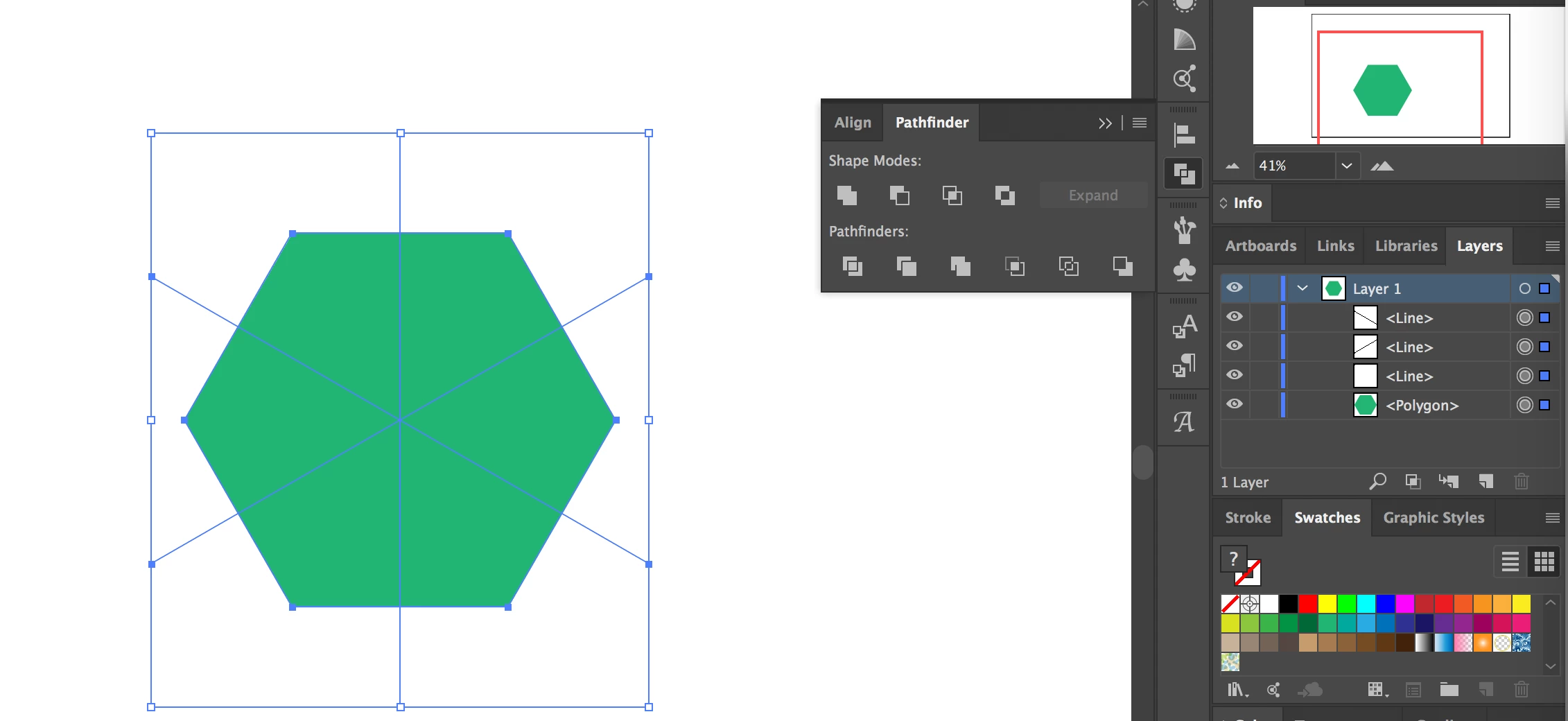
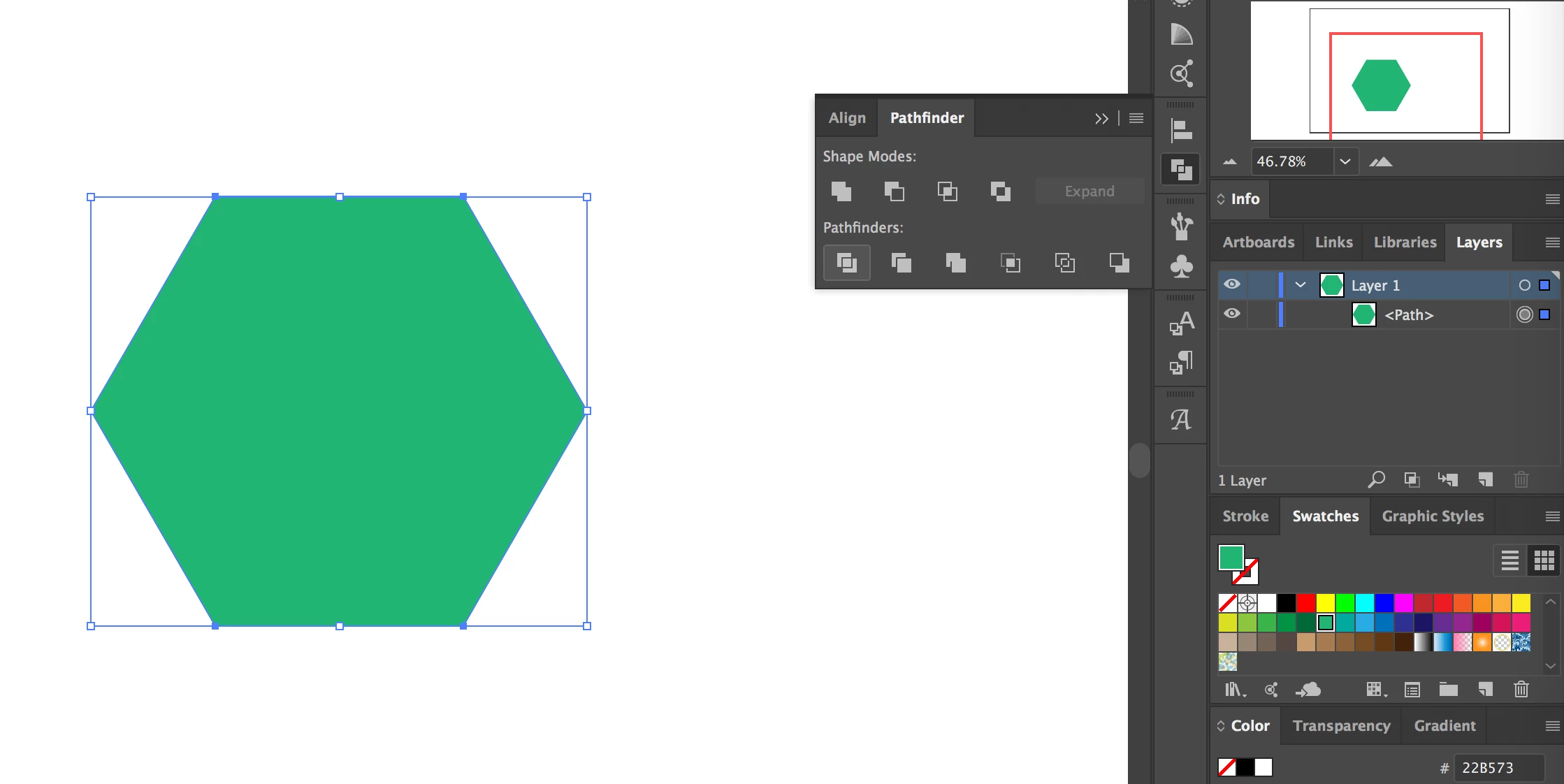
While trying to get some practice with making geometric patterns in Illustrator I've run into an issue with the divide tool where illustrator is not producing the correct result. Here's my setup up, followed by the resulting shape that's created.
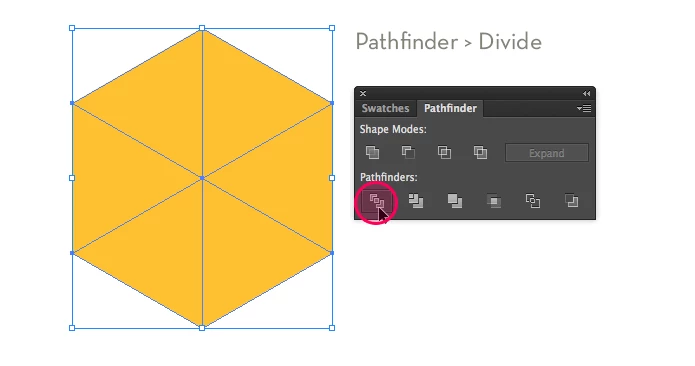
This is what should be produced through this result: 6 identical shapes (image stolen from a guide I'm following).
What am I doing wrong? I've done this in the past and it's worked but now it's not giving the same result. Tried restarting comp and CC and yet nothing.

Thank you for reading.
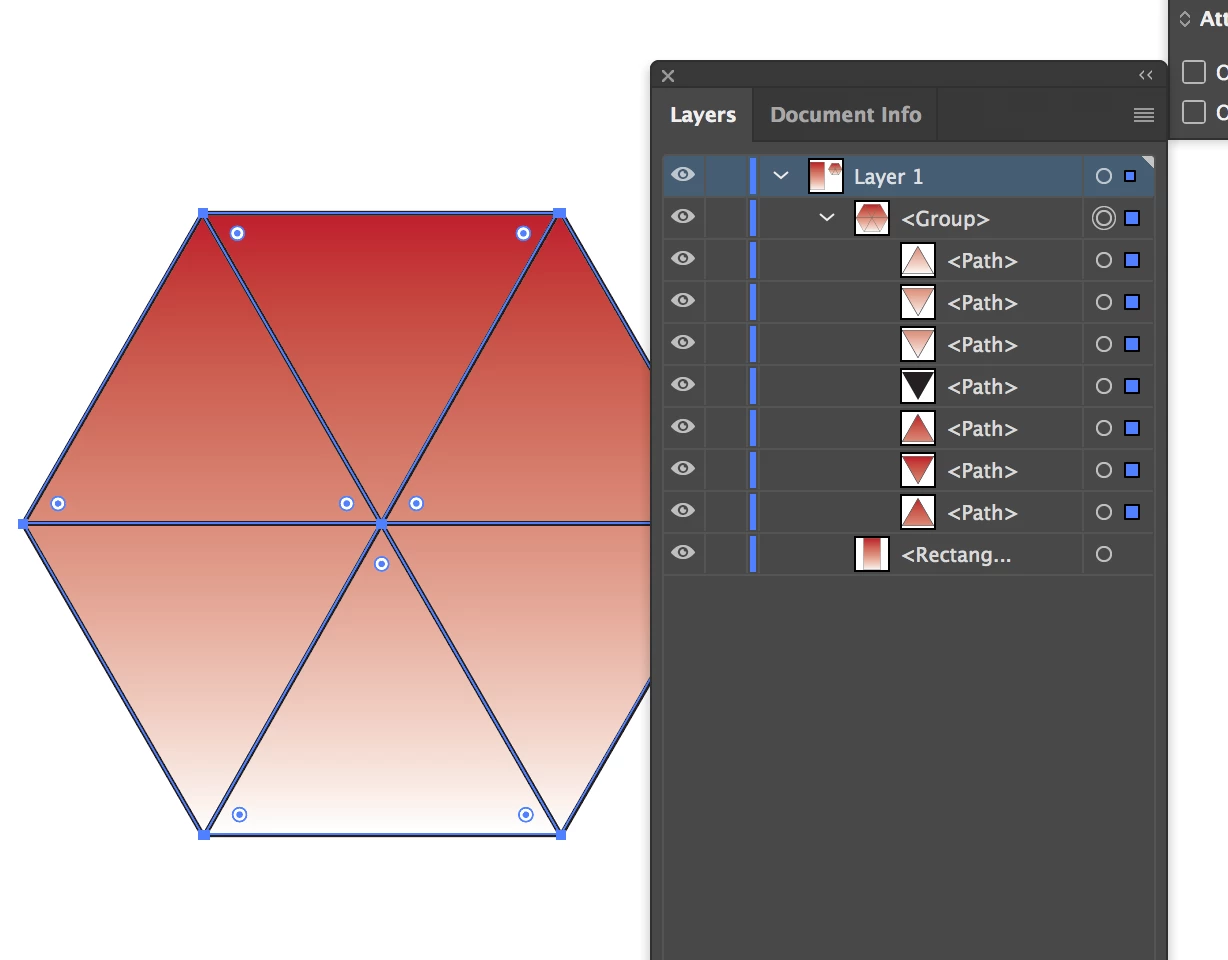
This topic has been closed for replies.
Correct answer SJRiegel

When I experimented with this, making all of the lines into a compound path before using divide got the results you were looking for.

3 replies

SJRiegelCorrect answer
Legend
May 11, 2017

When I experimented with this, making all of the lines into a compound path before using divide got the results you were looking for.

Ray Yorkshire
Participating Frequently
May 11, 2017

Just a guess and probably wrong...

but you may have in

Windows > Attributes

(click the horizontal bars and show all if needed , and  have something selected )

Use Even -Odd fill Rule selected

instead of

Use Non Zero winding fill rule selected

Monika Gause
Community Expert
Community Expert
May 11, 2017

Are you using the pathfinder panel? Or the Effect from the menu?

You need to use the panel.