
MahaB82A
November 22, 2024
Answered

Dividing Region

  • November 22, 2024
  • 2 replies
  • 1113 views

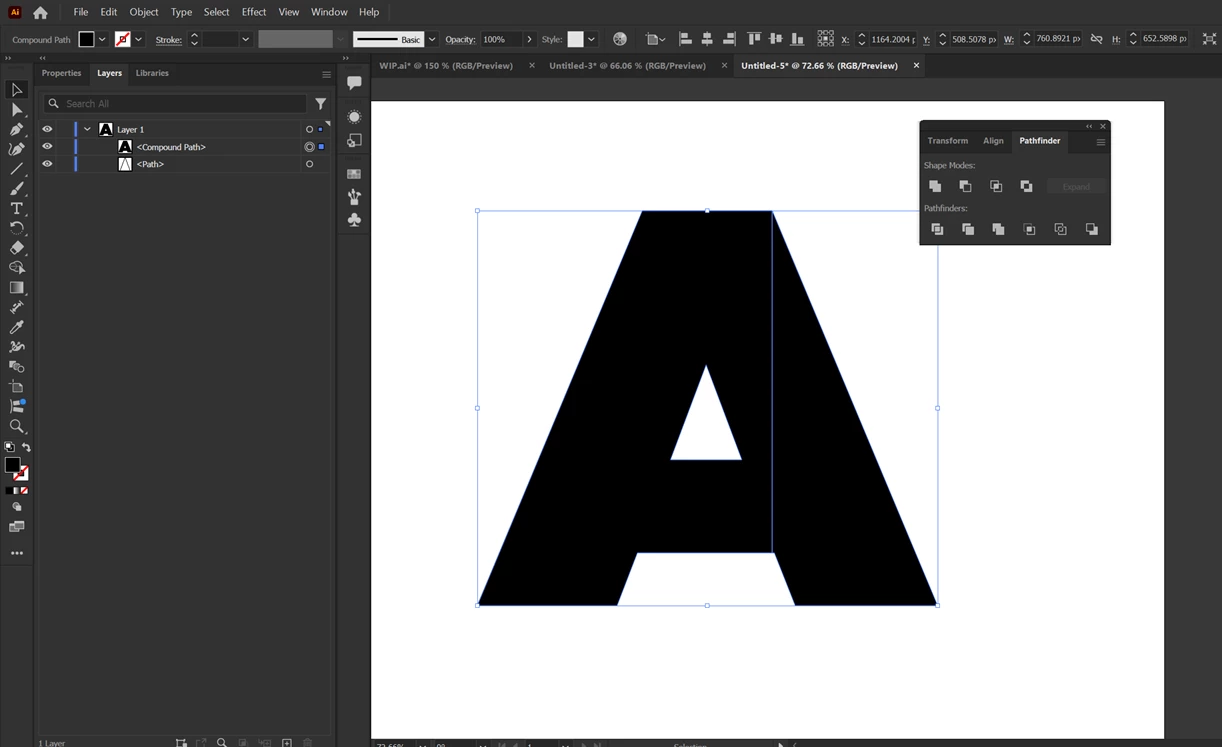
I want to divide this shape into two regions. It seems very difficult for me even though I draw line from the anchor point. It is merely becomes a trail and error for me. I watched many YouTube videos, in those presenter did in one go. How to overcome this issue? video is attached.


This topic has been closed for replies.
Correct answer Doug A Roberts

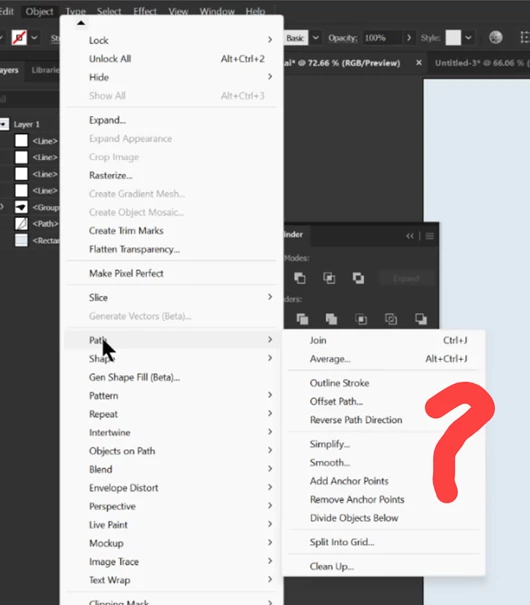
I cannot see Object > Path> Split Lower Objects in my app.


'Divide Objects Below'

2 replies

Monika Gause
Community Expert
Community Expert
November 22, 2024

2 things:

- that is a compound path, what happens whe you release it?

- When youwant to cut with Pathfinders,draw longer lines that overlap the shape.

Doug A Roberts
Community Expert
Community Expert
November 22, 2024

Can you share the file?

MahaB82A
MahaB82AAuthor
November 22, 2024

Above one is a simplification of the real issue. Original file is uploaded. You can see 4 lines are there to divide this shape into 4 region. As Monika said only last tiny triangle form into separate region because line overlaps the shape.


  https://easyupload.io/qkak70


renél80416020
Inspiring
November 23, 2024

Vous voulez obtenir ce résultat ?

Si oui utilisez Objet > Tracé > Divisez les objets inférieurs

Ligne par ligne...


René

PS en

'Divide Objects Below'