Known Participant
January 26, 2026
Answered

Document preset templates missing in Illustrator's New Document dialog

  • January 26, 2026
  • 1 reply
  • 45 views

All of a sudden, in Illustrator 30.1, when wanting to create a new document, I no longer see a screen full of choices at the top (Recent, Saved, Mobile, Web, Print, etc) and with icons indicating specific types of final use templates. (See attached screenshot from another post and my red annotation, "What I'm used to seeing".


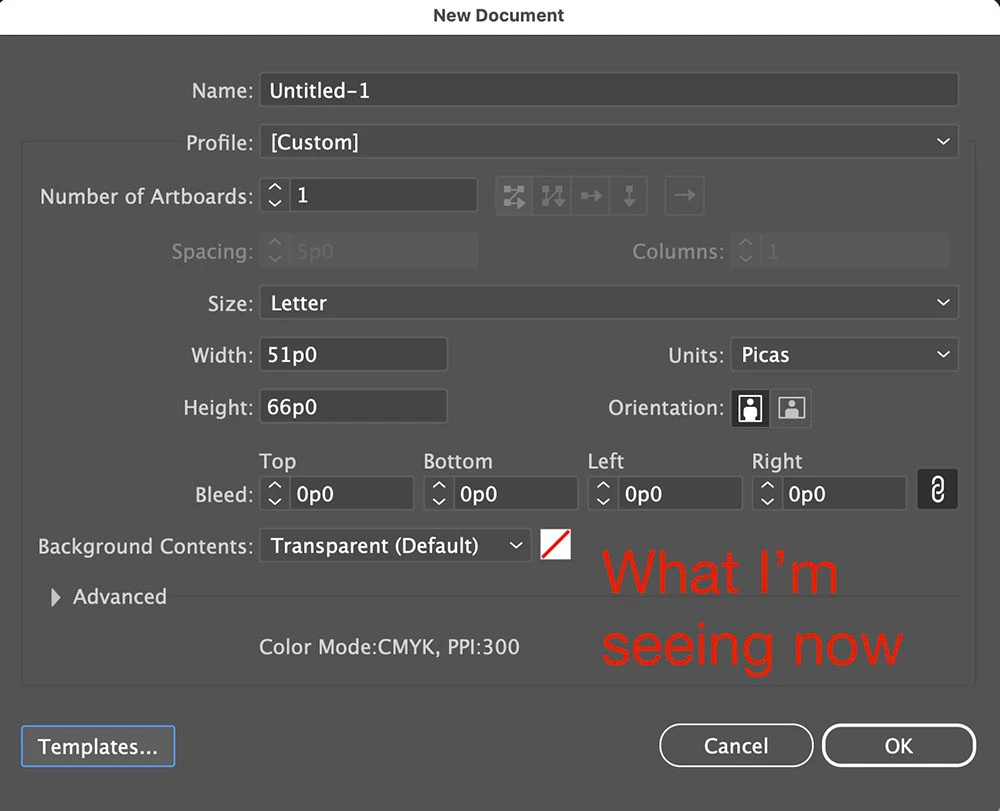
Now I just get a screen for me to set up a document from scratch with basic options. ("What I'm seeing now" labeled image.) I can usually see choices for letter, legal, tabloid too, as I remember.


 I searched before posting this and the same issue appeared too many years ago for me to expect the answers to still apply. 
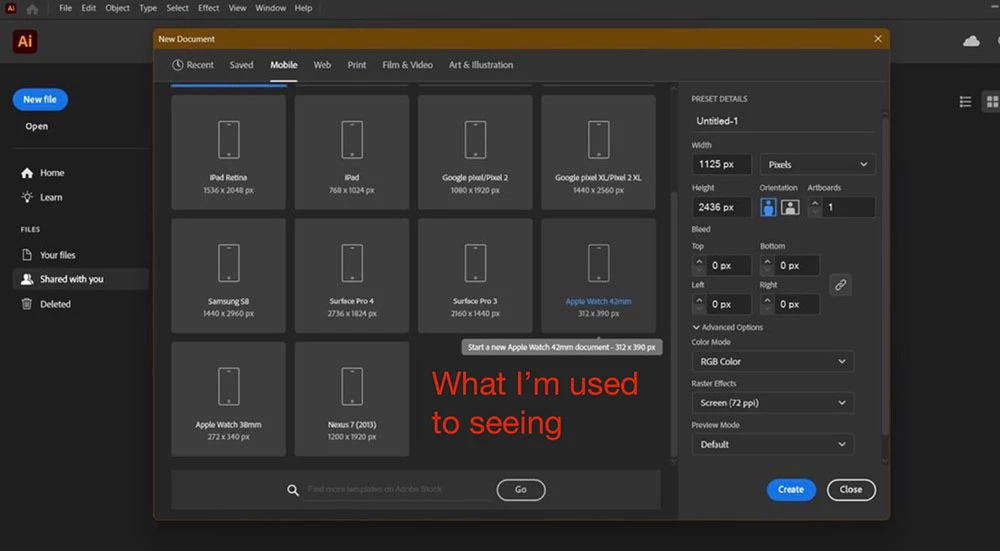

Original New Doc window.jpg

Current limited choice AI.jpg

Correct answer Ton Frederiks

Is the "Use legacy "File New" interface" checked in Preferences?

1 reply

Ton Frederiks
Community Expert
Ton FrederiksCommunity ExpertCorrect answer
Community Expert
January 26, 2026

Is the "Use legacy "File New" interface" checked in Preferences?

maxglitzAuthor
Known Participant
January 26, 2026

Thanks. It IS checked, but I haven't knowingly touched a thing in Illustrator's settings lately that might have caused this lately. I don't know if a recent automatic update to the app through the Creative Cloud app might have caused it. It's my only guess as to why.

THAT SAID, I just UN-checked it to see what would happen and got the window I wanted to start with. Scratches head. Looks like it's OK now.


Ton Frederiks
Community Expert
Community Expert
January 26, 2026

Good to hear that helped. That's what I suspected.