



Document Transparency Blend Space Dialogue Box!
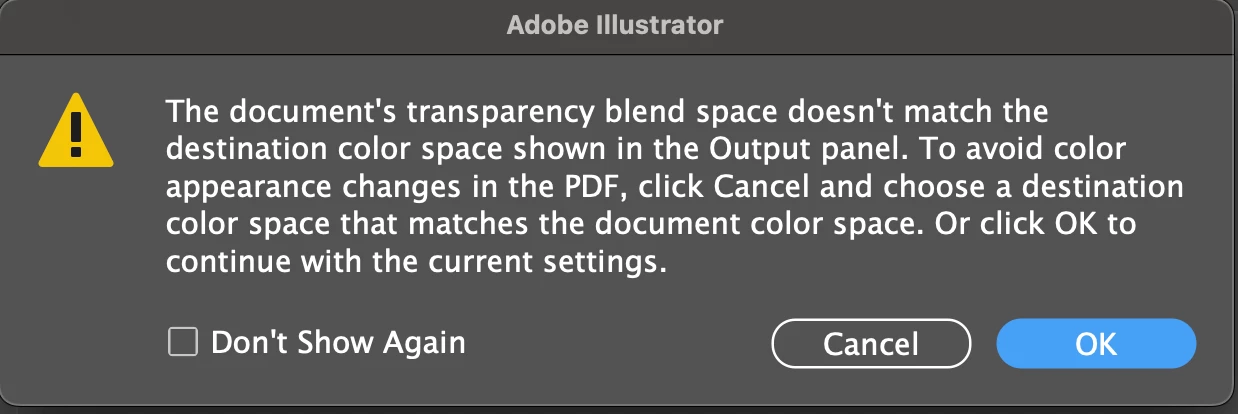
Every time I export print-ready PDF artwork files, no matter what settings I export as, I keep getting the above dialogue box saying the document’s transparency blend space doesn’t match the destination colour space.
The artwork elements don’t make any difference, whether they are entirely vector based, incorporate images etc. Document colour mode is always CMYK, and exporting with FOGRA39 colour profiles.
Any online guides that I find to go back to the artwork to try and resolve keeps telling me to go to a menu link that seems to be non-existent or now defunct, and strugglling to find anything even on here, so overall the dialogue box actually gives me very little advice or direction on how to resolve this, and just stop it showing up - and I think it’s the primary reason why print files I’m exporting end up getting printed paler than expected.
It would be nice if someone could tell me what I actually need to do or where to change settings just to stop it coming up all the time (and I don’t just mean checking the “Don’t Show Again” box).
I know this is likely a simple request that something of my experience of using Illustrator and designing for print should really know, but it’s doing my head in!
Currently using Illustrator V30.6 for Mac.
 AdChoices