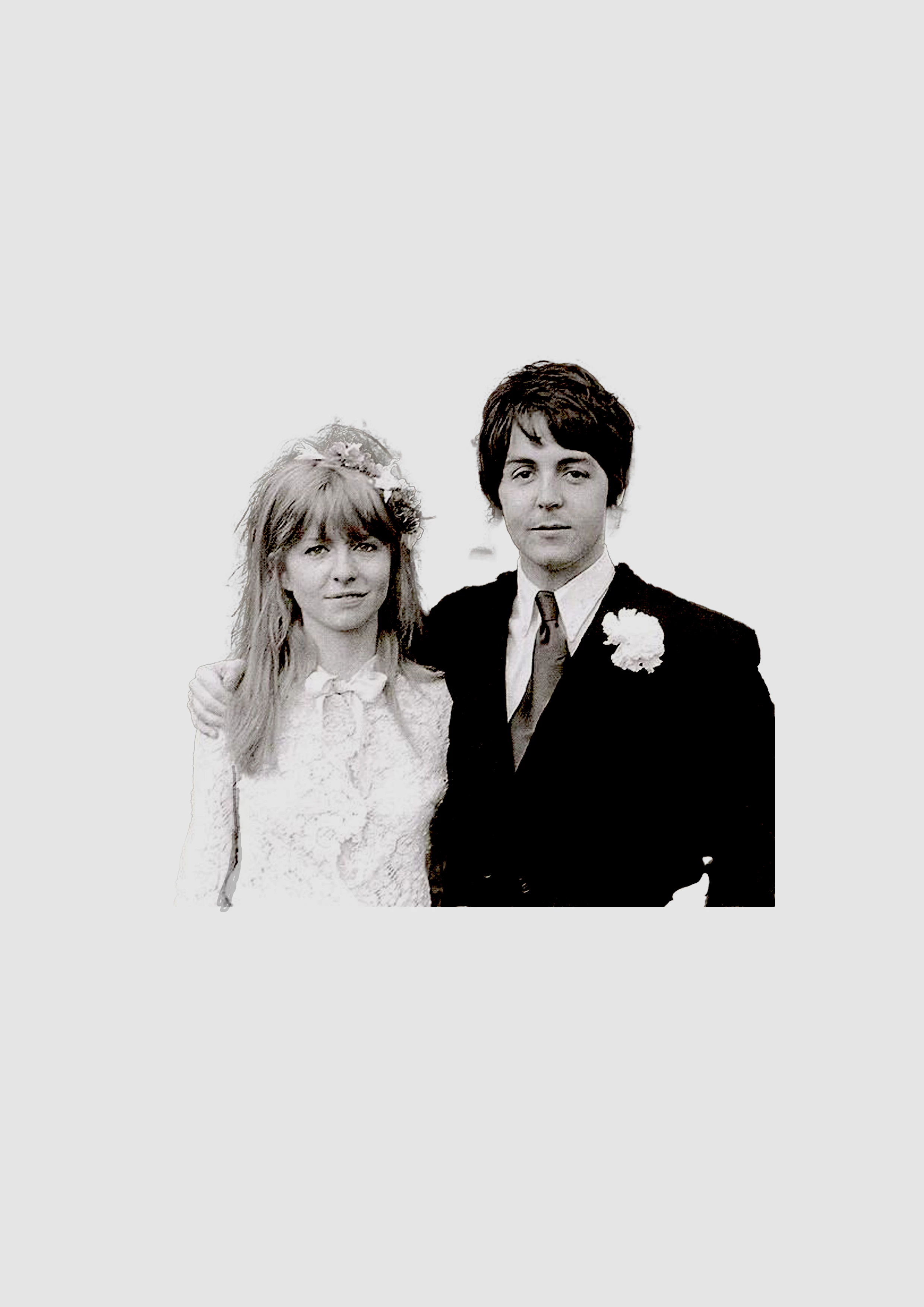
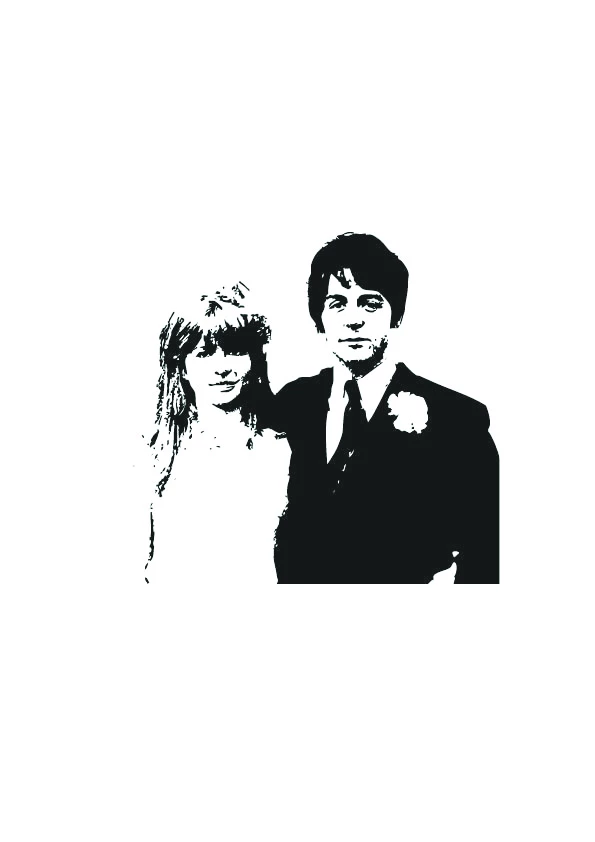
Yo'll need a pretty good photo and then use the Image Trace panel on it. If the photo itself isn't already suitable, then there's no way to get a good result automatically.
you can also prepare the photo in Photoshop: set a contrast as big as possible or use the Threshold adjustment option to make it strongly Black and White (no Grey shadows) and then use Image Trace in Illustrator. This is if you need only black and white shapes, no grays. If you want more photographic style, try different Trace settings for the desired result.
Yo'll need a pretty good photo and then use the Image Trace panel on it. If the photo itself isn't already suitable, then there's no way to get a good result automatically.




 AdChoices