

Answered
Drawing and snapping to path in Illustrator
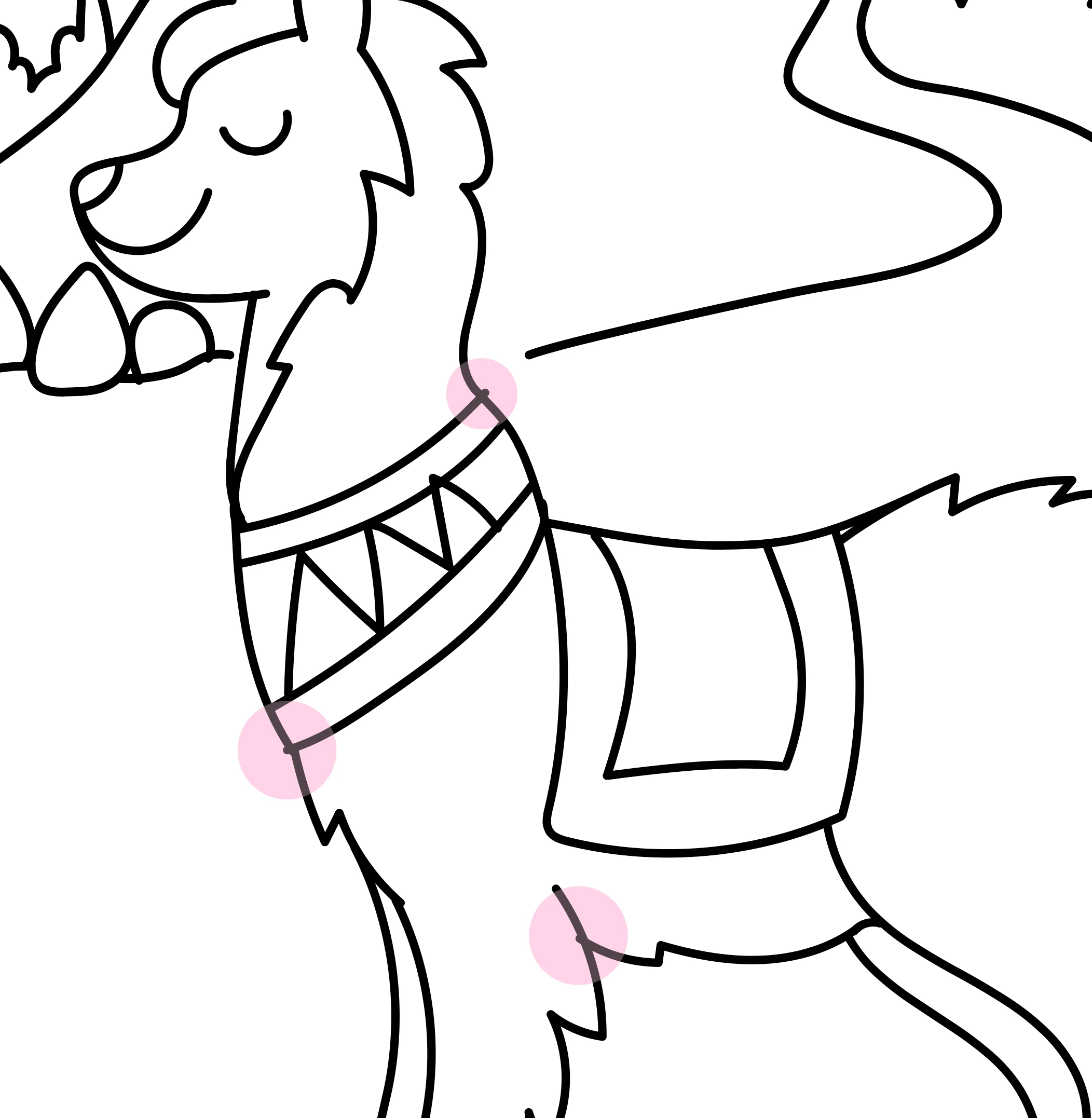
Is there a way - a shortcut or any trick - to make the endpoint of a new path snap to anywhere on an an existing path?
I want to be able to make a path with my pencil tool and have it snap to an existing path to avoid having to go back at select it with the direct selection tool and move it afterwards...
I have installed the Dynamic Sketch Plugin from Astute, and it works OK in most situations, but I then need to make the new path a bit longer and the go back and cut it... I would be so much easier if I could just stop the new path exactly at an existing path.
Any help appreciated :·)
++michael
{Renamed by MOD}

 AdChoices