Answered
Drop shadow glitch on objects with rounded corners/circles
I cannot get rid of a drop shadow glitch on rather large object with rounded corners. What to do? I used the Stylize>Drop Shadow menu on Illustrator v29.0 (Sequoia MacOS).
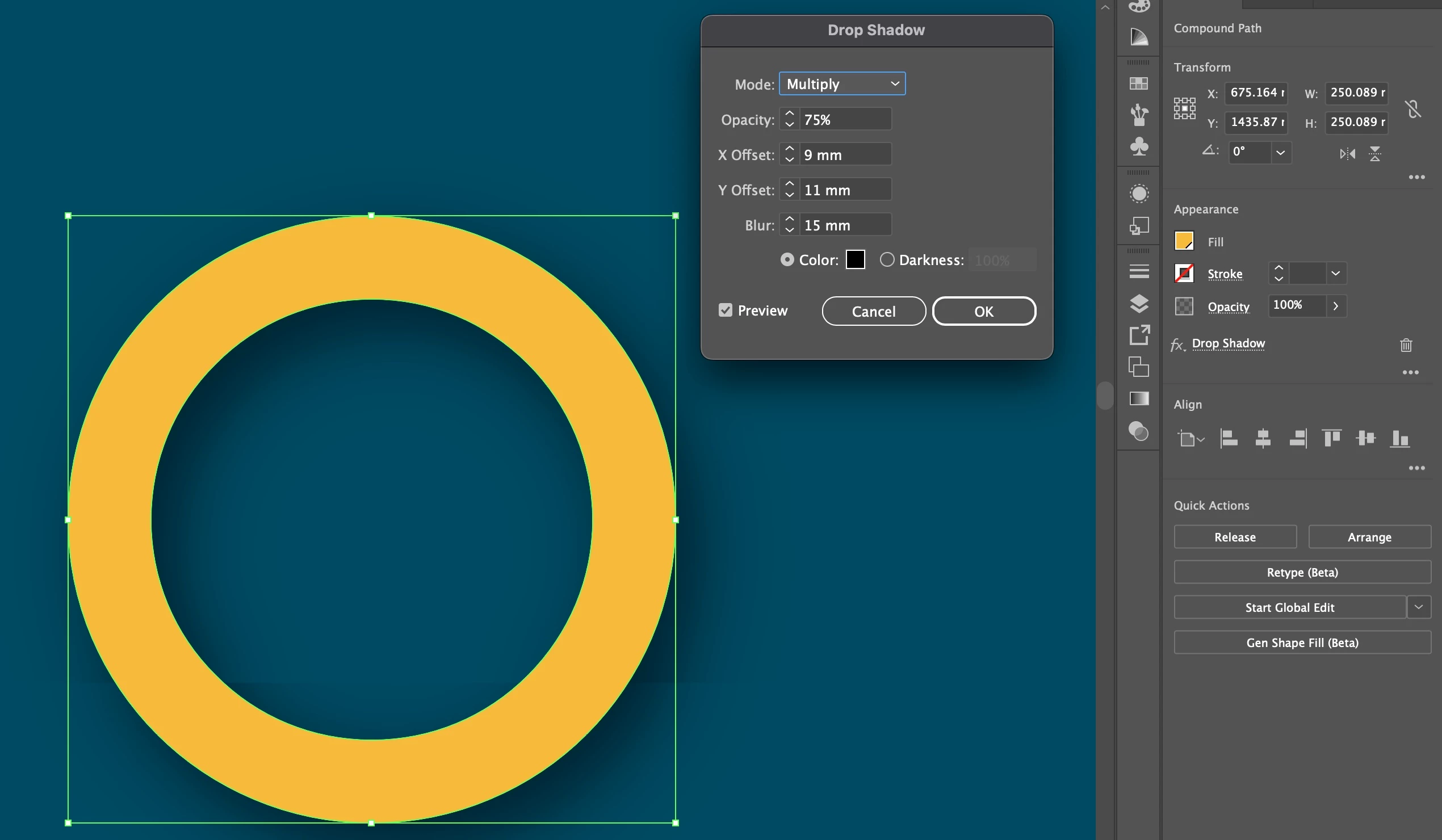
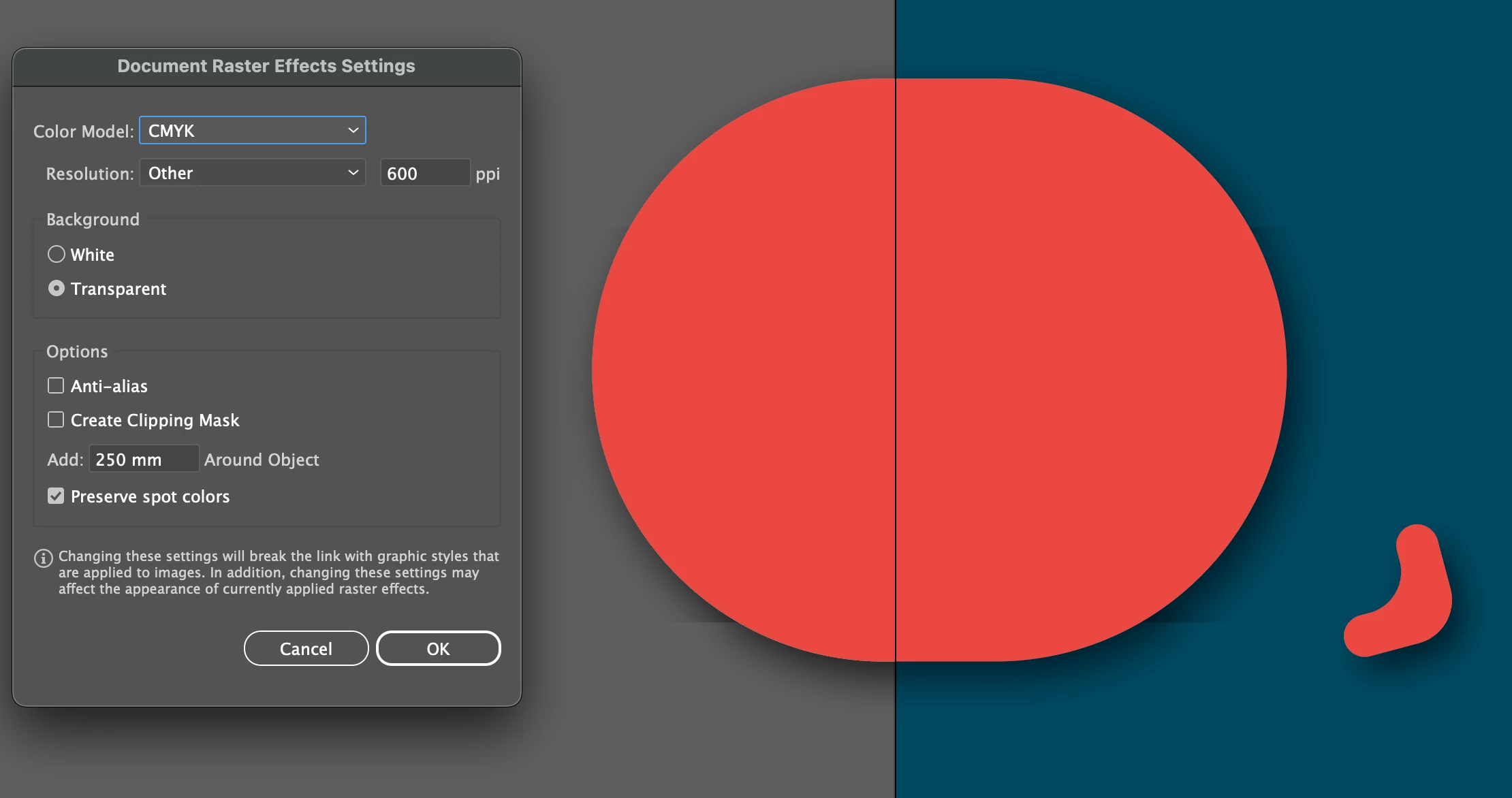

I cannot get rid of a drop shadow glitch on rather large object with rounded corners. What to do? I used the Stylize>Drop Shadow menu on Illustrator v29.0 (Sequoia MacOS).
Got it fixed by copying the illustrations to a newly created .ai file. Something was probably just broken with backend of the fifile. Probably inheriting from earlier Illustrator version.
Already have an account? Login
No account yet? Create an account
Enter your E-mail address. We'll send you an e-mail with instructions to reset your password.


 AdChoices