



Duplicating appearance panel of a layer from one document to another?
Hello, I'm working a series of maps and have been building up a template as I go, branching through around 8 different files until my most recent. I've stacked appearance attributes onto layers as I've gone, and am trying to retrofit the current style onto the previous maps, but I'm having a strange issue with trying to duplicate the appearance attributes of a layer:

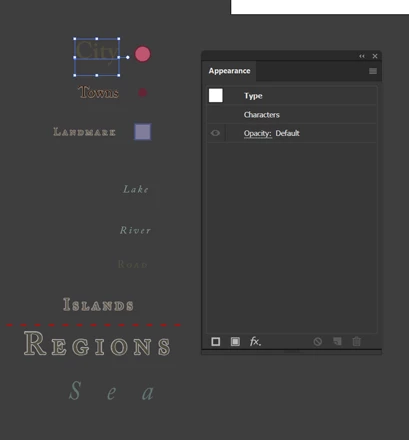
If I copy the entire layer and attempt to paste it into an older document, it will only paste the contents and not the layer itself, which breaks my appearance attributes. Since I'd rather not have to manually go back and update all these different layers 7 times through my maps, I'm trying to essentially transfer a layer with attributes completely intact from one document to another. If I copy a layer hierarchy with multiple layers each having their own appearance attributes, I seem to randomly get some which work and are still contained in a layer with others pasting within the master as the contents alone, as seen above. Is there anything I can do to make this easier for myself or something I'm doing wrong here?
 Nevermind!
 AdChoices