ludwig90
Participant
October 16, 2017
Answered

Eagle and symmetric feathers logo

  • October 16, 2017
  • 4 replies
  • 753 views

Hi there!

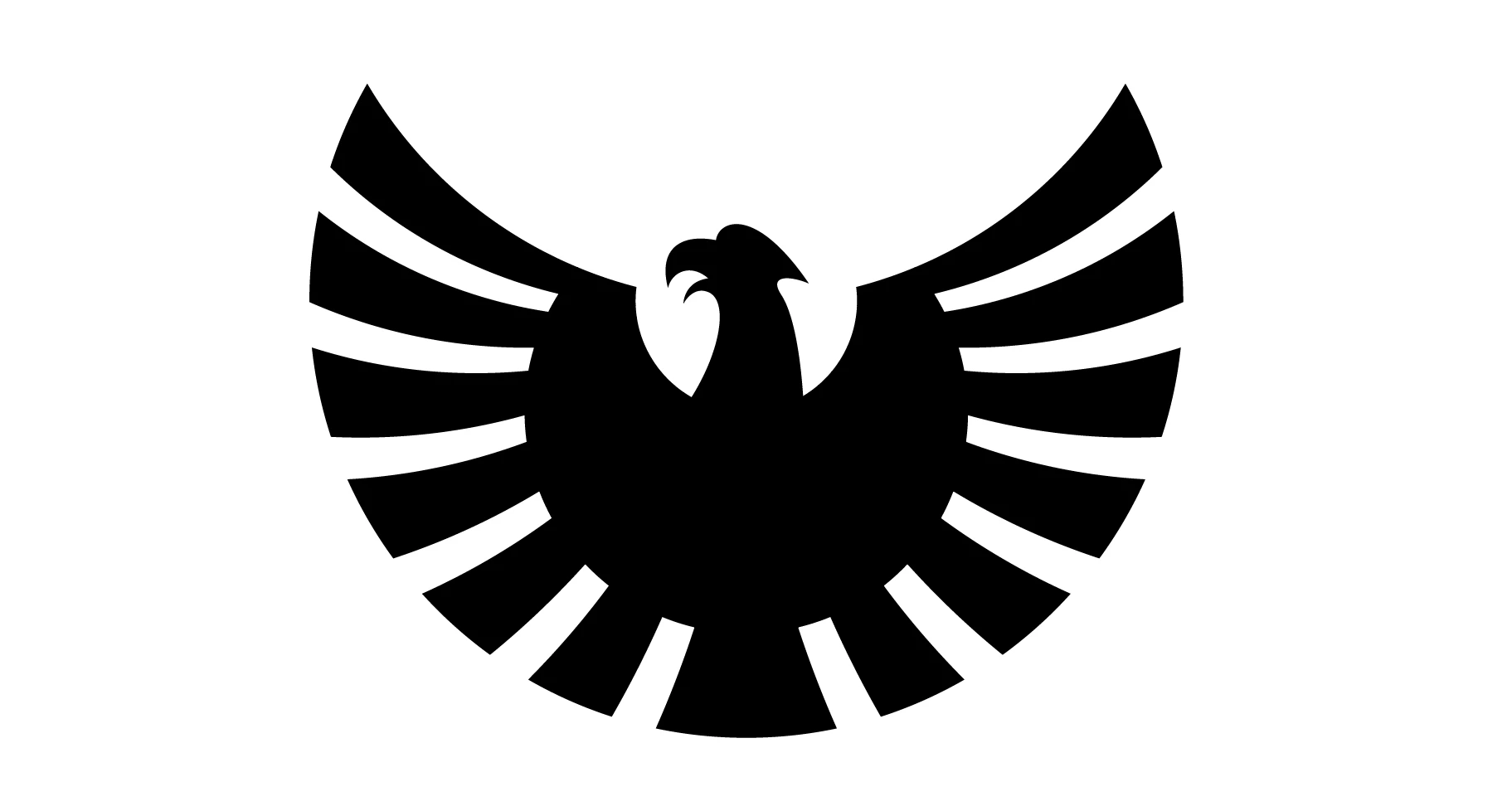
I am still not very experienced with Ilustrator and I wanted to create a logo with an eagle. Does anyone have a detailled instruction how to create an eagle as the one I attached to this discussion? What bugs me the most are the feathers. How do I make perfect parallel gaps and sizes for them? I think I can figure out how to do the rest with the pen tool. Thanks in advance!
This topic has been closed for replies.
Correct answer Doug A Roberts

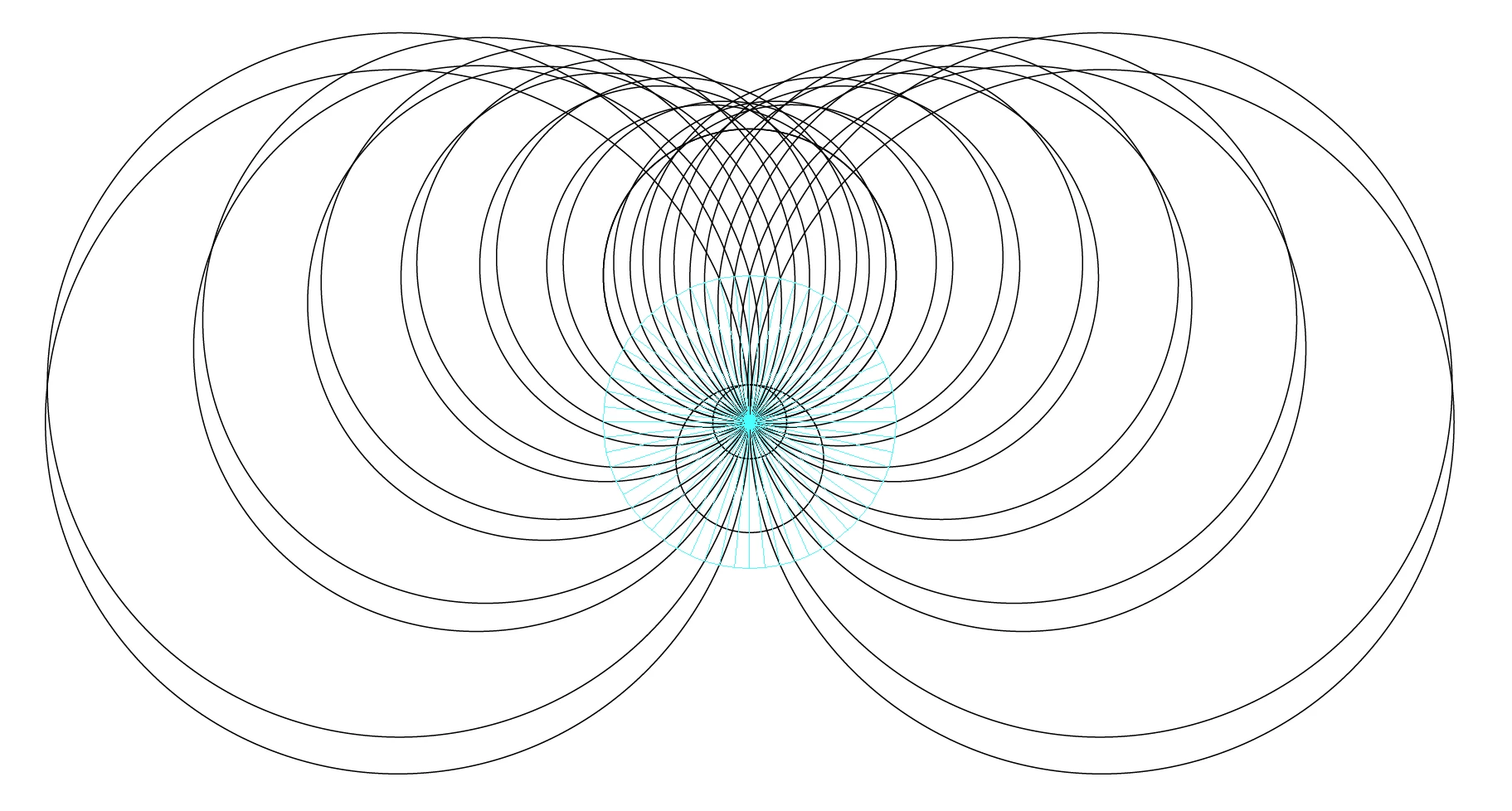
i had an idea based on a radial grid of guides and using astute's free SubScribe tool (circle by 2 or 3 points) to create the feathers:

then you'd use shape builder or live paint or whatever to build the rest

subscribe can be found here:

https://astutegraphics.com/software/subscribe/

4 replies

Doug A Roberts
Community Expert
Doug A RobertsCommunity ExpertCorrect answer
Community Expert
October 17, 2017

i had an idea based on a radial grid of guides and using astute's free SubScribe tool (circle by 2 or 3 points) to create the feathers:

then you'd use shape builder or live paint or whatever to build the rest

subscribe can be found here:

https://astutegraphics.com/software/subscribe/

ludwig90
ludwig90Author
Participant
October 18, 2017

That´s a great help Doug, I will check our your site as well!

Inspiring
October 16, 2017

Study pictures in books of eagles and items like the presidential seal, etc.  You could also look at clip art samples on the web.  Just to give you a head start, so to speak.

JonathanArias
Legend
October 16, 2017

you could use the pen tool. and only draw/trace half the drawing, and than mirror/duplicate to make the other half. you merge your shapes and now you can color it the way you want.

Monika Gause
Community Expert
Community Expert
October 16, 2017

You could create some circular guides to align all those edges in the middle.

Next thing are those gaps: you could make them by converting fat strokes to shapes and then subtract those from the body.

Strokes can be made with a width profile, so that they are non-uniform.

You could blend shapes to get even distance.

All in all: get some experience in vector drawing and try out different approaches to see what works best for you.

Also:  making all those gaps and feathers uniform might not work as expected, because they still don't look uniform.