


Participant
April 29, 2025
Answered

Edit this so the background is white

  • April 29, 2025
  • 1 reply
  • 168 views

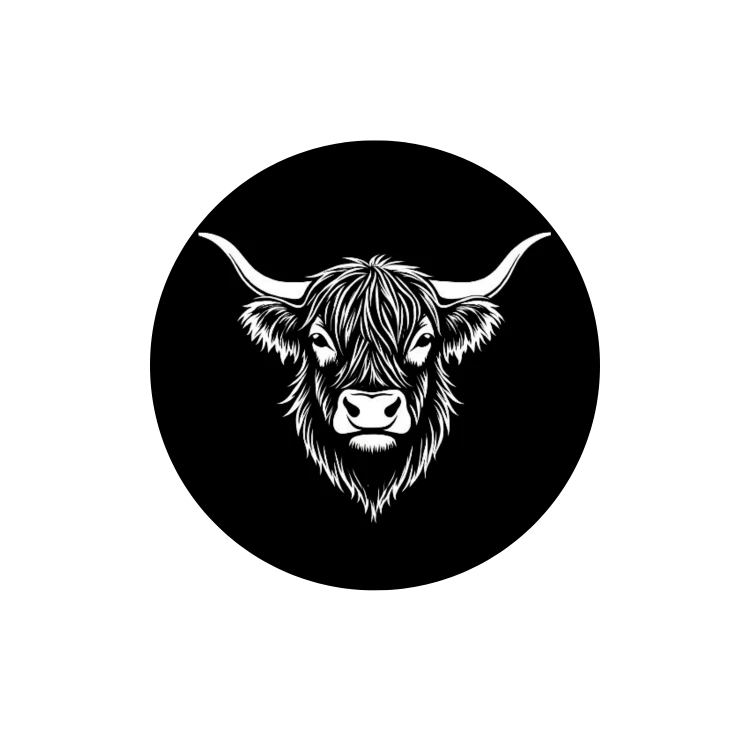
This is my company logo - I need to be able to print the black within the cow, but have the rest of the background white. I am brand new to illustrator, but it seemed like the right tool for the job. I have no idea what i'm doing - please help! I tried inverting the colors, but it looks strange and doesn't produce the same image when printed. 
I think in general I need to just outline the entire cow (not trace each individual element) and then change/remove the background - but leaving the black within the cow as it is. 


Thank you!


Correct answer Anubhav M

Hello @kimberly_2218,

Could you confirm if the original for this logo is in a Raster Format (JPEG/PNG) or a Vector (AI/SVG)? If it's the former, you might have better luck editing this in Photoshop to see if it helps. I have attached an edited version for reference.

Image


If it's a vector, it would help if you could share screenshots of the layers panel.

Looking forward to hearing from you.


Anubhav

1 reply

Anubhav MCommunity ManagerCorrect answer
Community Manager
April 29, 2025

Hello @kimberly_2218,

Could you confirm if the original for this logo is in a Raster Format (JPEG/PNG) or a Vector (AI/SVG)? If it's the former, you might have better luck editing this in Photoshop to see if it helps. I have attached an edited version for reference.

Image


If it's a vector, it would help if you could share screenshots of the layers panel.

Looking forward to hearing from you.


Anubhav

Participant
April 29, 2025

Thank you!
