
Question
Editing Adobe Stock image in AI
I have purchased a licensed image from Adobe Stock, but am unable to edit it in AI. There is a large "X" sign covering the image? How do I go about editing it? 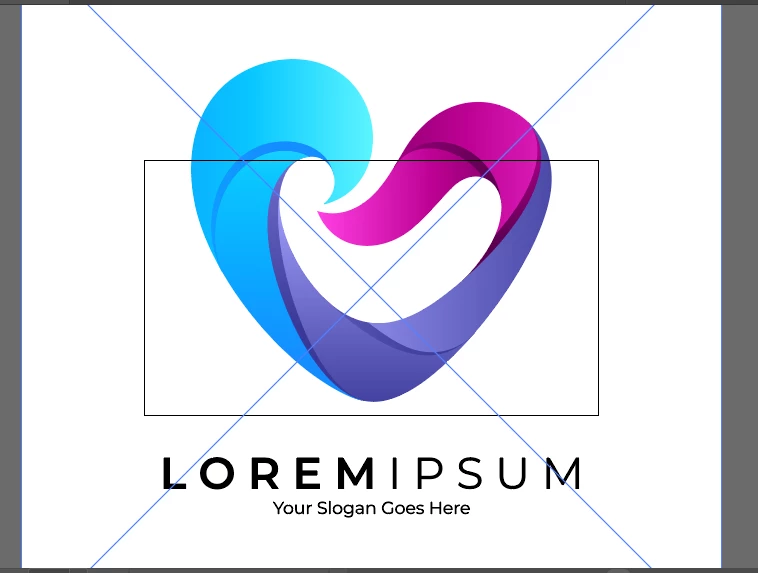
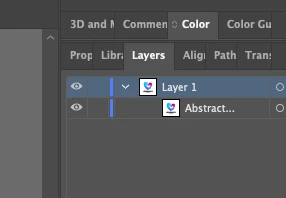 . The layers panel do not give much info either
 AdChoices