aida75013
Participant
March 28, 2019
Answered

Editing photo question, complete beginer

  • March 28, 2019
  • 3 replies
  • 590 views

I am beginner and looking for any help you can give with following:

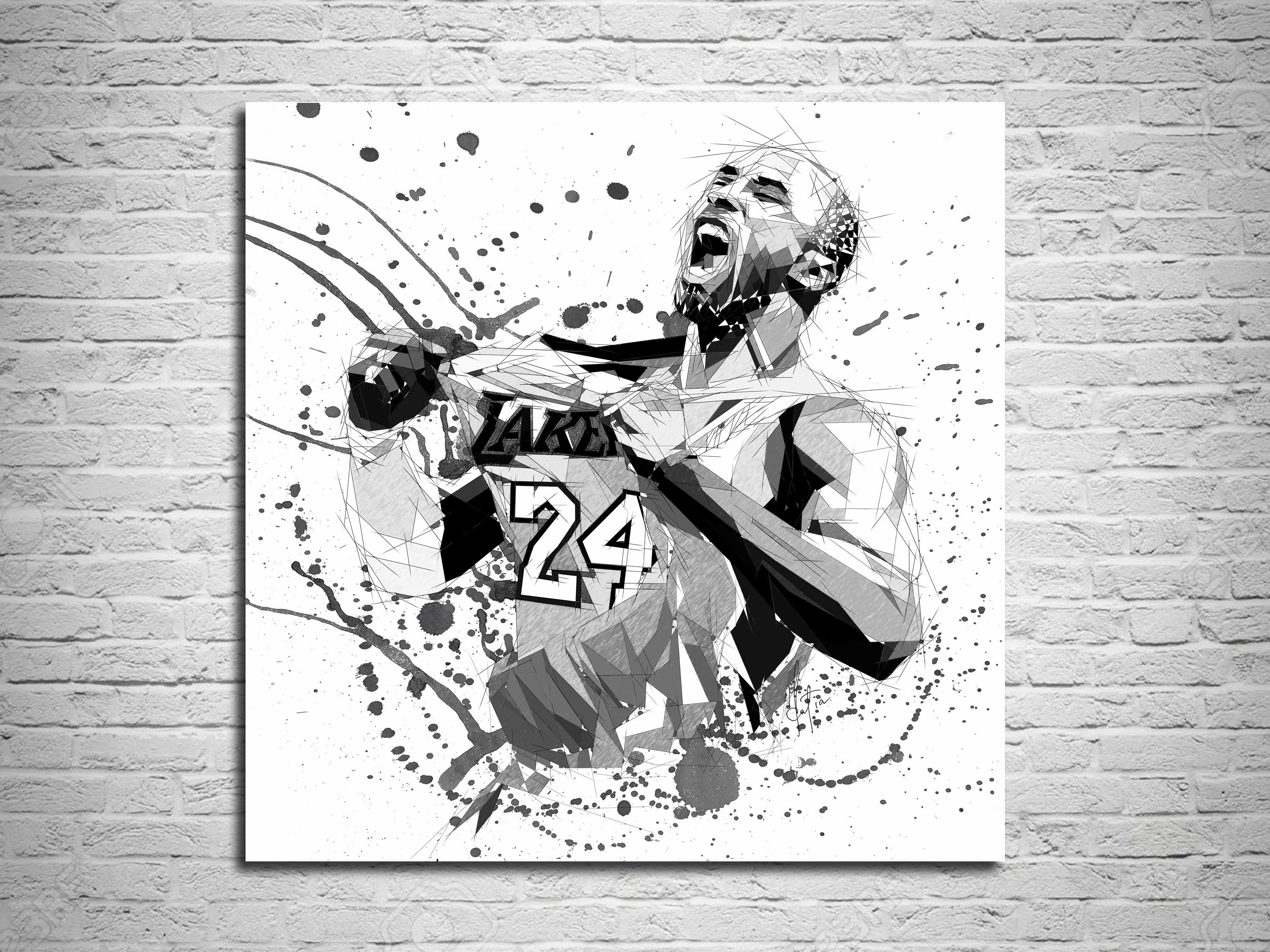
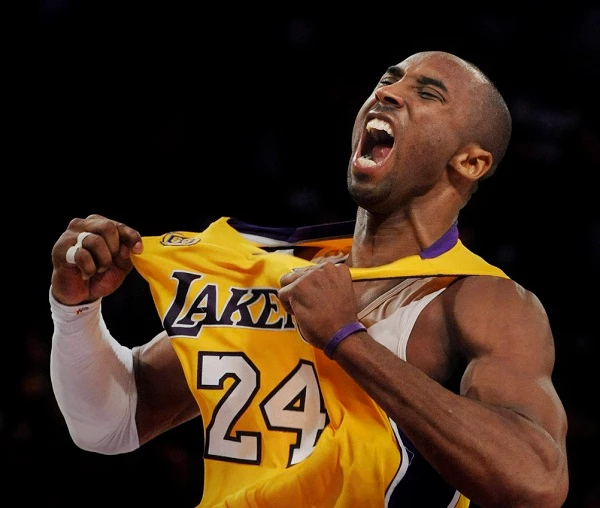
I saw this modification of the photo , and would be interested to learn how to do something similar.

Thanks !
    This topic has been closed for replies.

    3 replies

    Mariam HovhannesyanCommunity ExpertCorrect answer
    Community Expert
    March 28, 2019
    aida75013
    aida75013Author
    Participant
    March 29, 2019

    thank you !

    Ray Yorkshire
    Participating Frequently
    March 28, 2019

    it's kind of has  a nod towards Low Poly style,

    with a blood splatter type brush sploshed on.

    So you might want to look at low poly videos or tutorials eg on youtube

    Maybe they did all manually  or it could even be based using an action in Photoshop

    something a little  similar to this one

    https://graphicriver.net/item/geometry-and-low-poly-art-photoshop-action/18096567?ref=rojdark&clickthrough_id=1405060763…

    Doug A Roberts
    Community Expert
    Community Expert
    March 28, 2019

    You'd do it largely the same way you would on paper. Imagine you have the photo under a sheet of trace; these are your Illustrator layers. Then, by choosing lines to accentuate and drawing over them, you slowly build up a composition.

    Where your job gets easier is when it comes to filling areas. You might make a live paint group from your composition, set up a palette of swatches with patterns you're going to use from light to dark, then just click where you want to fill, paying close attention to the dark and light areas in the original image and again accentuating areas for artistic effect.