


Participant
Dec 13, 2024 8:15 AM UTC
Question

Elements are missing but shown in PDF

I added a svg path and text to the pdf file (see attached) and in pdf viewers (MacOS Preview, Adobe Acrobat Reader) it looks fine:
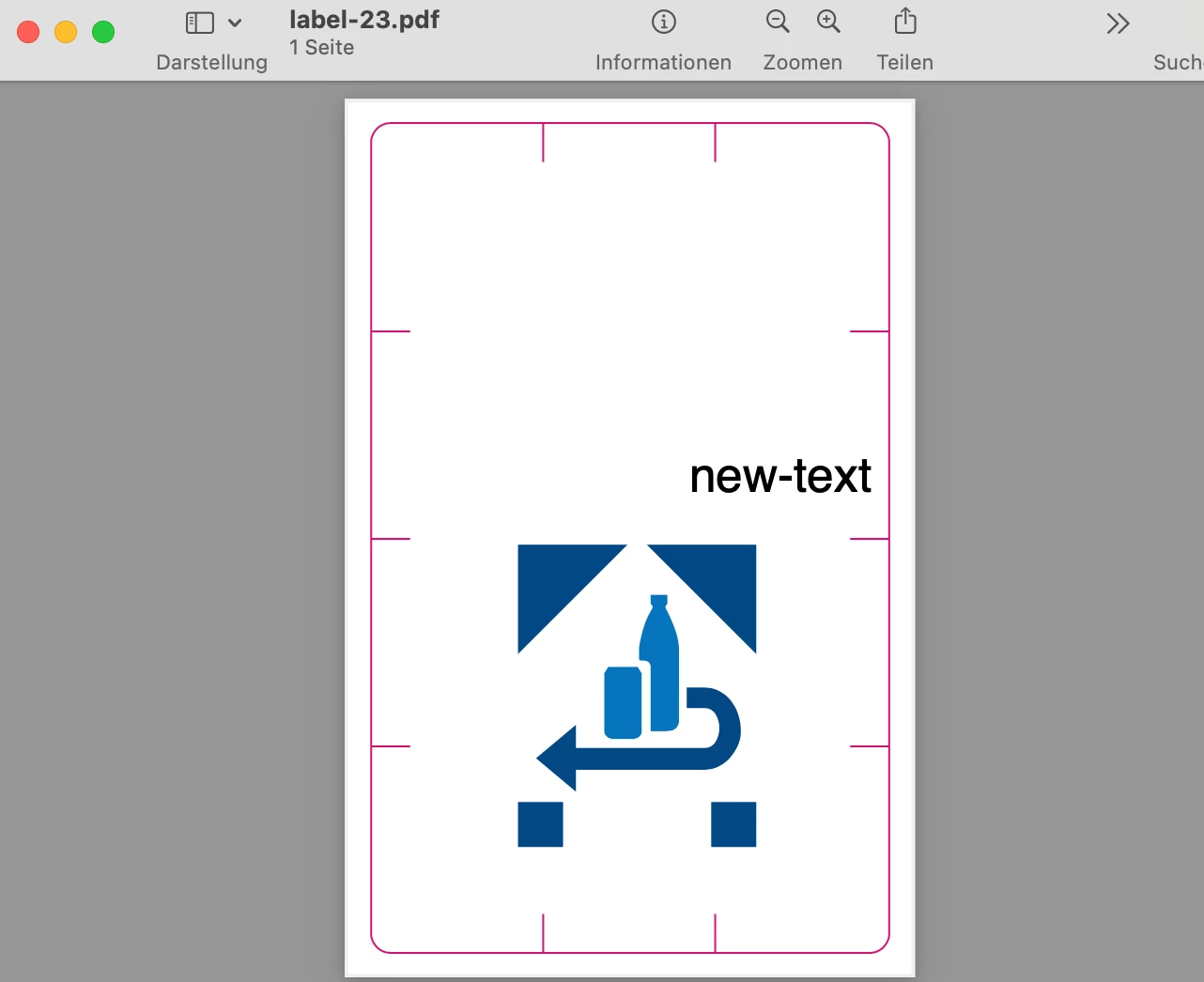
But when opeing it with Illustrator the two elements (text & image) are missing.


What's wrong with the file or Illustrator?


Thanks in advance

5 replies

Monika Gause
Community Expert
Community Expert
Dec 13, 2024 12:34 PM UTC

Create a new Illustrator file.

Place the PDF in it (Linked, not embedded).

Flatten transparency.

Translate
Anshul_Saini
Community Manager
Community Manager
Dec 13, 2024 11:56 AM UTC

Hi @defaultvhm7yzgbe2qi,


Thank you for sharing this—it’s clear you’ve taken steps to ensure the PDF looks perfect in viewers, so I understand how frustrating it must be to see elements missing in Illustrator.


Illustrator is designed as a vector design tool, not a full PDF editor, so certain elements, like SVG paths or text, may not appear or behave as expected when a PDF is opened.


To help investigate:

1. Could you share how the PDF was created, including the tools or steps used?

2. A quick screen recording of the process would also be helpful.

3. If possible, sharing the original SVG file might provide additional insights.


With this information, we can better understand the issue and share it with the product team. Thank you for your patience—we’ll work to assist you further!


Best regards,

Anshul Saini

Translate
Participant
Dec 13, 2024 3:16 PM UTC

@Anshul_Saini Thanks for your fast response.


  1. The attached pdf (svg path and text was added to the template) was created with the library pdf-lib.js
  2.  The pdf was created automatically so unfortunatly no screen recording of that
  3.  I attached the base pdf


Best regards

Translate
Anubhav M
Community Manager
Community Manager
Dec 20, 2024 6:49 PM UTC

Hello @defaultvhm7yzgbe2qi,

Thanks for sharing the details. I am able to replicate the problem when using the PDF shared directly in Illustrator. 

Kindly allow me some time to check this with the team. For the time being, please embed/link the PDF file in a new document, as Monika suggested, and check if it helps.

Anubhav

Translate