Answered
Embed image name
Hi,
it is possible using script, to get selected embed image name and path?
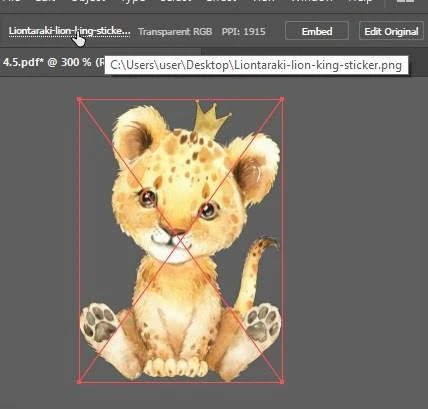

Hi,
it is possible using script, to get selected embed image name and path?
Yes, this is the exact method I mentioned in my second comment above... And it will work fine until you get a file that has been passed around or is no longer on the same computer it was created on. Many times when files, are shared (like from clients), linked and embedded files can get really messed up.
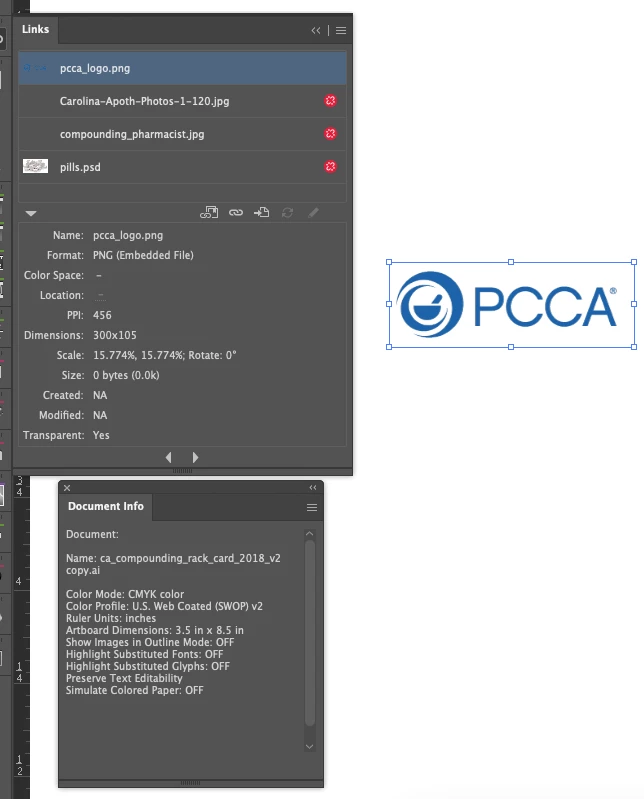
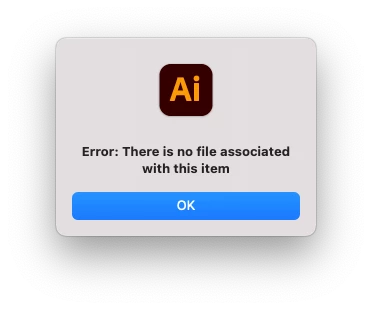
For example, below I show a file I recently encountered where your script above doesn't work. The file was shared and the embedded image was moved/renamed outside of Illustrator (by accident). So if I run `app.activeDocument.selection[0].file` I will get the response "There is no file associated with this item". Meaning, Illustrator has lost touch with the original file (even though it is embedded) making your script above error. In this case, you can either catch the error and just try and find the file manually or look into the XMP data and find the original path there.
Example file:
Your script result in this instance:
I have a similar script that when it encounters this case it reads through the XMP data and then returns info for each file it finds. You can also just manually read through the "Raw Data" provided by the File > File Info menu.
Placed File Info:
Name: pcca_logo.png
Original Path: /blah/more_blah/folder/
Link: Broken
My final dirty script...
If exists, open folder, if not get info
// If embed exists
// Mod from
// https://gist.github.com/JohannesDeml/8b58997c5ed11c7e0baf9ad083910a47


	var selectedItems = app.activeDocument.selection;
	for(var i = 0; i < selectedItems.length; i++) {
		var item = selectedItems[i];
		var itemtype = item.typename;

		// Only support RasterItem and PlacedItem
		if(itemtype != "RasterItem" && itemtype != "PlacedItem") {
		//	alert(itemtype);
			continue;
		}

	  try {
			filename = item.file.name;
			filepath = item.file.path;
// Open existing path
 var Filefolder = Folder(filepath);
 Filefolder.execute();

      } catch (e) {
      missing_embed()
      }
	}


// If embed is missing
function missing_embed() {


// If image is missing
//https://community.adobe.com/t5/illustrator-discussions/missing-image-name/td-p/11401828
// https://stackoverflow.com/questions/34905134/extendscript-illustrator-placed-item-name
var doc = app.activeDocument;
$.writeln(doc.name);
var x = new XML(doc.XMPString);
var m = x.xpath('//xmpMM:Manifest//stRef:filePath')
if (m !== '') {
  for (var i=0, len=m.length(); i < len ; i++) {
    var link_path = m[i];
    if ( File(link_path).exists === false ) {
      $.writeln(File(link_path).fsName);
	  var MissingFilePath = File(link_path).fsName;
	  var MissingFileName = File(link_path).name;
	 // alert(File(link_path).fsName);
    }
  };
}


// DIALOG
// ======
var dialog = new Window("dialog");
    dialog.text = "Embed is Missing, view  file info";
    dialog.orientation = "row";
    dialog.alignChildren = ["center","top"];
    dialog.spacing = 10;
    dialog.margins = 16;

// PANEL1
// ======
var panel1 = dialog.add("panel", undefined, undefined, {name: "panel1"});
    panel1.orientation = "column";
    panel1.alignChildren = ["left","top"];
    panel1.spacing = 3;
    panel1.margins = 8;

var edittext1 = panel1.add('edittext {properties: {name: "edittext1"}}');
    edittext1.text = MissingFilePath;
    edittext1.preferredSize.width = 650;

var edittext2 = panel1.add('edittext {properties: {name: "edittext2"}}');
    edittext2.text = MissingFileName;
    edittext2.preferredSize.width = 650;


dialog.show();

}
Already have an account? Login
Enter your E-mail address. We'll send you an e-mail with instructions to reset your password.
 AdChoices