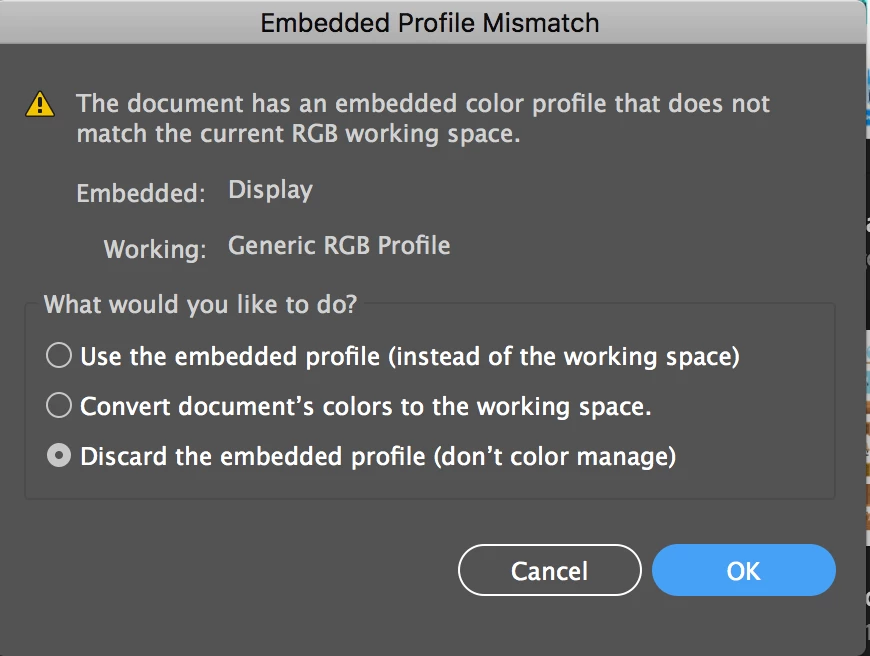
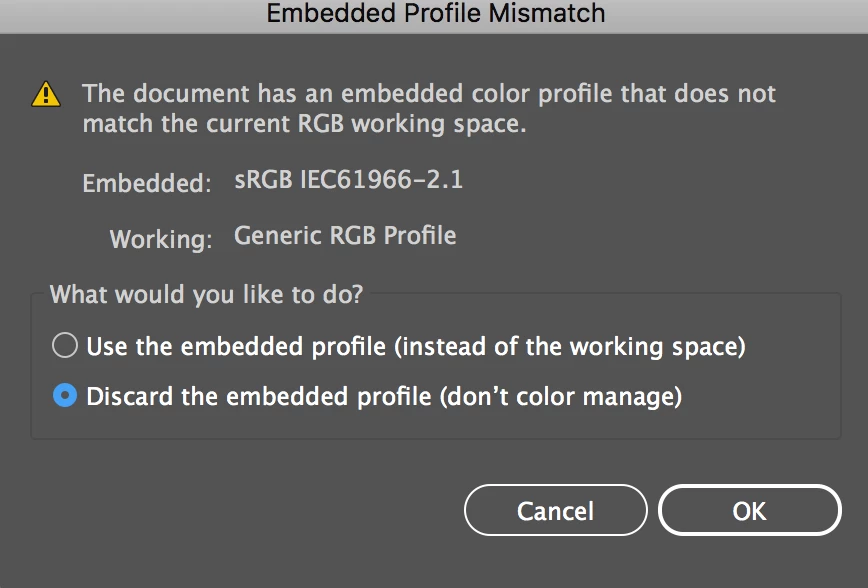
Your Illustrator application color settings are set to Generic RGB. The files you are opening have a different embedded profile.
Most likely they were created on a different computer, or during a time that you had your Illustrator color settings set up differently. Or maybe someone who understands how to work with profiles intentionally saved the file with a specific icc profile, different than the working space.
If you chose the first option for either of these, the file will open just fine using the embedded profile.
Why is your working color space set to Generic RGB? I can’t think of any good reason for working in Generic RGB. I recommend sRGB, or Adobe 1998 depending on the kinds of graphics you create. Since you are not familiar with color profiles, and color spaces I’d suggest sticking with sRGB.
If you change your Illustrator color settings to sRGB you won’t get a message when opening the second document, because the document profile will match your working space.
I just explained what these messages mean, but I have no good idea for why they would prevent you from opening a file. I have never seen that happen.
 AdChoices