
Embedding Linked File Expands to Box
I frequently import PDFs into Illustrator (v. 25.4.1) as linked files in case I am missing fonts. I will then embed the links, or undo and flatten to outline font if I do not have the fonts. See below for the selected options:
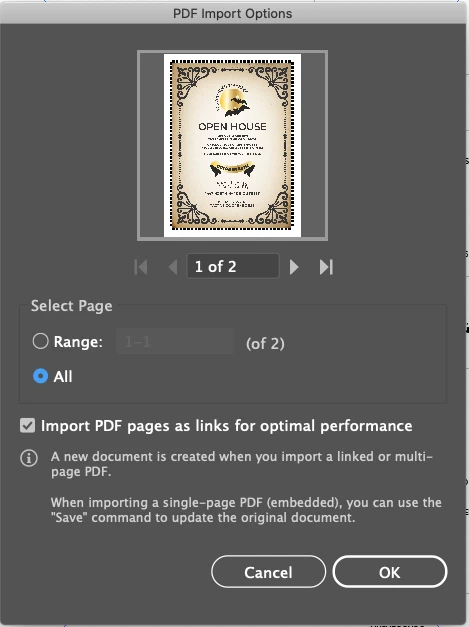
I have been doing this with dozens of files a day since early 2019 with no issues. It pulls it in as such: 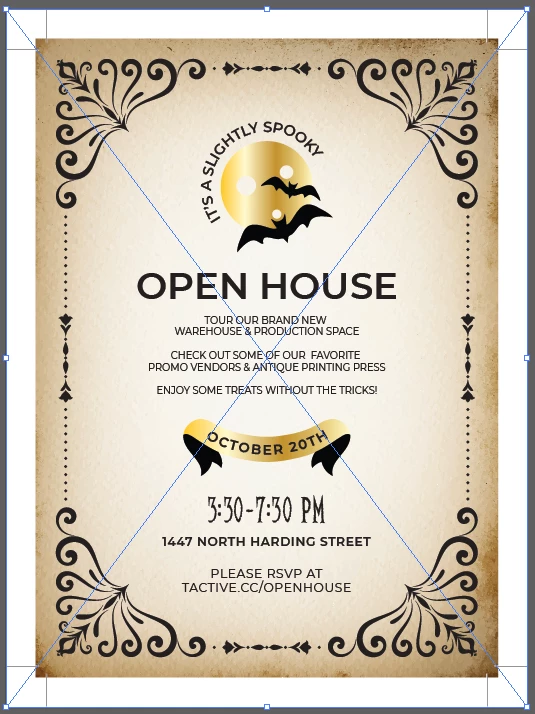
However, in the last week, embed seems to expand the art out to the bleed box, media box, or another unseen box. You can see here how it now sits on the artboard. This one appears to be to the bleed, but it definitely increased the size of the art.

The only way around it I've found without flattening is to deselect import pages as links, but then I run the risk of not having the fonts. Furthermore, when I place a PDF and select Show Import Options, it defaults to Crop to: Bleed. I was hoping that if I changed that to Media that embed would work properly. And it does, for just that one image. The imported ones that I opened in Illustrator by right-clicking the file did not.
I've searched through preferences to see if I am missing anything, but I can't see where anything has changed. Does anyone have any ideas or solutions?


 AdChoices