
Envelope Distort
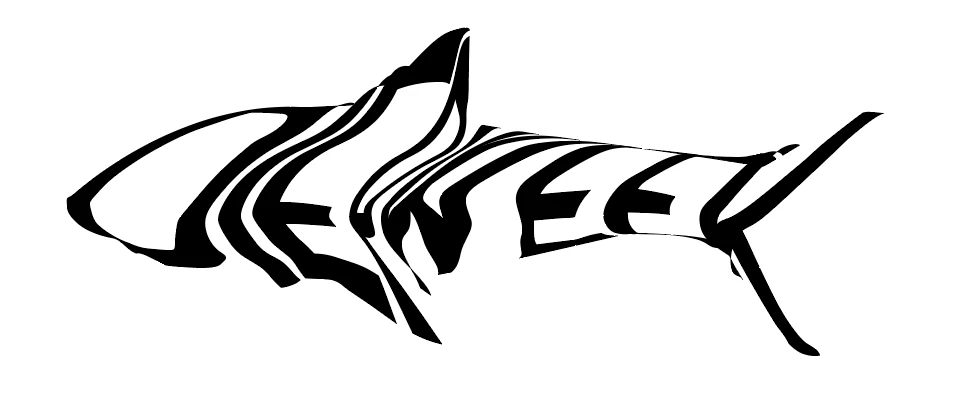
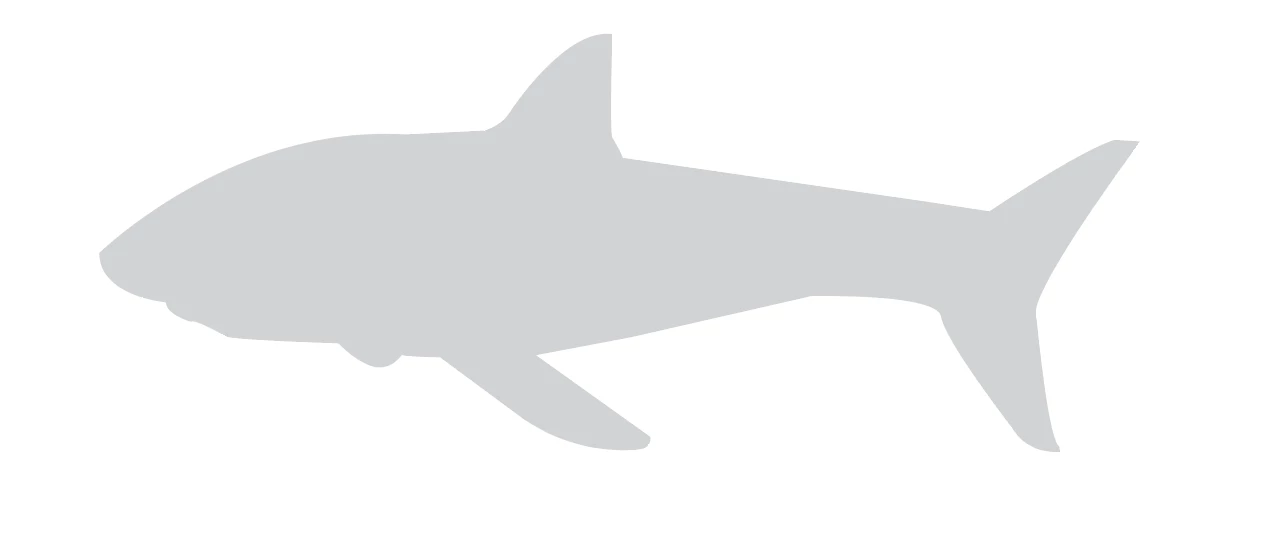
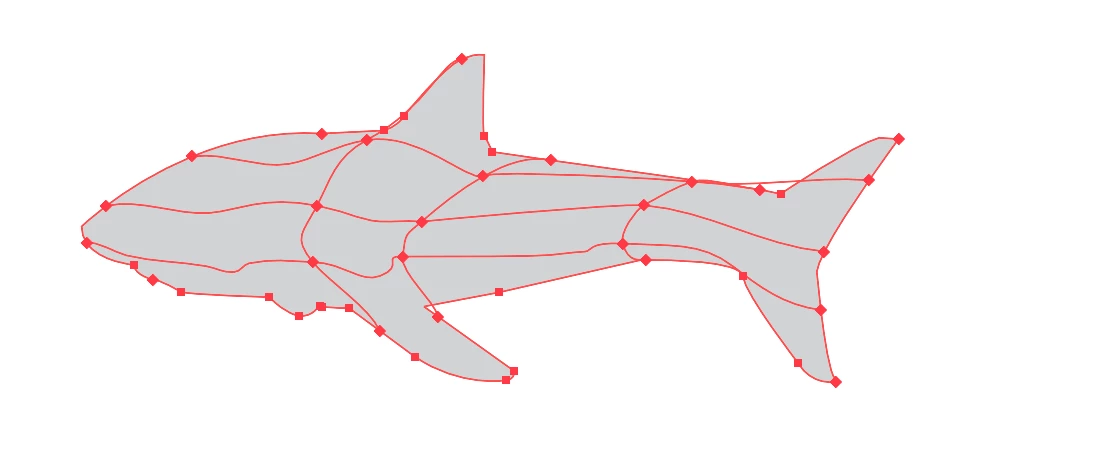
I have been trying to envelope distort with top object with a moderately complicated object and it's been driving me crazy. I have tried envelope distort with top object, creating a mesh by selecting points on the object with the direct selection tool, etc. I have also gone to envelope options and turned off distort appearance (also played around with fidelity and the other options as well).
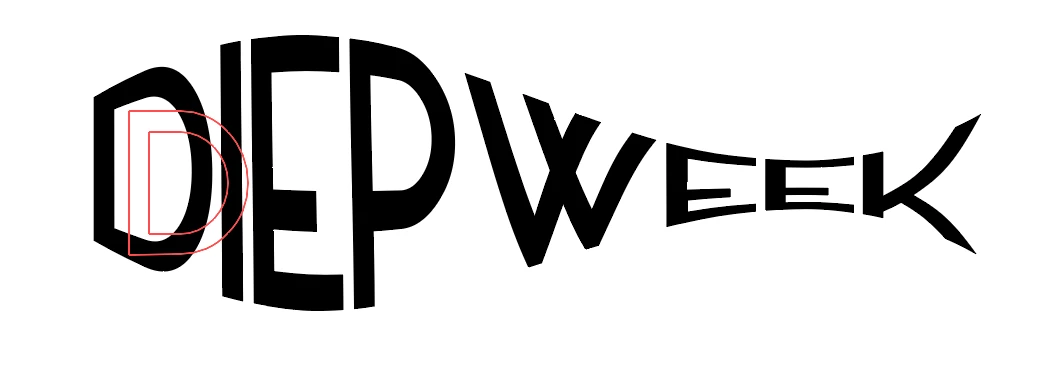
I have gotten close to the result I want with "envelope with warp" and "fish." I could do some adjusting and get by with the fish and work on manually distorting it into what I want, but at this point I need to figure it out more out of spite and frustration.
I trolled so many forums and youtube videos, but no one seems to be having this issue. I am relatively new to illustrator and especially envelope distort, so perhaps I just don't understand how to use it. But everyone else doesn't seem to have the same issue.
To explain it to the best of my ability - it seems like the mesh is making it very complicated and three dimensional in comparison to the warp and fish option which looks more 2d of a warp.
Attached are a few pictures to help explain. Appreciate any help!
You need to ask program questions in the forum for the program you are using
To ask in the forum for your program please start at https://community.adobe.com/
Moving from Using the Community (which is about the forums) to the correct forum... Mod
 AdChoices