larryj85940518
Participant
December 4, 2017
Answered

Envelope Distort Issues

  • December 4, 2017
  • 2 replies
  • 10946 views

I am looking to accomplish a seemingly very simple effect.

I assume this was created using an envelope distort.(Though if there is another/better way I am all ears!)

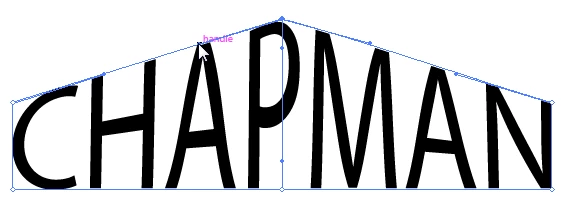
However, when I use envelope distort, it comes out like this.
I think I could resolve the issue by adjusting the mesh, but I can't break the handles apart.
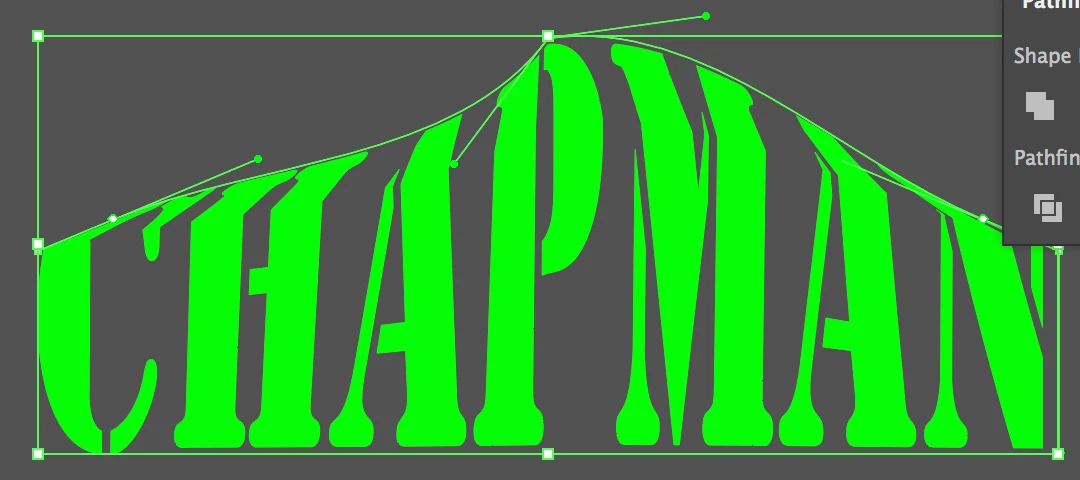
This is all especially frustrating because I can't seem to find anyone else with the issue. For example, here is a video of envelope distort being used with more extreme angles, and none of the issues I am having.

How to Fill a Shape with Text Using "Envelope Distort" in Adobe Illustrator - YouTube

Any advice?

    Correct answer barbara_a7746676

    I would use Object > Envelope Distort > Make with Mesh.

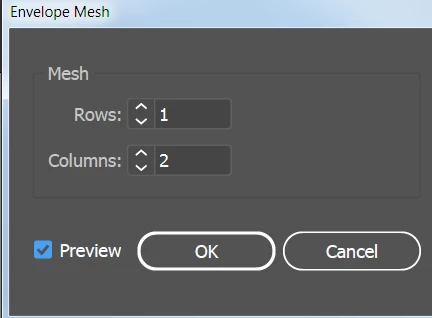
    Since the distortion is only vertical, and the distortion is only in the center, you only need one row and two columns.

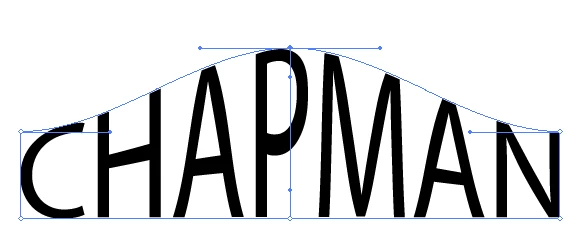
    With the Direct Selection tool, move the top center point up.

    Then select the Anchor Point tool and move the direction line handles into place.

    2 replies

    barbara_a7746676
    Community Expert
    barbara_a7746676Community ExpertCorrect answer
    Community Expert
    December 4, 2017

    I would use Object > Envelope Distort > Make with Mesh.

    Since the distortion is only vertical, and the distortion is only in the center, you only need one row and two columns.

    With the Direct Selection tool, move the top center point up.

    Then select the Anchor Point tool and move the direction line handles into place.

    Participant
    December 5, 2017

    Hello!

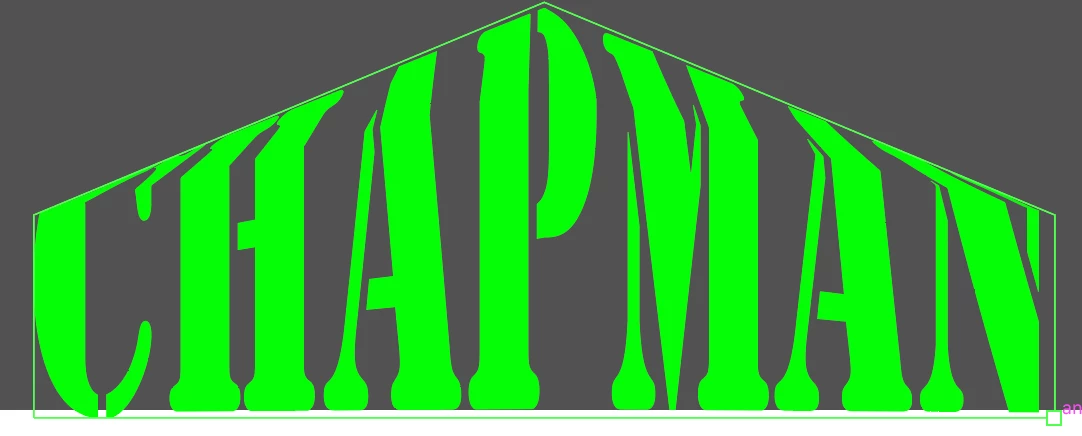
    I have the same issue... I've used envelope distort a ton before. So not sure why its not working for me now. Example of what happens when I try to "envelope distort with top object" below.

    I know I can use the mesh but its way more time-consuming... The shape I'm trying to warp the text to is super simple... Any idea whats going on?

    Monika Gause
    Community Expert
    Community Expert
    December 5, 2017

    An envelope mesh is always a "table" that has 4 corners. The trouble you face is that Illustrator is placing the corner where it decides and not where you need them.

    Select the 4 anchors you want turned into corners and then use Object > Make gradient mesh.

    After that select the mesh and the "You!" and Object > Envelope > Make with top object.

    Monika Gause
    Community Expert
    Community Expert
    December 4, 2017

    You might try and solve this by creating two meshes (left side and right side.

    But using the plugin FilterIT might get you a better result.

    You could also try and make two parts and then use the free transform tool