

Question
Envelope Distort > Make with Top Object NOT working??
Hello I was recently playing around in illustrator and noticed that the Envelope Distort > Make with Top Object would not work for me and always gave me the same error:
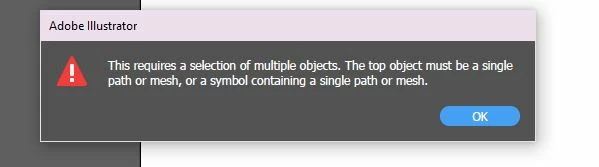
I tried restarting illustrator and opening a new file and just use a simple square with text on top but I still get the same error?
I also reset my preferences but still same thing.
BEFORE like a year or 2 ago this feature worked fine but recently I've been expiriencing A LOT of issues with illustrator and photoshop for what ever reason
Please help!!
---
Windows 10 user
I have the latest Illustrator installed (Version 28.2)
 AdChoices