



Eugen Thor
Participant
February 10, 2026
Answered

Envelope Distort Not Available

  • February 10, 2026
  • 1 reply
  • 47 views

I’m trying to make my text into my shape. Just trying to remove all extra variables, I am now trying this with a simple ellipse and the text “Test”.
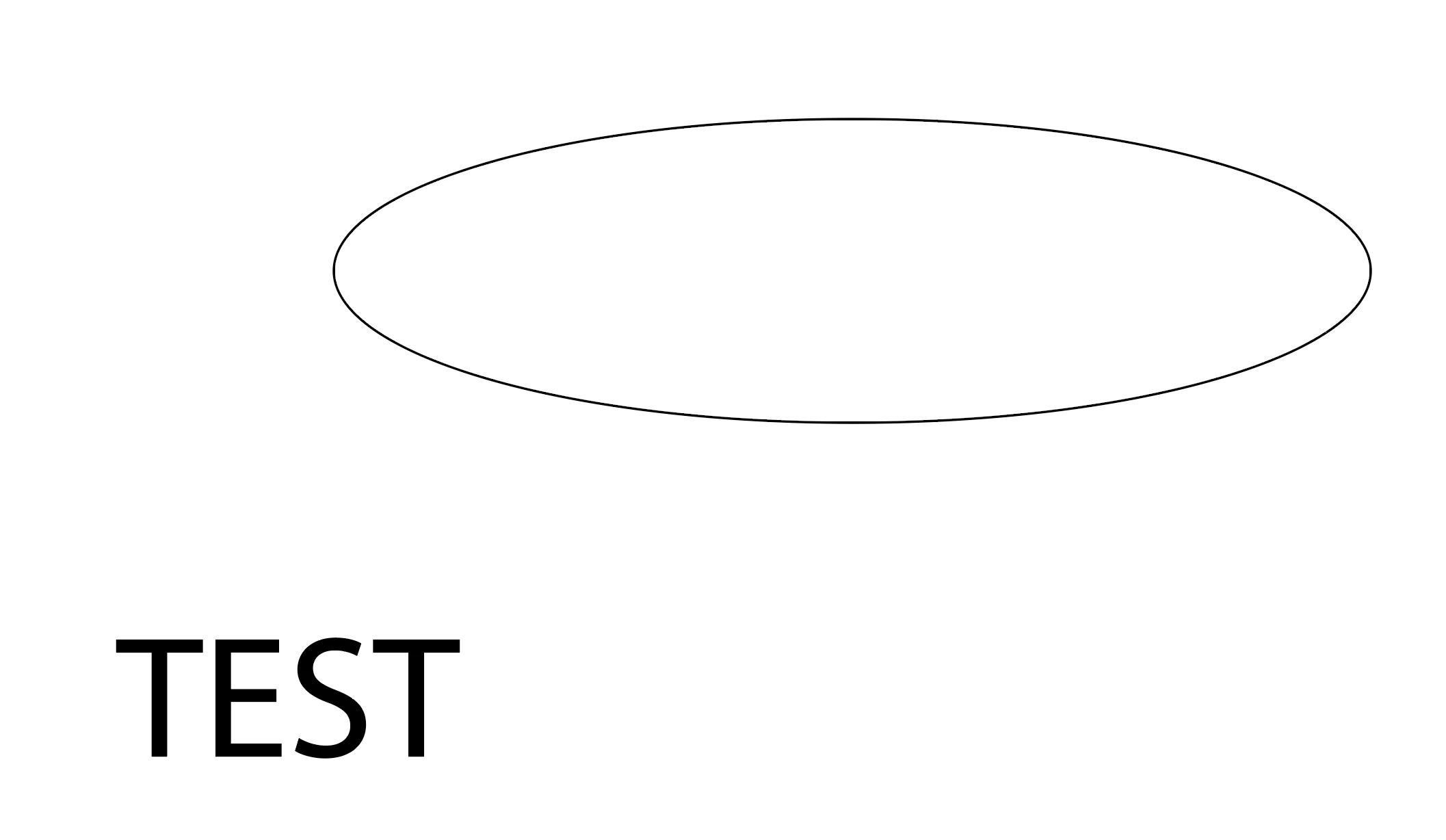


I followed a tutorial to use envelope distort, and made the shape to be the front layer.

When highlighting both and pressing Object → Envelope Distort, none of the functions are available.
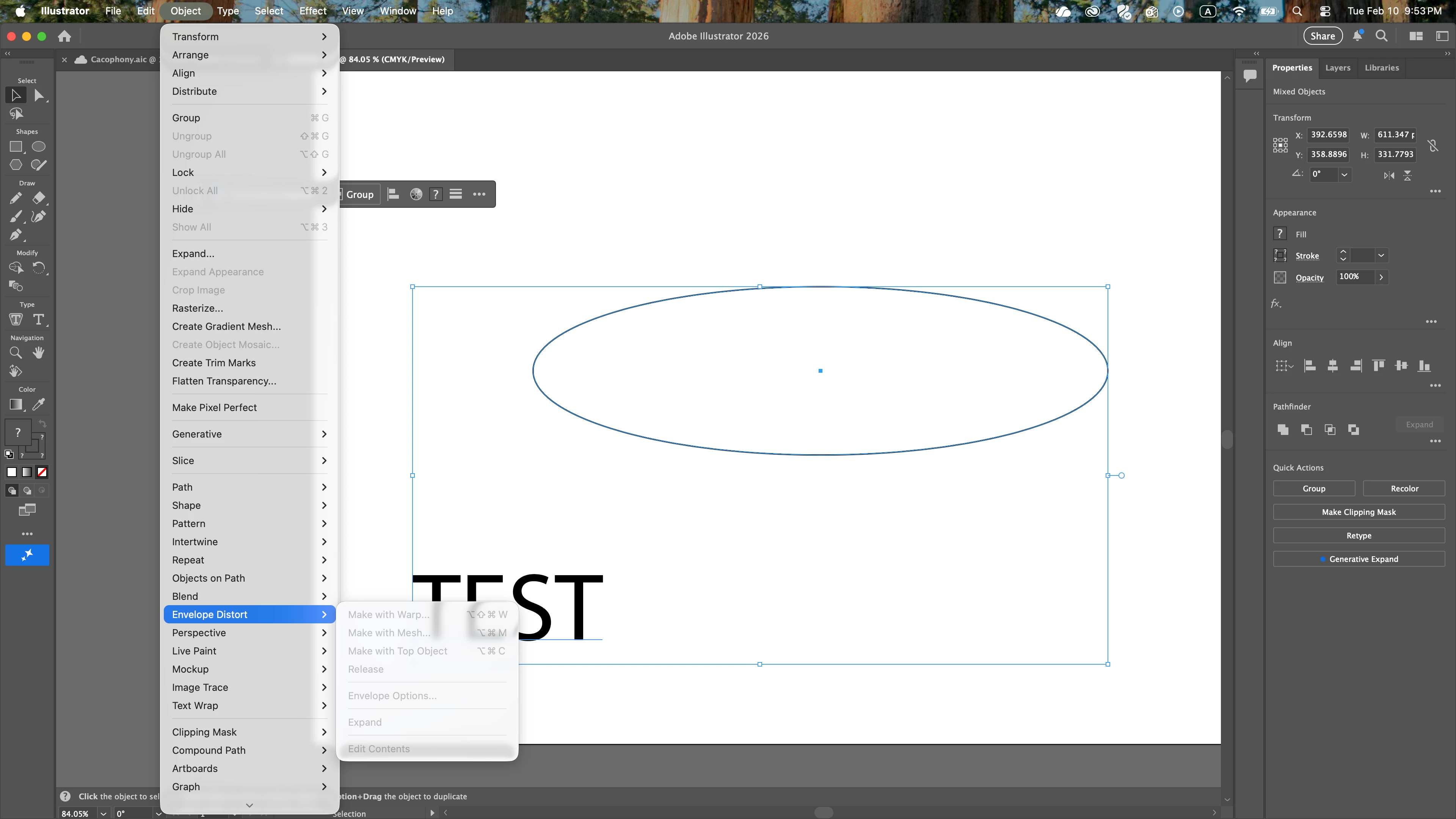
 

Why is this / How do I solve this?


Thanks!
Eugen

    Correct answer Monika Gause

    Since it’s happening in Effects as well, it’s not just the stacking order or something. I would first try closing Illustrator and rebooting the computer. If that does not help, resetting the preferences is necessary. There is a button for that in the Preferences > General dialog.

    1 reply

    Monika Gause
    Community Expert
    Community Expert
    February 10, 2026

    Can you perhaps show the objects in the layers panel?

    If you go into the Effects menu with a selected object, do you see the same inactive menus?

    Eugen Thor
    Participant
    February 10, 2026

    “Can you perhaps show the objects in the layers panel?”


    “If you go into the Effects menu with a selected object, do you see the same inactive menus?”
    Yes


    Monika Gause
    Community Expert
    Monika GauseCommunity ExpertCorrect answer
    Community Expert
    February 10, 2026

    Since it’s happening in Effects as well, it’s not just the stacking order or something. I would first try closing Illustrator and rebooting the computer. If that does not help, resetting the preferences is necessary. There is a button for that in the Preferences > General dialog.