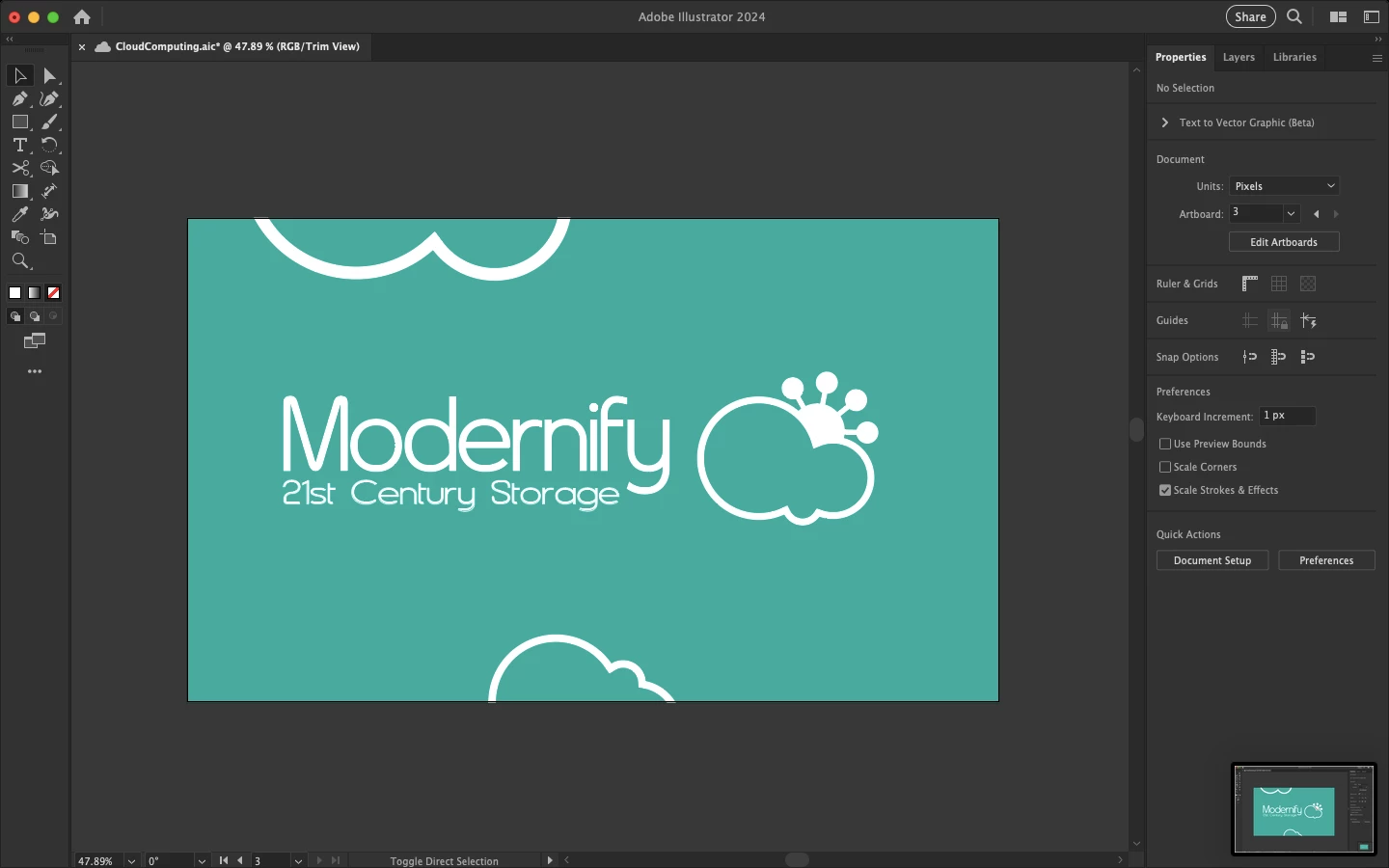
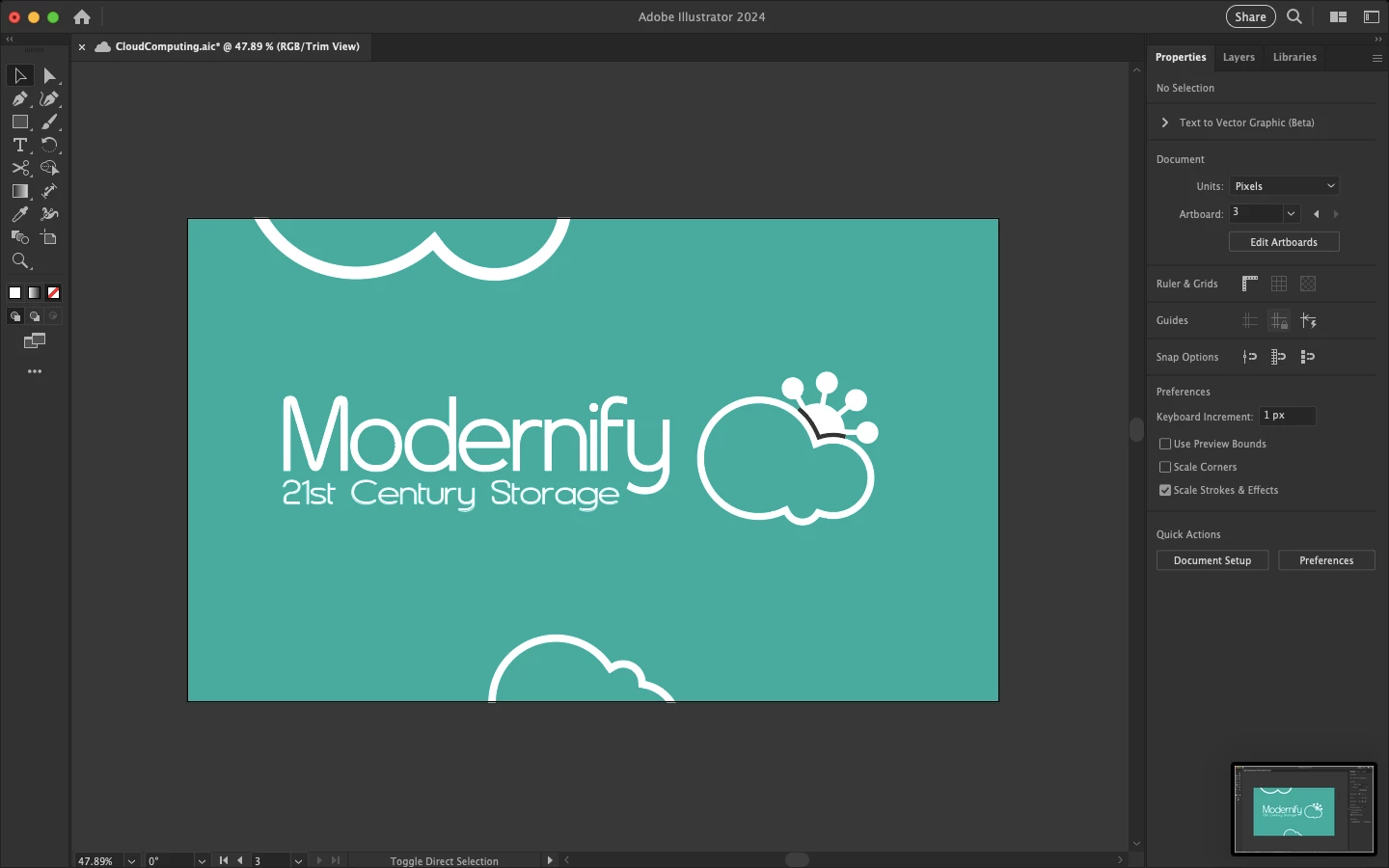
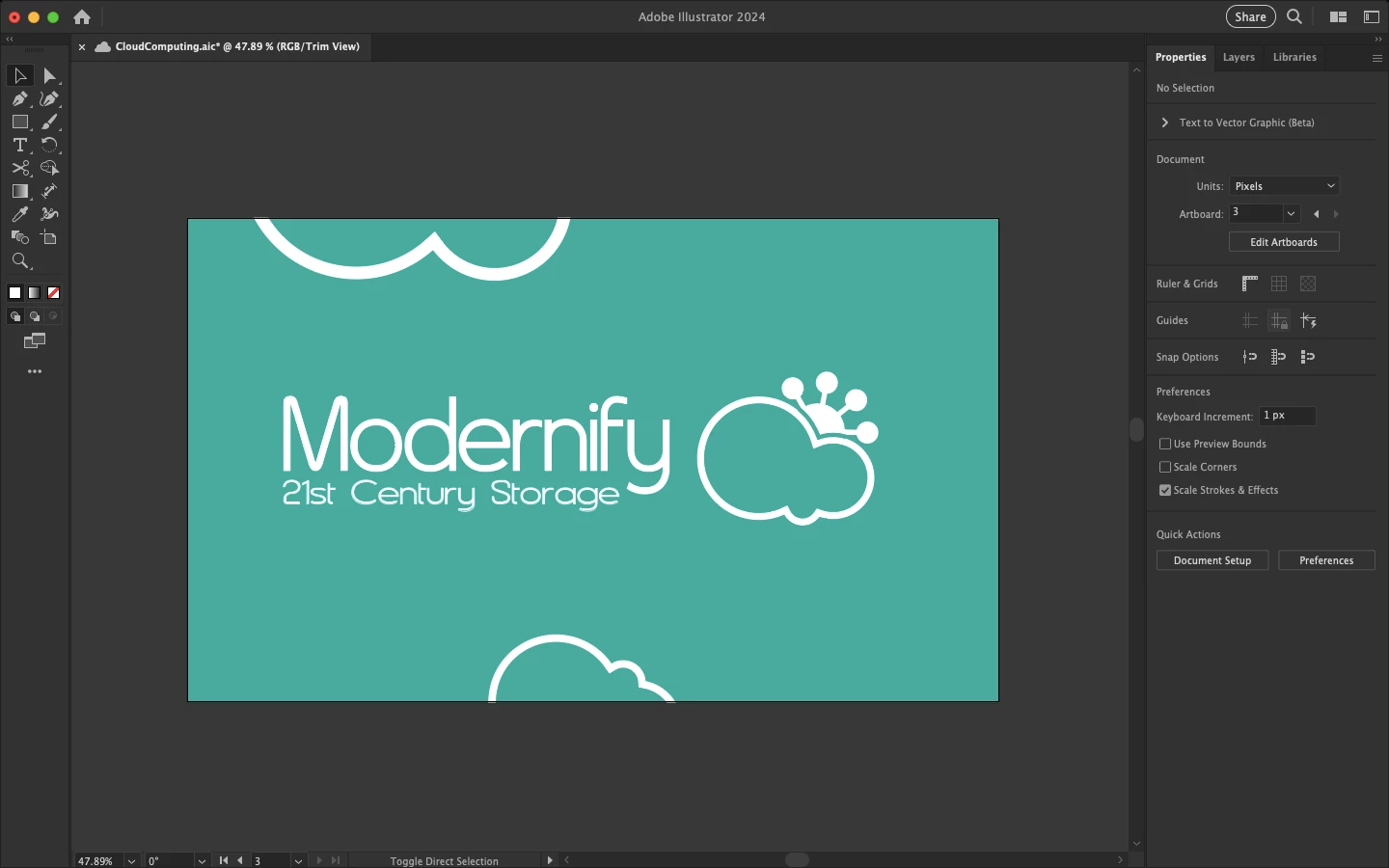
Thanks for the sample file. As mentioned, there are different ways.
One that is pretty versatile is to:
- Make sure the cloud is the top-most object in the stacking order inside the group.
- Direct select the cloud, then in the Appearance palette add a new stroke (about 4,6 pt) and in the Strokes palette set the new stroke to align to outside.
- Select the entire group, then in the Transparency palette make a knockout group.
- Direct select the cloud, then in the Appearance palette highlight the new stroke and set its opacity to 0 (zero) percent.



 AdChoices