


Question
Eraser in Illustrator
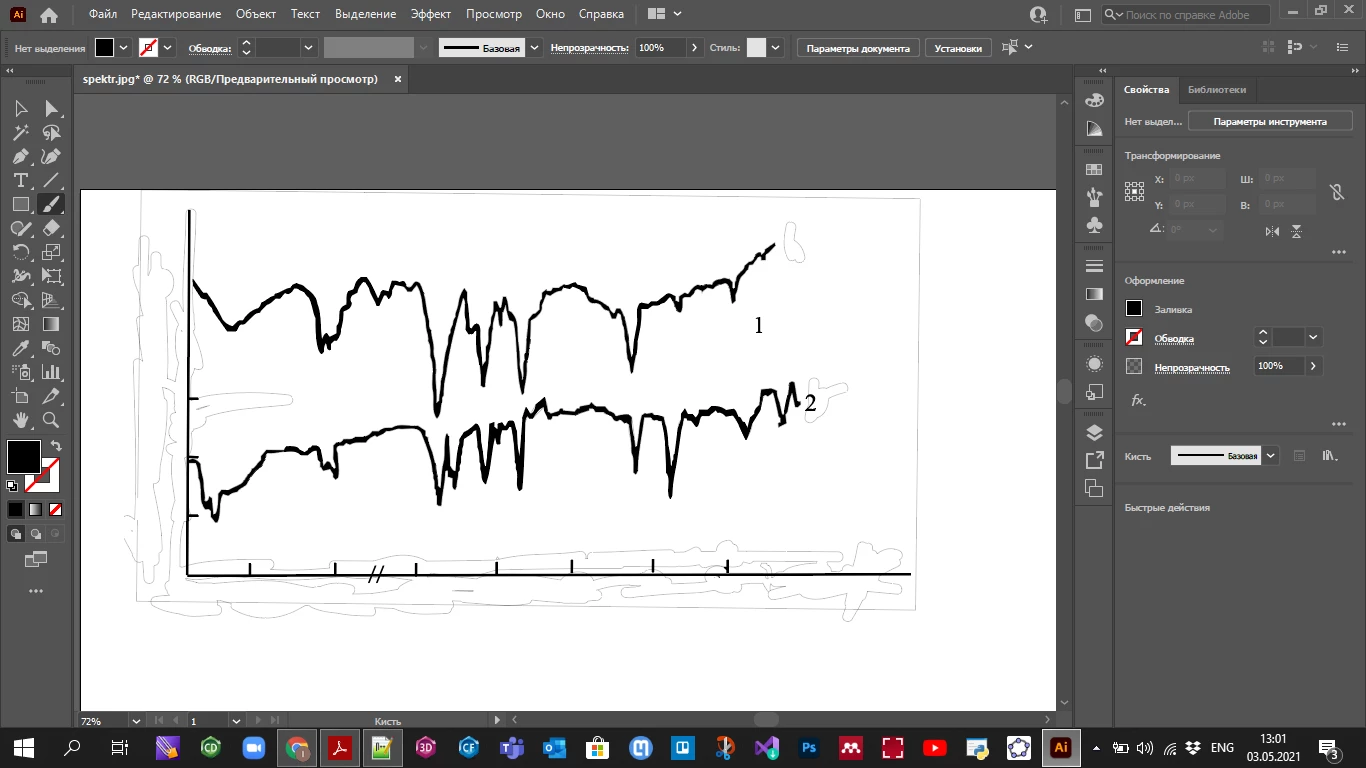
I have used an eraser and then the place where removed objects were initially located becomes like this (see picture) and it remains the same when I save it (e.g. as pdf). I think that reason is that I am using an eraser to remove elements of the traced picture. Yet I do not know how to avoid this problem and I really need help.
 AdChoices