Participant
February 18, 2017
Answered

Eraser tool not functioning properly on shapes I've created

  • February 18, 2017
  • 2 replies
  • 1796 views

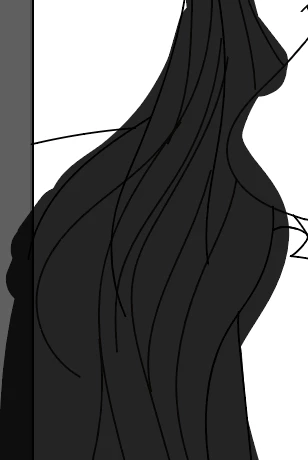
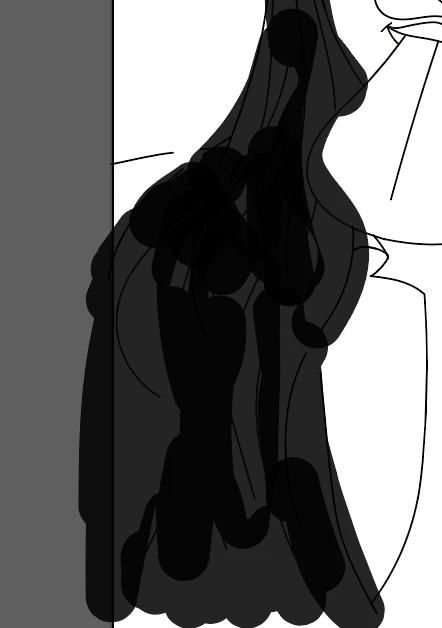
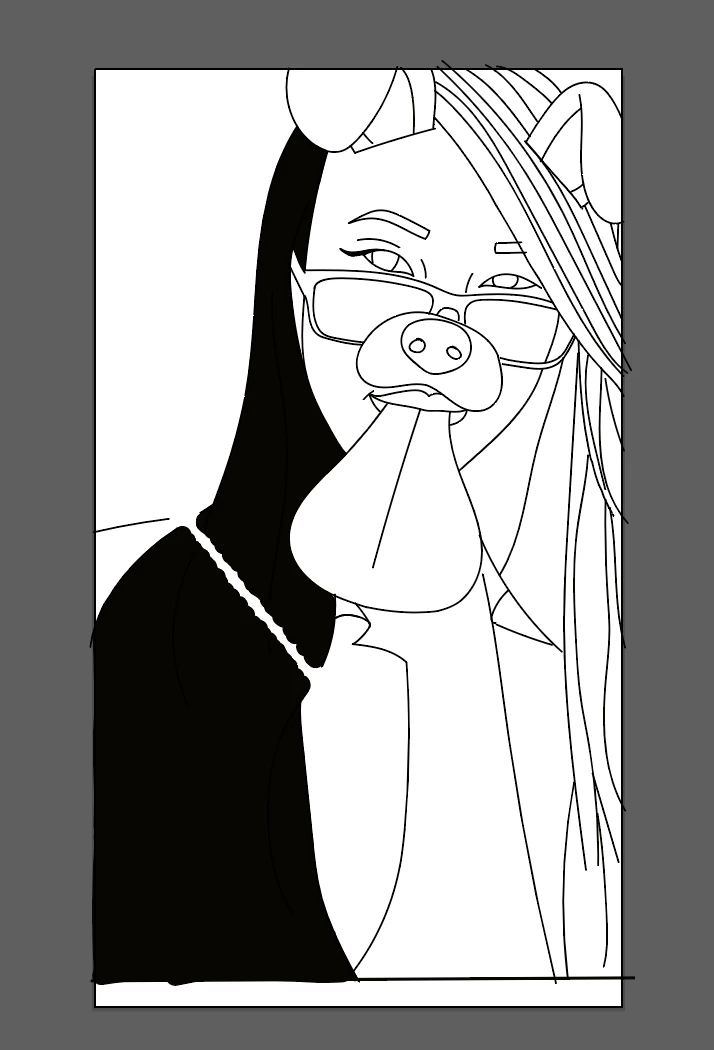
When I erase on a regular shapes such as a rectangle it erases normally. However, when I try to erase, it creates a new path and just messes up my work. In the first, I tried to erase a straight line. The second picture is the original, the third is after I tried to erase a straight line into the black when it's not 100% opaque.
This topic has been closed for replies.
Correct answer Monika Gause

Please read this to understand the easer tool:

Mysteries of the Eraser Tool — Revealed! « Adobe Illustrator blog

2 replies

Monika Gause
Community Expert
Monika GauseCommunity ExpertCorrect answer
Community Expert
February 18, 2017

Please read this to understand the easer tool:

Mysteries of the Eraser Tool — Revealed! « Adobe Illustrator blog

Jacob Bugge
Community Expert
Community Expert
February 18, 2017

Hana,

I believe this explains, and maybe gives clues to best way.

Illustrator tool galleries