jano32769189
Inspiring
March 26, 2023
Answered

Erro 3d Illustrator 27.4

  • March 26, 2023
  • 2 replies
  • 868 views

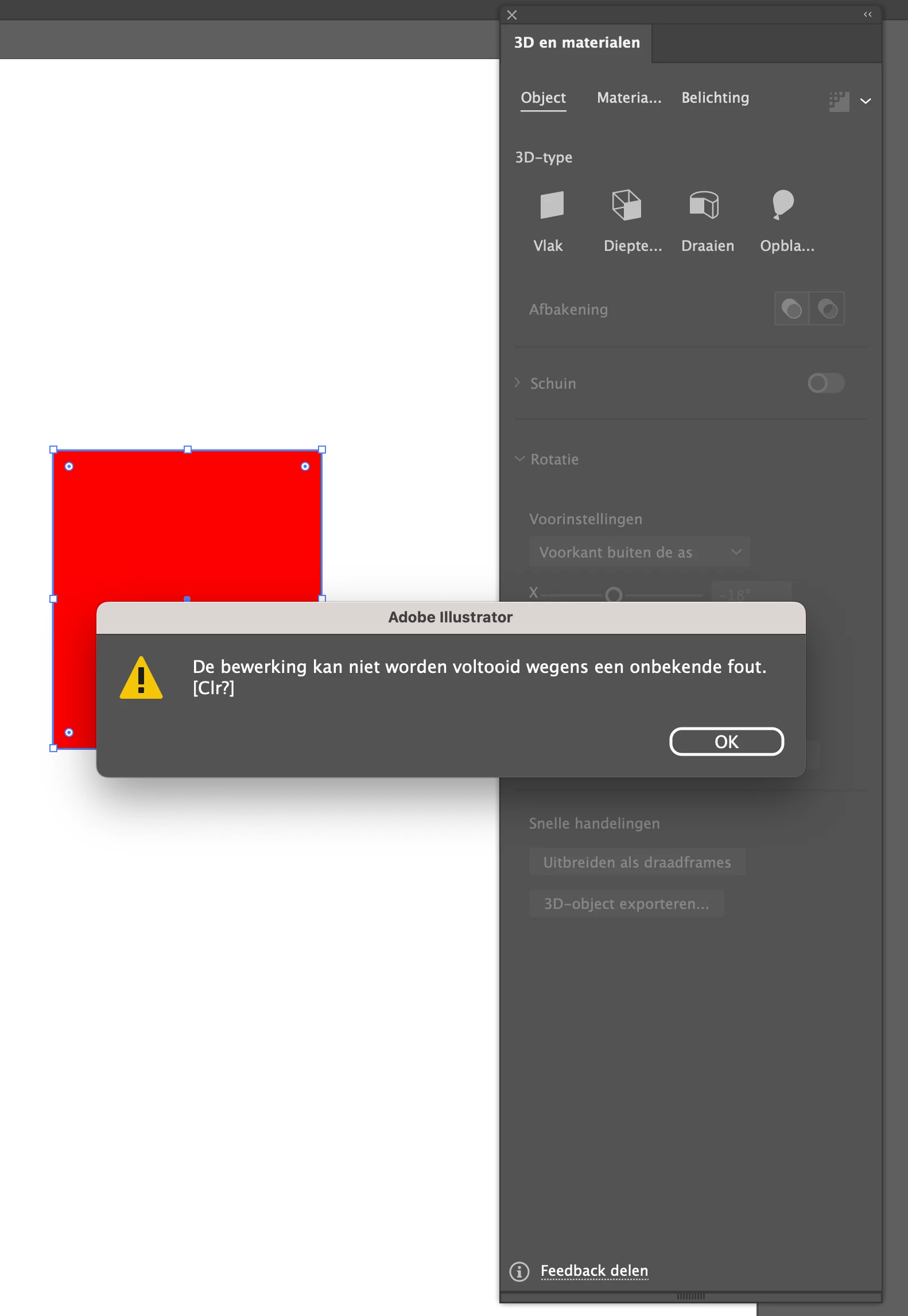
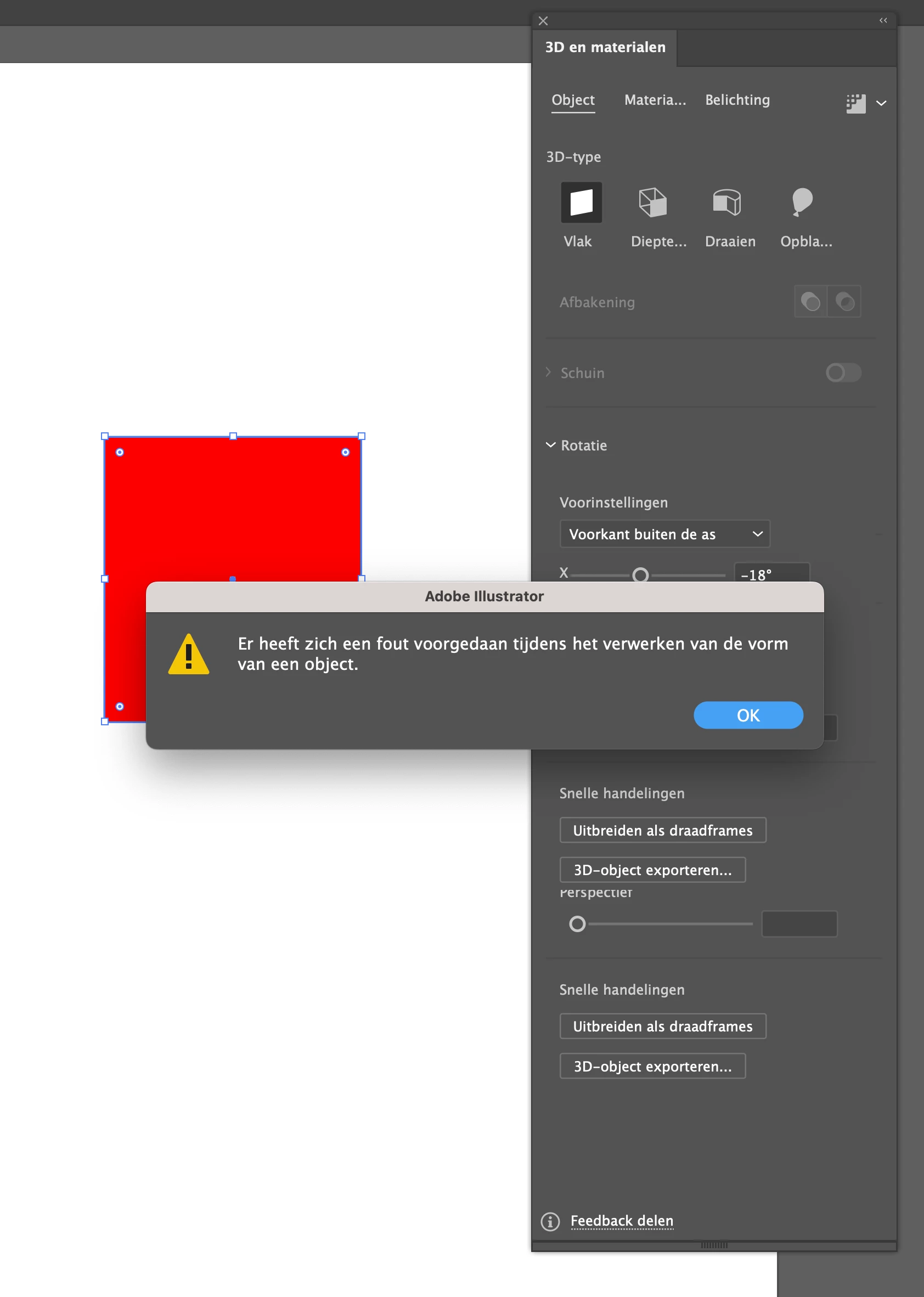
With simple 3d effect I get a message that the operation cannot be performed. This also applies to more complex operations.
Who knows a solution?
See also example
 

This topic has been closed for replies.
Correct answer jano32769189

Hello @jano32769189,


Sorry to hear that the steps provided did not help. Would you mind trying to manually reset Illustrator's preferences and checking if it helps:

• Close all Adobe applications.
• Go to the following locations
• ~/Library/Caches
• ~/Library/Application Support/Adobe
• ~/Library/Preferences
• Rename Adobe Illustrator, com.adobe.illustrator and Adobe Illustrator 27 Settings folders to Adobe Illustrator.old, com.adobe.illustrator.old and Adobe Illustrator 27 Settings.old
• Launch Illustrator from the Creative Cloud.

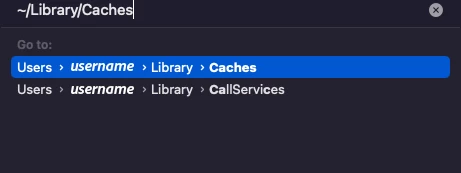
Note: Location starting with this "~" sign indicates the User Library, which is hidden. So, you need to copy & paste the exact path in spotlight search or from Finder Menu > Go > Go to Folder > Paste the location in the dialog box like this:
Disclaimer: Please note that renaming preferences folders will remove all the custom settings, and Illustrator will launch with default settings. You can also save a backup of the folders in case you want to. The location is mentioned above.


If that doesn't help, then you may connect with our technical support team (https://helpx.adobe.com/contact.html?rghtup=autoOpen). The team here would be able to perform remote troubleshooting and assist you accordingly.


Looking forward to hearing from you.

Regards


Thank you for all the information. The problem has now been resolved.
The application turned out to work on my macbook pro. I copied that color setting, which takes care of the synchronization in bridge, and pasted it on the Mac studio. After that everything worked as it should (I hope)

2 replies

Anubhav M
Community Manager
Community Manager
March 28, 2023

Hello @jano32769189,


We understand that encountering technical issues can be frustrating. Would you mind trying the following steps and checking if it helps:

  1. Click on the Finder icon on the Dock.
  2. Click on "Go" from the menu bar and select "Go to Folder."
  3. Type in the following locations and click "Go."
    /Library/Application Support/Adobe
    ~/Library/Application Support/Adobe
  4. Rename the UXP and CEP folders to UXP.old and CEP.old
  5. Relaunch Illustrator


Looking forward to your response.


Thanks,

Anubhav

jano32769189
Inspiring
March 28, 2023

I renamed the files and rebooted the computer after that Ai. In Illustrator I drew a square and then opened Effects/3D and material. Then give depth and bevels. Unfortunately I still got the same message as I sent you. This afternoon I also uninstalled and reinstalled Ai, but that didn't help either.
Is there another method to solve this?

Anubhav M
Community Manager
Community Manager
April 4, 2023

Hello @jano32769189,


Sorry to hear that the steps provided did not help. Would you mind trying to manually reset Illustrator's preferences and checking if it helps:

• Close all Adobe applications.
• Go to the following locations
• ~/Library/Caches
• ~/Library/Application Support/Adobe
• ~/Library/Preferences
• Rename Adobe Illustrator, com.adobe.illustrator and Adobe Illustrator 27 Settings folders to Adobe Illustrator.old, com.adobe.illustrator.old and Adobe Illustrator 27 Settings.old
• Launch Illustrator from the Creative Cloud.

Note: Location starting with this "~" sign indicates the User Library, which is hidden. So, you need to copy & paste the exact path in spotlight search or from Finder Menu > Go > Go to Folder > Paste the location in the dialog box like this:

Disclaimer: Please note that renaming preferences folders will remove all the custom settings, and Illustrator will launch with default settings. You can also save a backup of the folders in case you want to. The location is mentioned above.


If that doesn't help, then you may connect with our technical support team (https://helpx.adobe.com/contact.html?rghtup=autoOpen). The team here would be able to perform remote troubleshooting and assist you accordingly.


Looking forward to hearing from you.

Regards

Monika Gause
Community Expert
Community Expert
March 26, 2023

Which system and hardware is this? Is there 16 GB RAM at leat?

How is your color management set up?

jano32769189
Inspiring
March 26, 2023

Hi Monika,

 
I have Mac Studio, 32GB Ram, Apple M1 Chip and Ventura 13.2.1 OS.
The color is Adobe RGB.
Or do you mean a different color setting?
 
Regards, Jan
