J.Bergé
Participant
May 26, 2026
Question

Error 224 on Launch in Illustrator
  • May 26, 2026
  • 2 replies
  • 12 views
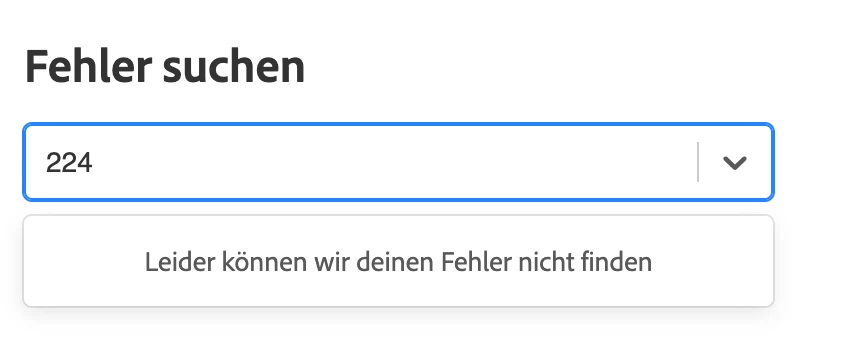
“we cannot find your error”
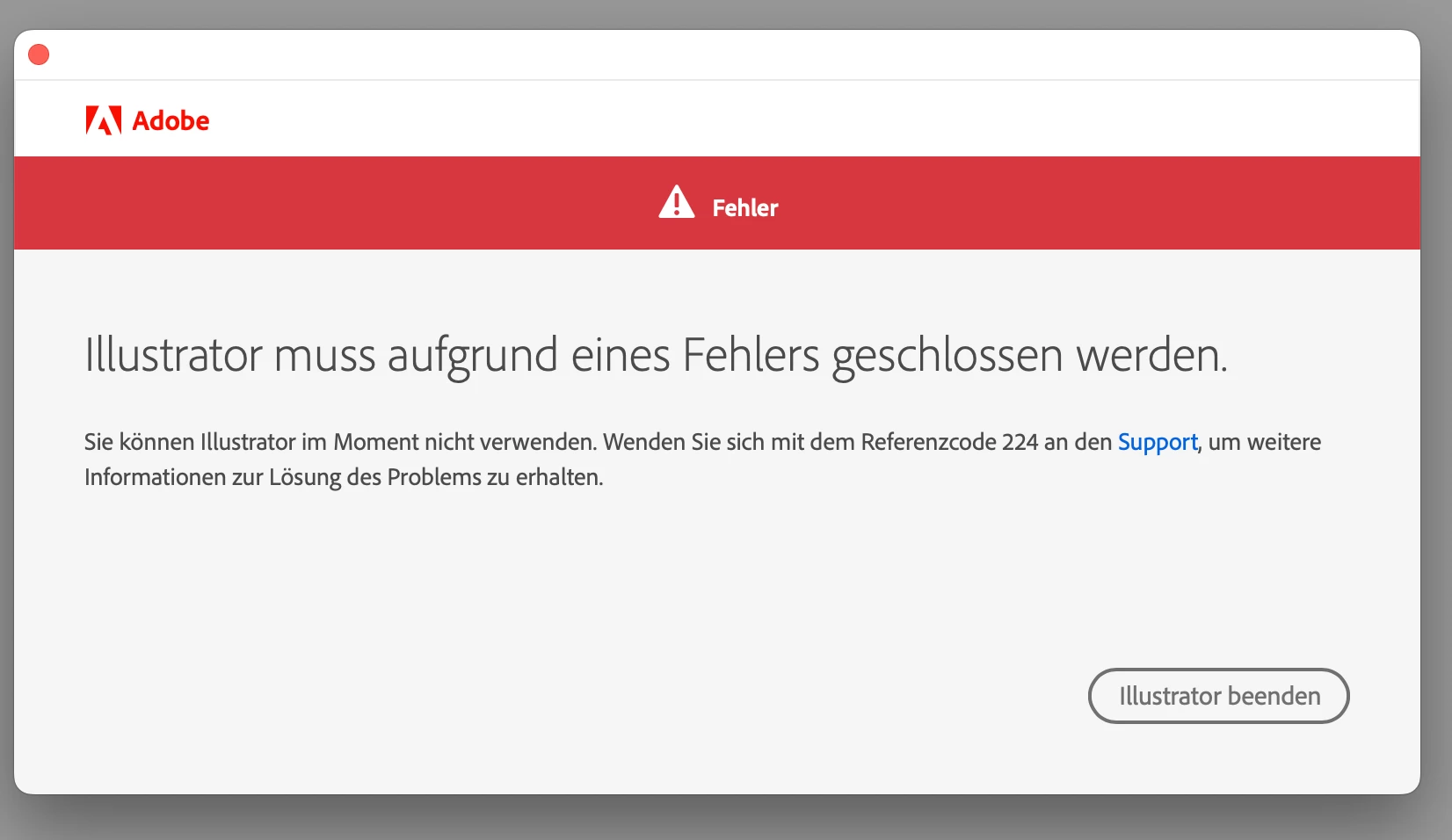
“Illustrator has to be closed because of an error. You can’t use Illustrator at this moment. Go to Support with reference code 224.”

Does anyone know how to fix this? Thank you!

    2 replies

    Anubhav M
    Community Manager
    Community Manager
    May 26, 2026

    Hi @J.Bergé,
     

    Sorry to hear about the experience. Licensing and activation issues are often resolved by a few targeted steps, so let's narrow it down. Hopefully Ton's earlier suggestions helped; if not, this help article walks through the most common fixes:

    https://helpx.adobe.com/download-install/kb/troubleshoot-licensing-activation.html

    Please try the steps in order and share what you observe — including which step you got to and any error messages along the way. If this resolves the issue, kindly mark the helpful reply as the correct answer to help others searching for the same fix.


    Anubhav

    Ton Frederiks
    Community Expert
    Community Expert
    May 26, 2026

    According to a Google search for “Illustrator reference code 224”: Adobe Illustrator Error Code 224 indicates a licensing or authentication issue. 

    You may want to check:

    https://helpx.adobe.com/download-install/apps/troubleshoot/licensing-activation-issues/user-license-information-creative-cloud-2022.html