
Error code 0xc0000142 when launching Illustrator on Windows
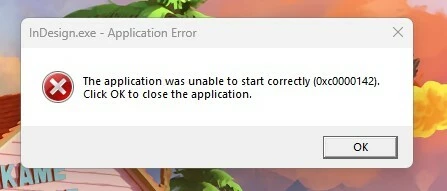
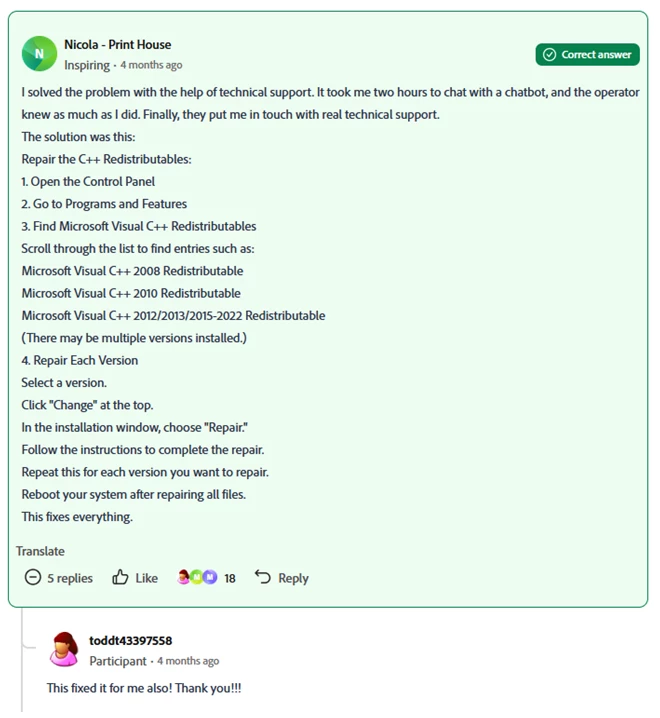
I have experienced this error (0xc0000142) when attempting to open InDesign and illustrator several times over the course of a few months now. There is a fix that I found through the Adobe forums that involves repairing the Microsoft Visual C++ Redistributable program files and it works temporarily, but after a few weeks the problem reappears. I have tried installing several versions of both programs to see if it is just affecting a specific version, but it does not appear to make a difference.
Any help toward a permanent fix is appreciated, as I require authorization from my company’s tech support department in order to perform the fix every time this problem occurs and it is interfering with my job. Thank you
below is the fix I have had to do if anyone is interested. again it works but only temporarily for me:


 AdChoices