Hi @different_friend7334,
Thanks for sharing those details. Could you please try temporarily copying one of the affected files to your local desktop and check if the same error appears there? This will help confirm if the issue is limited to the network environment.
If it works fine locally, I'd recommend checking with your IT team to ensure the SMB connection is stable and that Illustrator has full read and write permissions to that shared folder.
Please let me know how it goes after testing this.
Abhishek
Hi Abhishek,
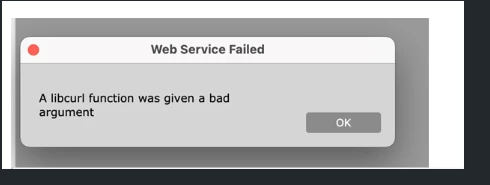
we did not do the desktop test, but when you mentioned the access or Network stable issue. I checked with the user and I asked her to show me where they keep the files and when she showed me I noticed that the Folder is not active. (See screenshot) She then confirmed that sometimes the folder is active and sometimes not. After knowing this info I closed then our Adobe Illustrator and Plug in Tickets as it looks like that this issue is not coming from Adobe Illustrator nor from our Plug in FlexPLM Design Suite.
I really appricate all your Support which have helped us to find out the root cause.
Thank you very much and best regards,
Dunja



 AdChoices