
Error when saving to cloud- "Illustrator tried but could not save the document"
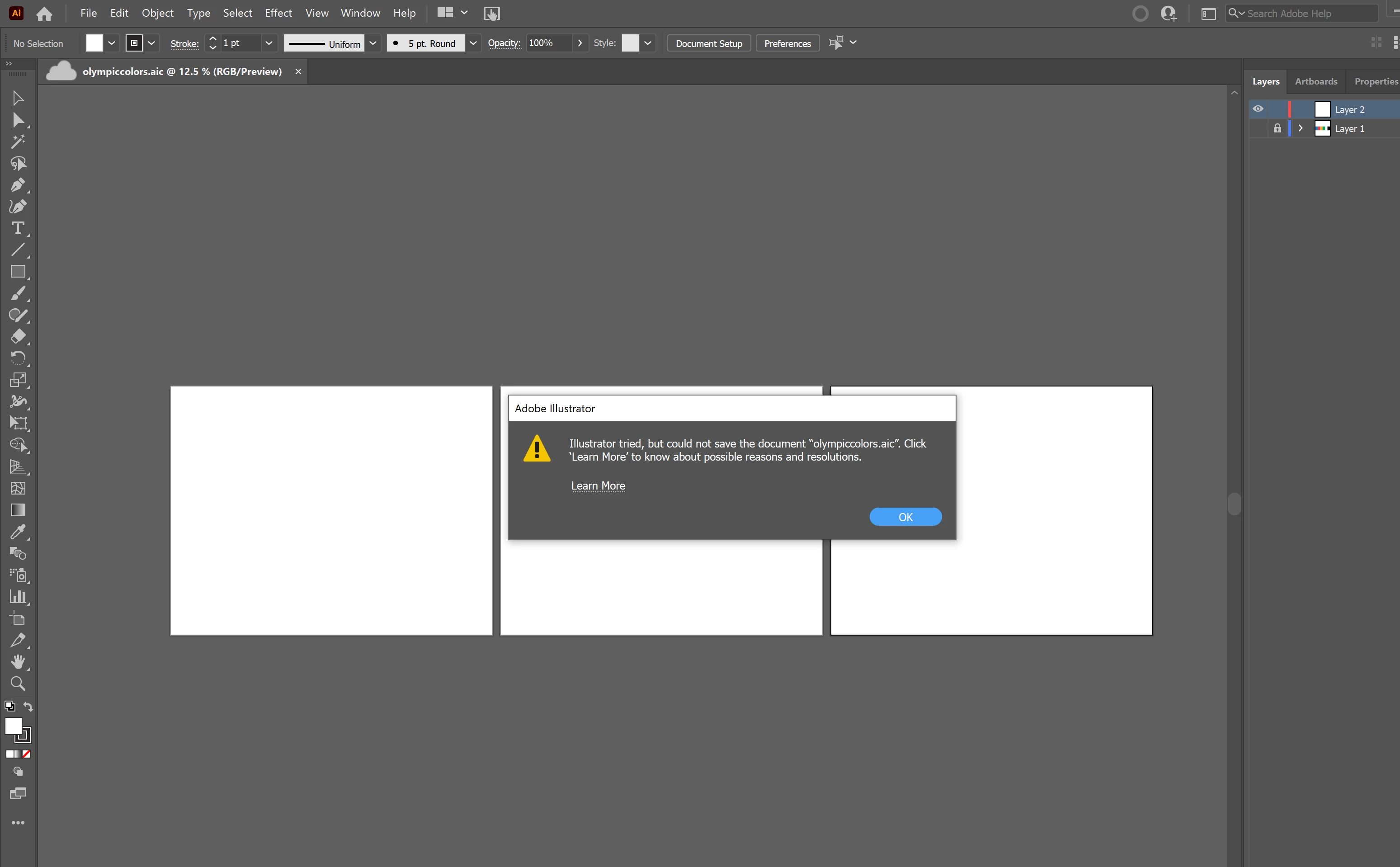
I've been having this error pop up for the last two weeks when I go to save an Illustrator document to my cloud. I can start a new document and "save as" it to my cloud once, but if I go to "save" or autosave, this error message will pop up ( "Illustrator tried but could not save the document"). Autosave is essential to my workflow, and it's not practical to save all of my documents right to my computer. I've gone through the troubleshooting link that pops up but it's not helpful because everything is showing up as up to date.
The only way to get the error message to go away is to use task manager to shut down Illustrator completely or restart my laptop. Everything is up to date (drivers, Adobe apps, Creative Cloud), I have 80% space remaining in my cloud, and my CPU and memory on my laptop shouldn't be an issue.
I originally thought this error was because I was using Adobe Fonts, but this file that the screenshot is from is three 8.5 by 11 inch artboards with two squares on each filling up the artboard (I hid them for the save because I thought that would help), so I don't think the file is the problem. I've tried closing all background programs and it makes no difference.
This is really annoying and takes a lot of time out of my workflow.
 AdChoices