
Question
Error when trying to open cloud documents
I prefer sketching on my iPad then further editing on my laptop but having an issue opening the document on another device.
I'm quite new to illustrator so maybe there's an obvious way to fix this that I'm unaware of.
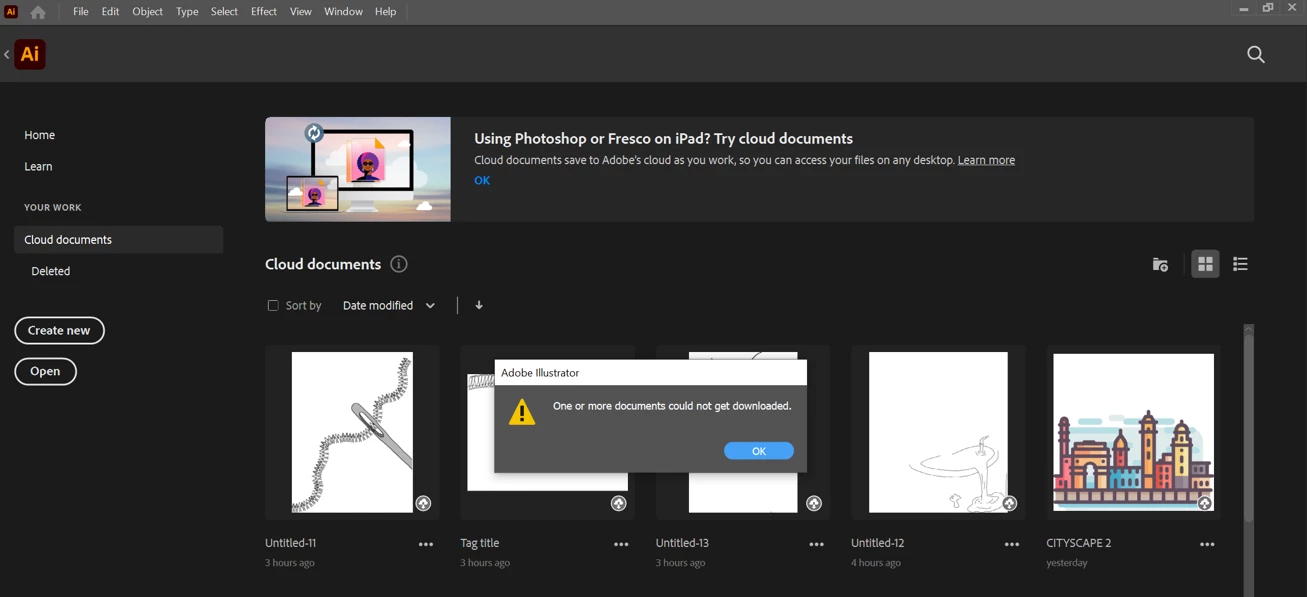
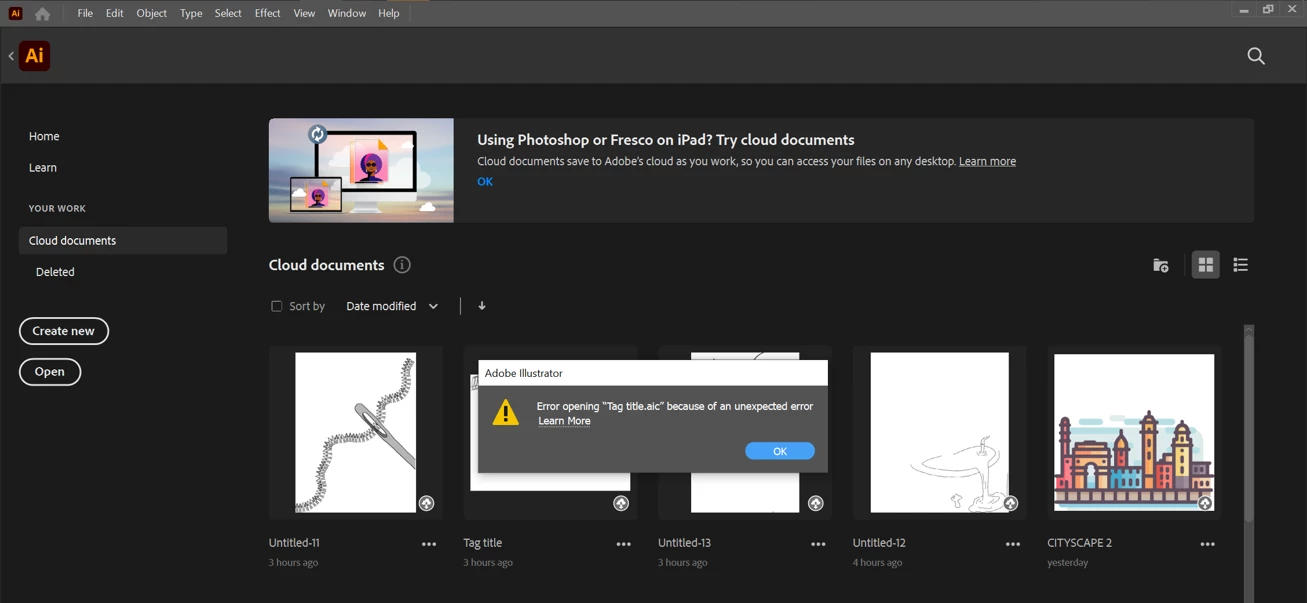
I face an issue when trying to open cloud documents, it tells me "one or more documents could not get downloaded" no matter how many times I try. Then following that message another appears saying "error opening"
I've shown below what happens anytime I try to open a cloud document
Does this happen to anyone else and does anyone know how I can stop this from happening?
 AdChoices