Participant
May 19, 2017
Answered

expand and outline stroke making jagged edges

  • May 19, 2017
  • 3 replies
  • 4664 views

Hey! I haven't had this problem on any other computers with this same version of Illustrator (CC 21.1.0) so I'm thinking someone on this work computer may have turned on an odd setting. Whenever I make various strokes into individual objects with expand, outline stroke, etc, I get these very odd jagged edges around or inside of my shapes. There's no brush choice or anything as far as I know.

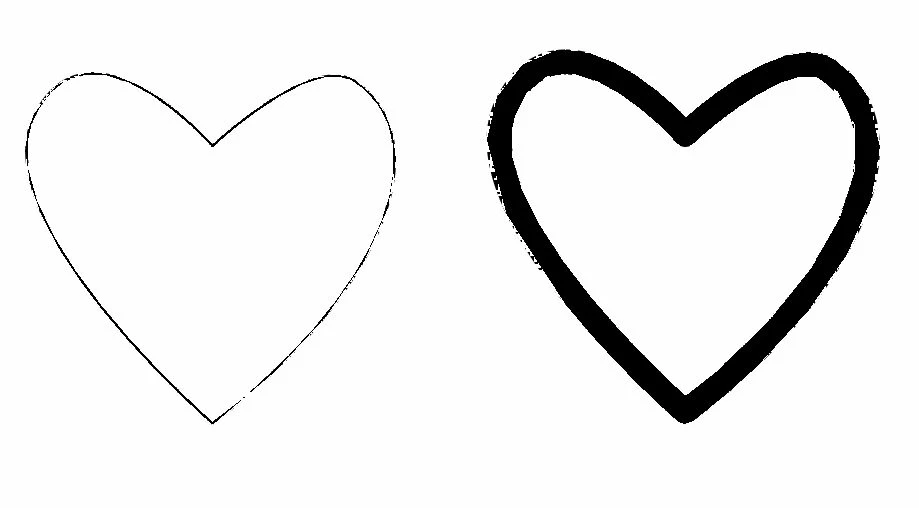
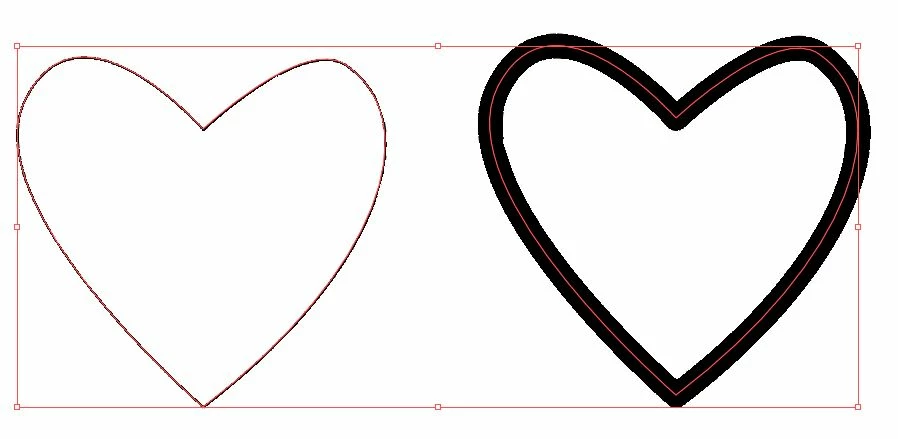
Here are some pictures showing the objects before expand or outline stroke, after, and with selection lines over to show that it simply...isn't part of the shape.

Suggestions? Thanks, guys.
This topic has been closed for replies.
Correct answer Ton Frederiks

It looks like a preview problem.Try Cmd E (or Ctrl E on Win). to switch between GPU and CPU preview.

Many examples of this problem have been posted on this forum.

3 replies

Ton Frederiks
Community Expert
Community Expert
May 19, 2017

You may mention it here with info about your system and info about the video card you are using:

Illustrator Feature Request/Bug Report Form

Ton Frederiks
Community Expert
Ton FrederiksCommunity ExpertCorrect answer
Community Expert
May 19, 2017

It looks like a preview problem.Try Cmd E (or Ctrl E on Win). to switch between GPU and CPU preview.

Many examples of this problem have been posted on this forum.

Participant
May 19, 2017

this did it!! thank you so much for the help

Ton Frederiks
Community Expert
Community Expert
May 19, 2017

Glad to hear that worked for you.

Myra Ferguson
Community Expert
Community Expert
May 19, 2017

It really looks like a brush. If you select the original, what does it show in the Appearance panel? Can you post a screenshot?