Participating Frequently
October 12, 2024
Question

Expand Appearance of Roughen Effect On Lines Creates Compound Paths Instead of Lines

  • October 12, 2024
  • 2 replies
  • 431 views

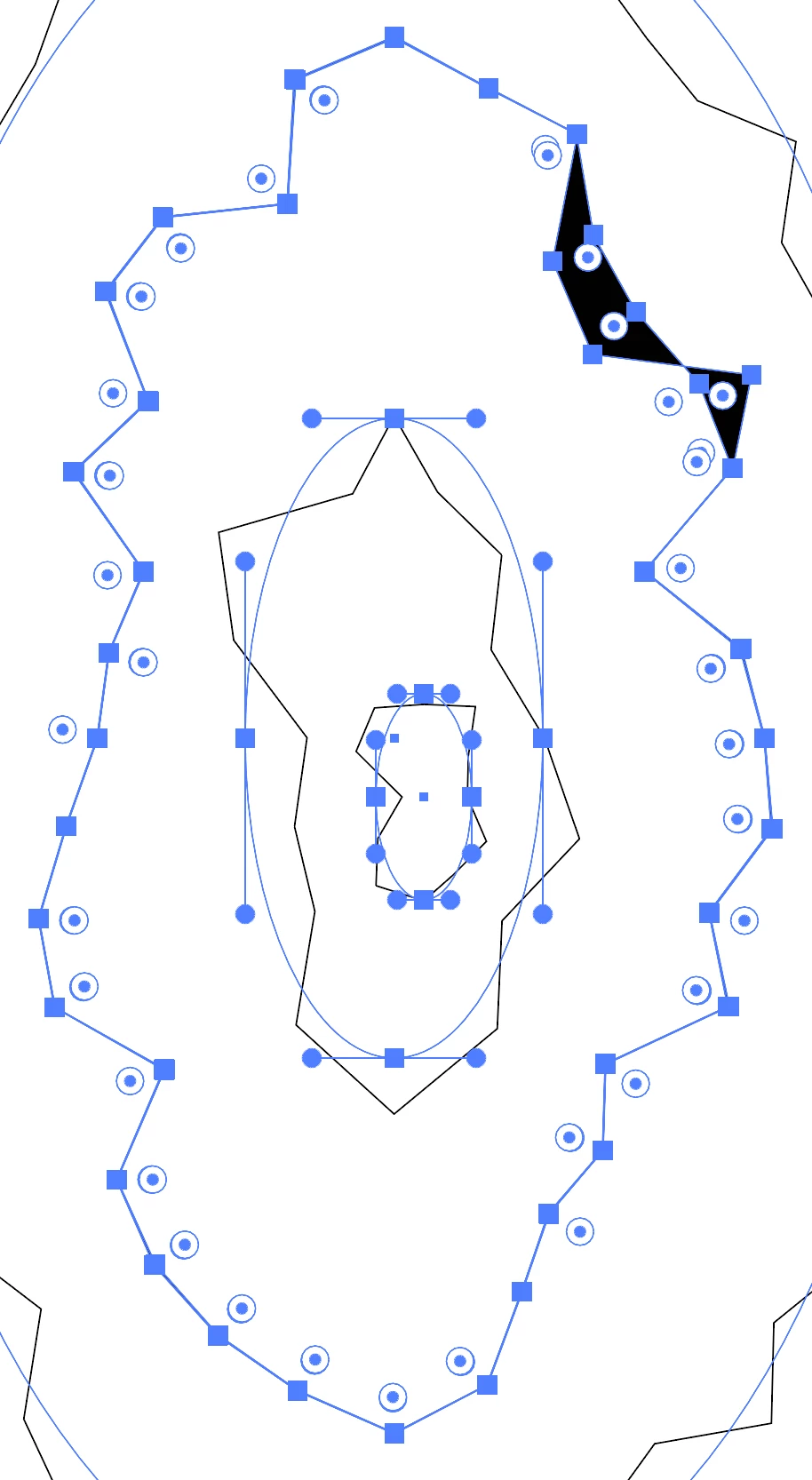
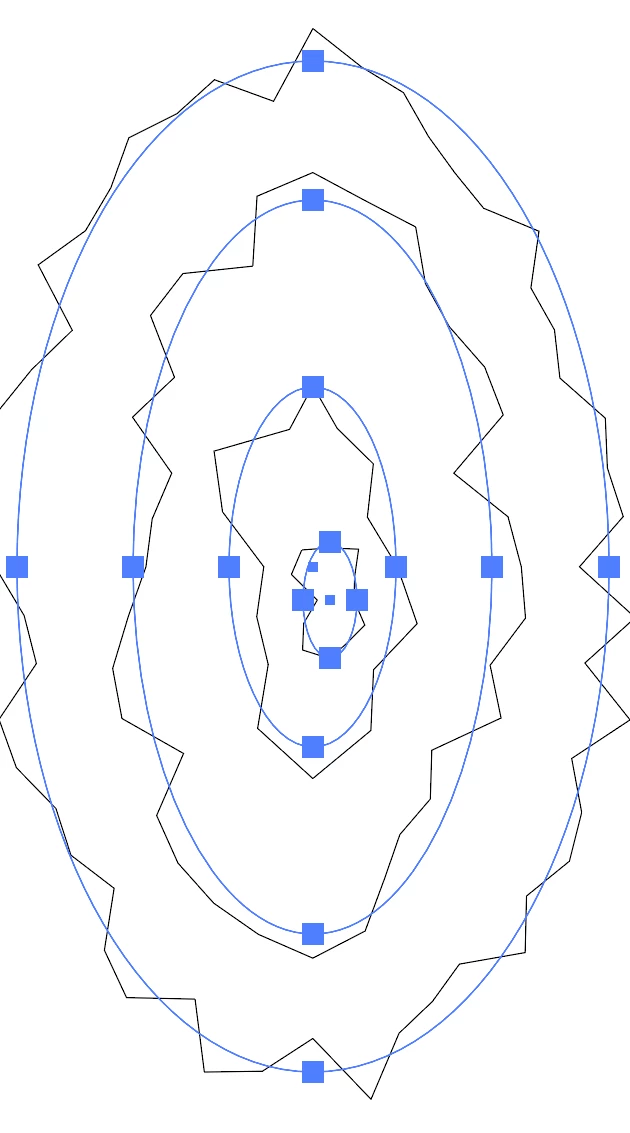
I have some stroked circles that I've added the roughen effect to, but when I expand the appearance of them, they become compound paths instead of the lines that they were. My steps are Object > Expand Appearance (Expand is greyed out). I don't remember expanding roughened lines ever creating filled shapes. I swear expanding created lines with anchor points. This feels like it came about the same time as another bug that I'll post separately for. 

Here is an example:
This topic has been closed for replies.

2 replies

Monika Gause
Community Expert
Community Expert
October 12, 2024

You have another effect applied to them in addition to Roughen.

Ton Frederiks
Community Expert
Community Expert
October 12, 2024

Can you share an Illustrator Example before expanding? Change the .ai extension to .pdf before attaching here. 

Participating Frequently
October 12, 2024

I restarted Ai without saving that time, but before I did, I noticed that some of those shapes were converted to stroked paths without becoming a compound path. I am trying to recreate the issue today, but I cannot get the same result. The steps I took were: Elipse tool > Scale tool + Alt > repeat twice more > Roughen ( Absolute, 20px, Corner, 1px/in ) > Object > Expand Appearance. No extra effects applied. Also it was creating multiple stacked anchor points and isn't doing that now. Maybe just some glitch, as the result was inconsistent in the same action. It appears to have resolved today, so I'm at a loss.