


Participant
March 12, 2024
Question

Export as... Illustrator bug

  • March 12, 2024
  • 2 replies
  • 171 views

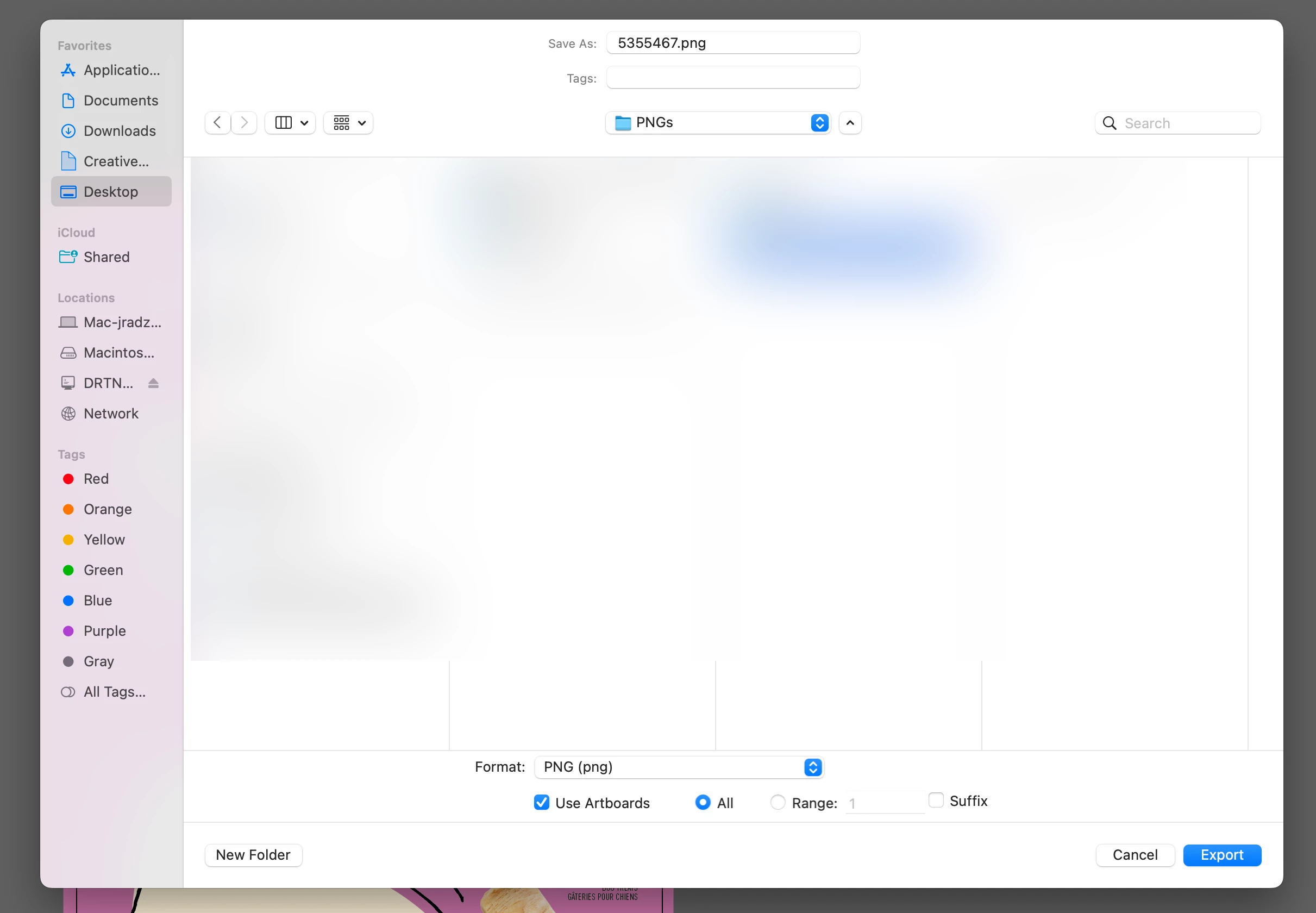
I've discovered that when now using File: Export As... to export labels for 3D rendering, the preview is empty while the .png file does get made. This is different than the last version of Illustrator, where the preview window showed a thumbnail view of what it was exporting. 

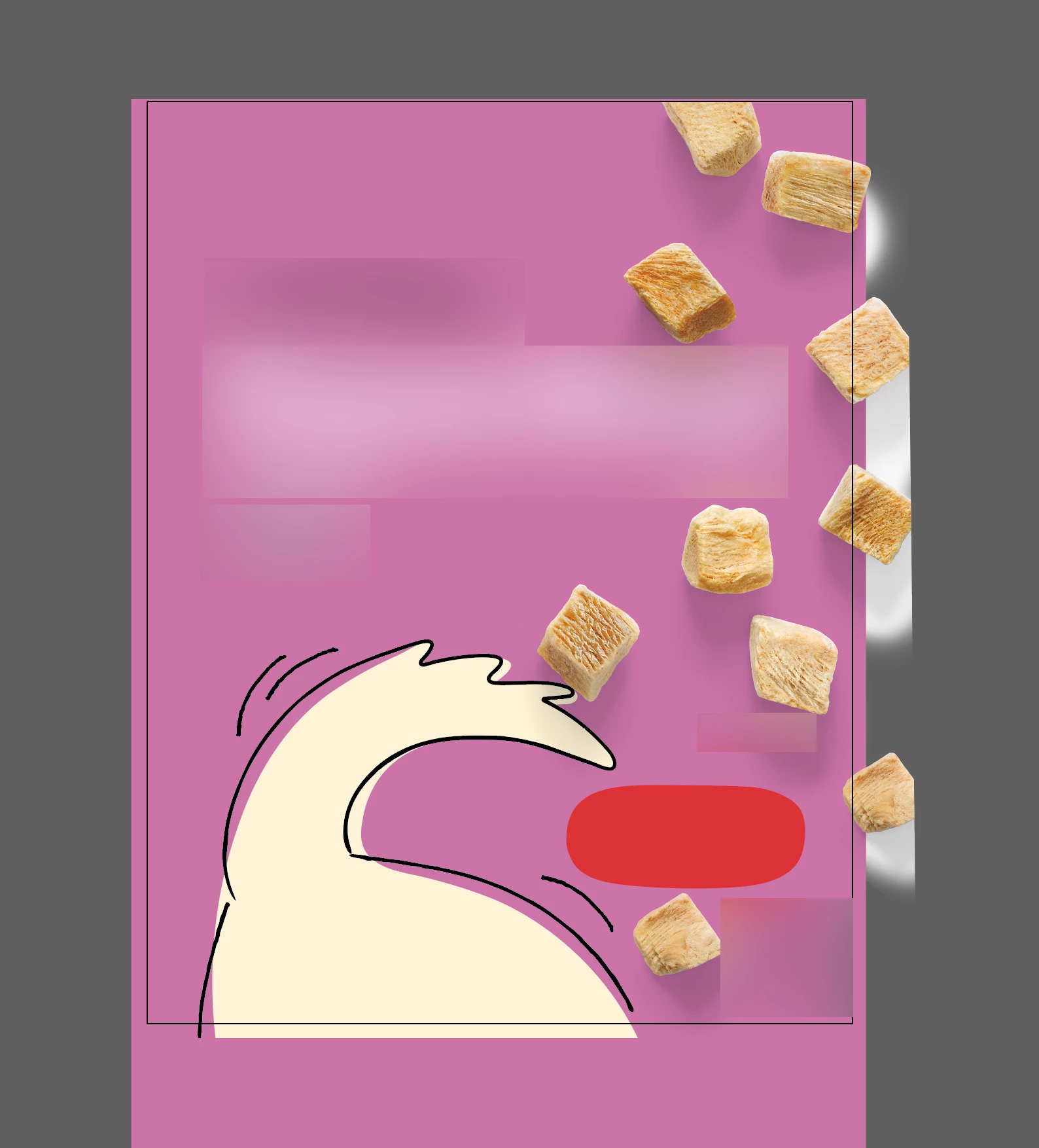
This is what I start with, a file where I've moved the extents of the artboard to the extents of the artwork I'm seeking to define as a label:
 

I then go to File: Export As... and set the product as a .png file with "Use Artboards" checked:
 

And here is the bug:
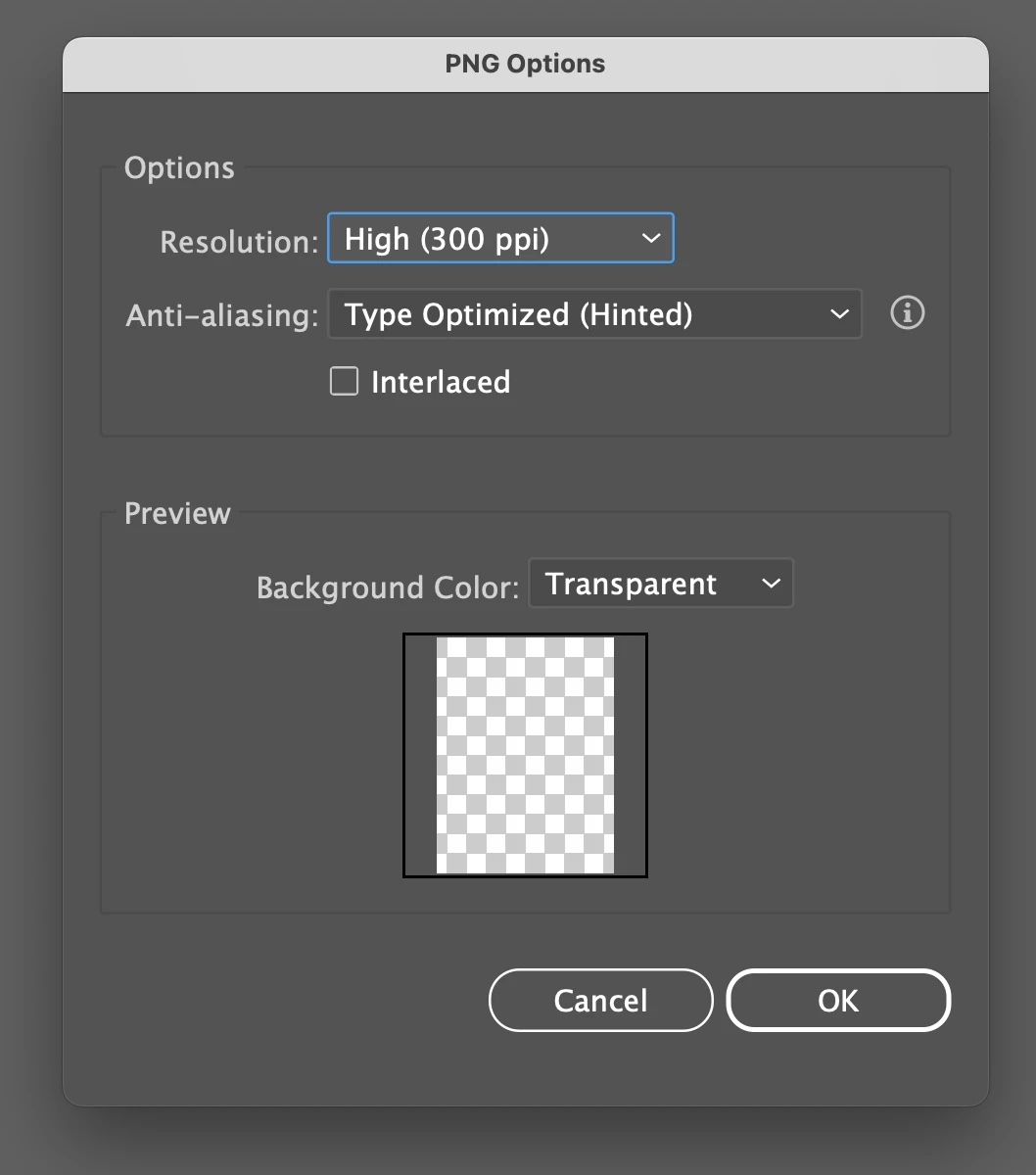
 

Because Illustrator does go ahead and produce the proper output despite the fact the preview feature is now broken:

 

With every new version of Illustrator I see bugs now. Yay for making it easier to use for scrapbooking moms!


This topic has been closed for replies.

2 replies

Anshul_Saini
Community Manager
Community Manager
March 12, 2024

Hi @jodyradzik17160276,


Thank you for bringing this issue to our attention. I'm sorry to hear about the trouble you're experiencing with the Export As feature in Illustrator.


We've logged this bug, and our team is currently investigating it to find a resolution. In the meantime, as a workaround, I would suggest installing the previous version of Illustrator, where this feature was working as expected.


I understand that encountering bugs can be frustrating, and I appreciate your patience as we work to address this issue. If you have any further questions or concerns, please don't hesitate to reach out.


Best regards,

Anshul Saini

Monika Gause
Community Expert
Community Expert
March 12, 2024

I've just tried that on my Mac and I had a preview in that box. 

Are all your layers set to print?

Which system is it?

Do you reboot regularly?