Sorry, I should have been more clear. The post I linked (and accompanying script I pasted) was just to show the concept of exporting your files and then renaming them via a script which is the only way I have found to control the names of the exported files. Basically as long as you know the name and location of the exported files you can rename it after the export (removing the artboard name).
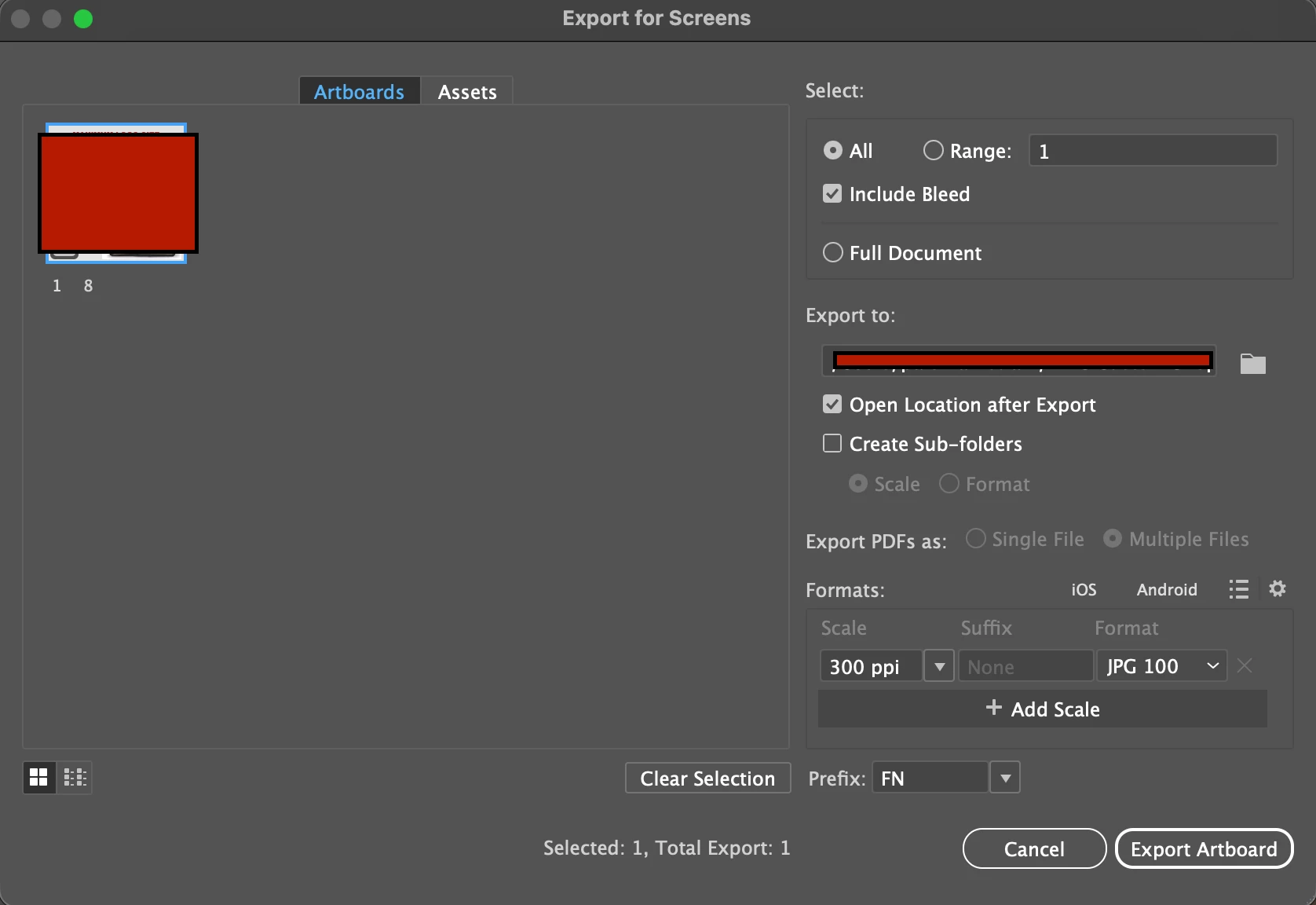
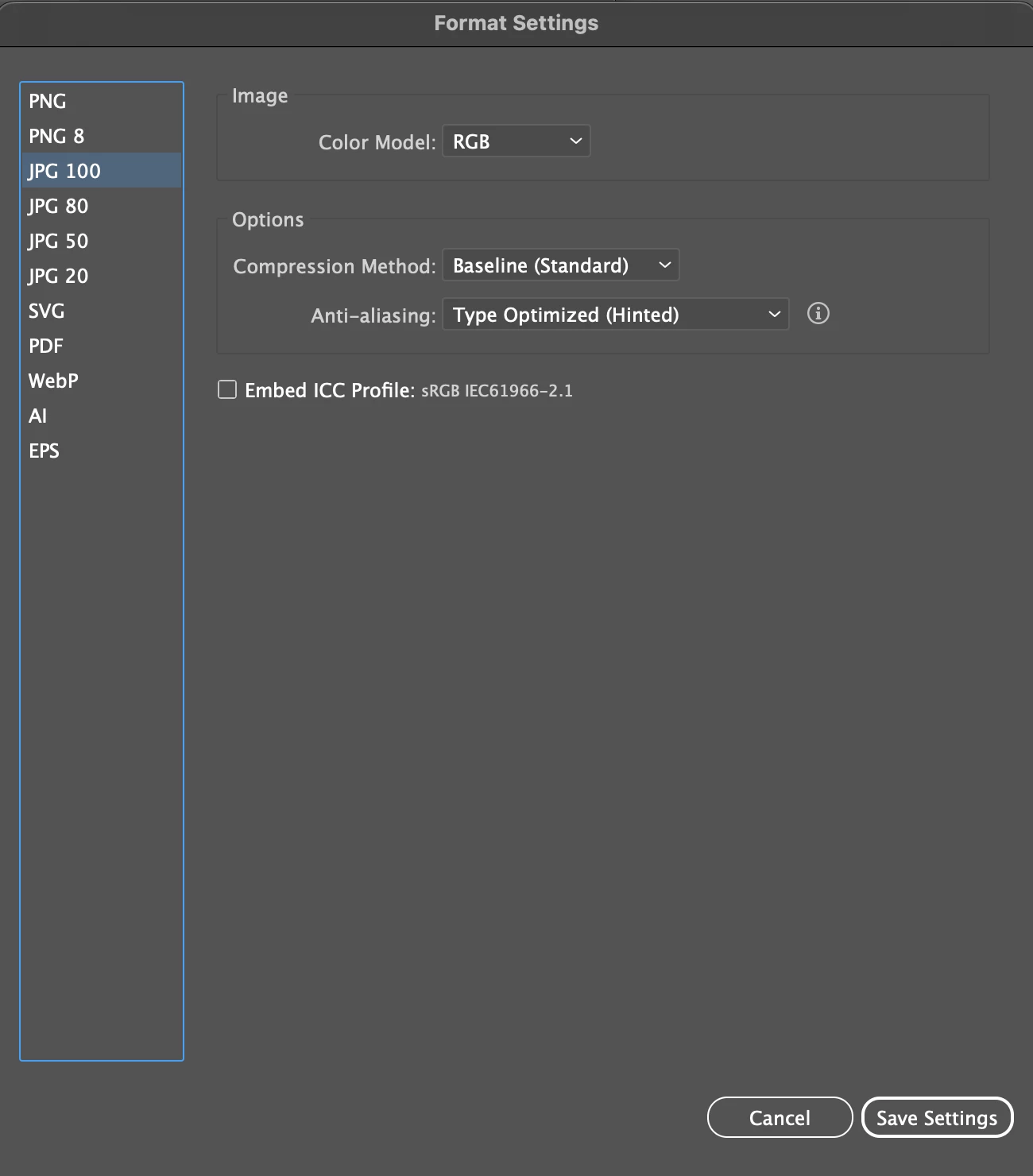
There is more than one way to export a JPEG via scripting but since you are already using Export for Screens here's a script tailored for your needs. Take it for a spin and let me know if it works for you? Cheers!
(function () {
    //@target illustrator

    // no need to continue if there is no active document
    if (!app.documents.length) {
        alert("No active document.");
        return;
    }

    // get the current document and it's path (if saved)
    var doc = app.activeDocument;
    var docFolder = new Folder(doc.path == "" ? "~/" : doc.path);

    // strip off any extensions from the document name
    var exportName = doc.name.replace(/\.pdf|\.ai|\.eps$/i, "");

    // disable creating folders when exporting (same as setting in GUI)
    // thanks to Carlos Canto https://community.adobe.com/t5/user/viewprofilepage/user-id/9300165
    app.preferences.setIntegerPreference(
        "plugin/SmartExportUI/CreateFoldersPreference",
        0
    );

    var whatToExport = new ExportForScreensItemToExport();
    whatToExport.artboards = "1";
    whatToExport.document = false;

    var jpgOptions = new ExportForScreensOptionsJPEG();
    jpgOptions.compressionMethod = JPEGCompressionMethodType.BASELINEOPTIMIZED;
    jpgOptions.antiAliasing = AntiAliasingMethod.TYPEOPTIMIZED;
    jpgOptions.scaleType = ExportForScreensScaleType.SCALEBYRESOLUTION;
    jpgOptions.scaleTypeValue = 300;

    activeDocument.exportForScreens(
        docFolder,
        ExportForScreensType.SE_JPEG100,
        jpgOptions,
        whatToExport,
        exportName
    );

    // When exporting artboards using the exportForScreens method, the api adds
    // "Artboard" to the actual artboard name resulting in `{prefix}Artboard X.{extension}`
    // To be able to correctly name the exported file, I am recreating the known
    // naming convention with a new `file` object to that path and then just renaming the file.
    var exportedFile = new File(
        doc.path + "/" + exportName + doc.artboards[0].name + ".jpg"
    );
    exportedFile.rename(exportName + ".jpg");
})();



 AdChoices