


Export only visible objects as svg for lase from multi page pdf file
Hi all,
I need you help today.
I have received a multi page pdf file which contains a design to be laser engraved to a trophy.
Unfortunately, I'm not able to only export the visible part of each artboard. Each time I try to export to svg, it exports all the objects on the document. There are a lot of clipping masks and hidden objects in the pdf, which I cannot hide from the export. Image shows how the pdf is imported.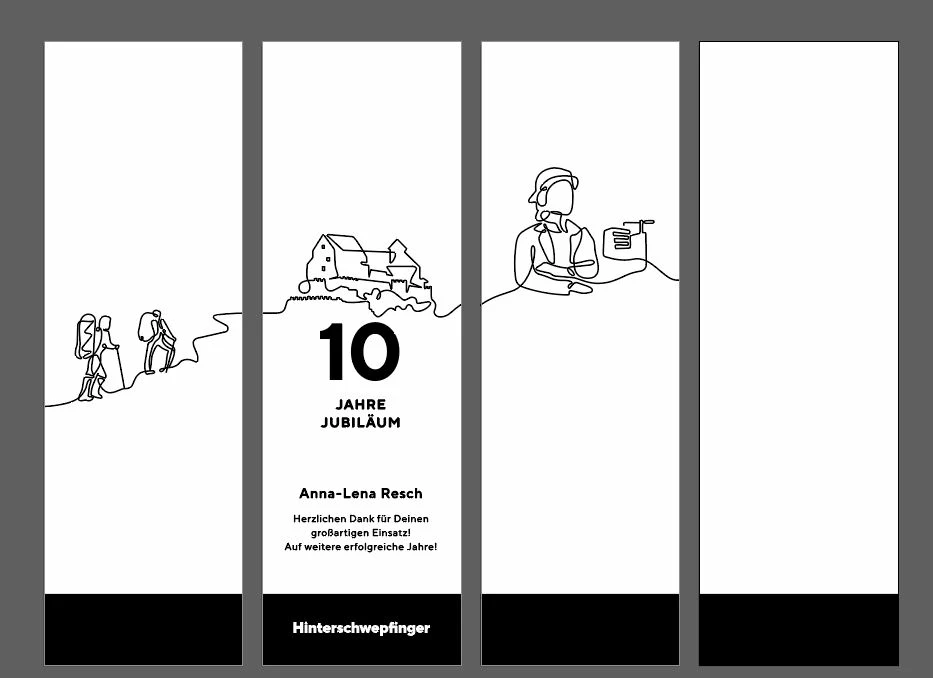
I only want the visible parts to be exported as svg.
As you can see, there are hidden paths, clipping masks and objects:
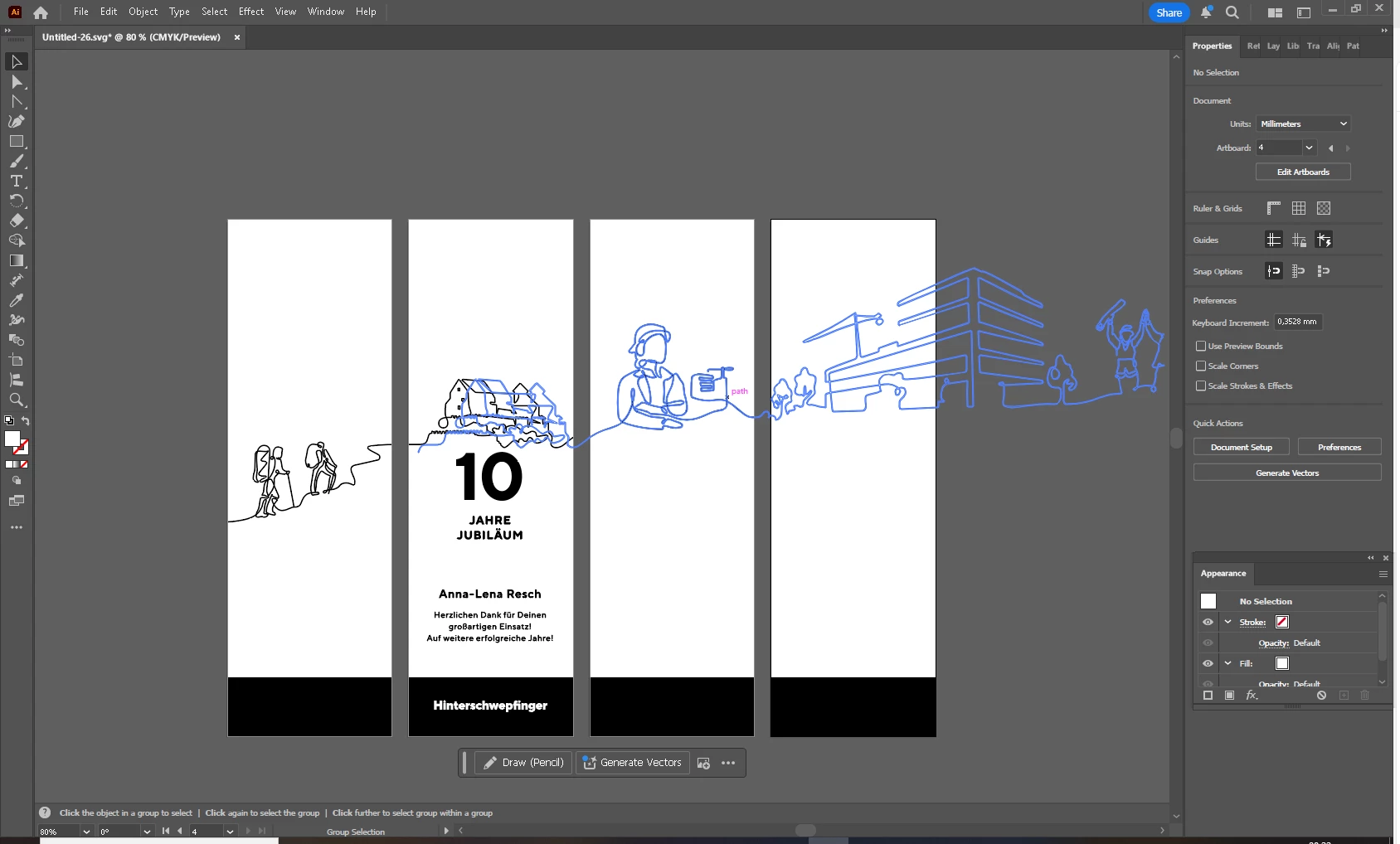
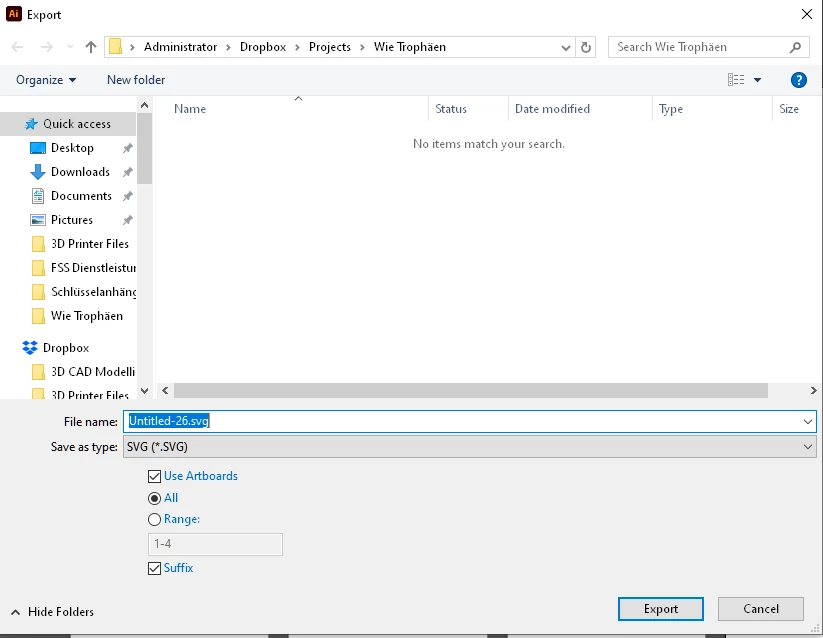
If I export the pdf to svg and use the "Artboard" option, it always exports all objects within the pdf.
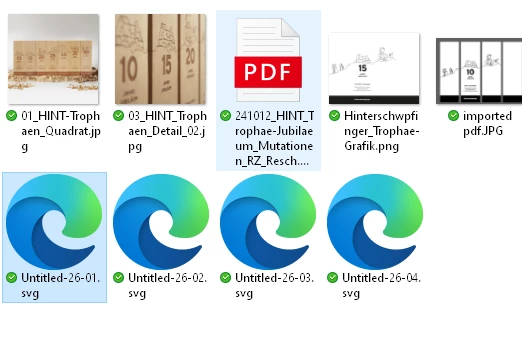
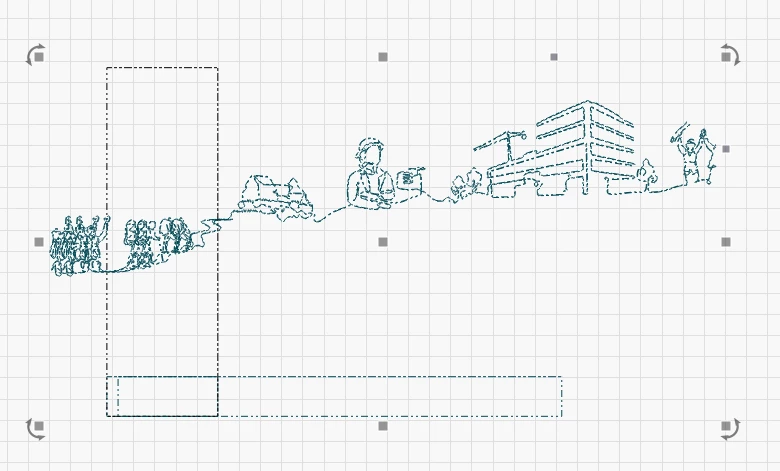
Is there any option to only export the visible part of each page in the pdf?
I cannot remove or clip / crop each single part of the pdf as this would take forever.
I will receive more than 30 different pdfs with this content.
Thanks
Daniel
 AdChoices