
Participating Frequently
July 4, 2017
Question

Export quality help

  • July 4, 2017
  • 3 replies
  • 2446 views

Hi forum.

I am new to Illustrator and forums in general so please excuse my ignorance.

I recently designed an email signature for my office and when I tried to export it, I could not get the quality I was hoping for.

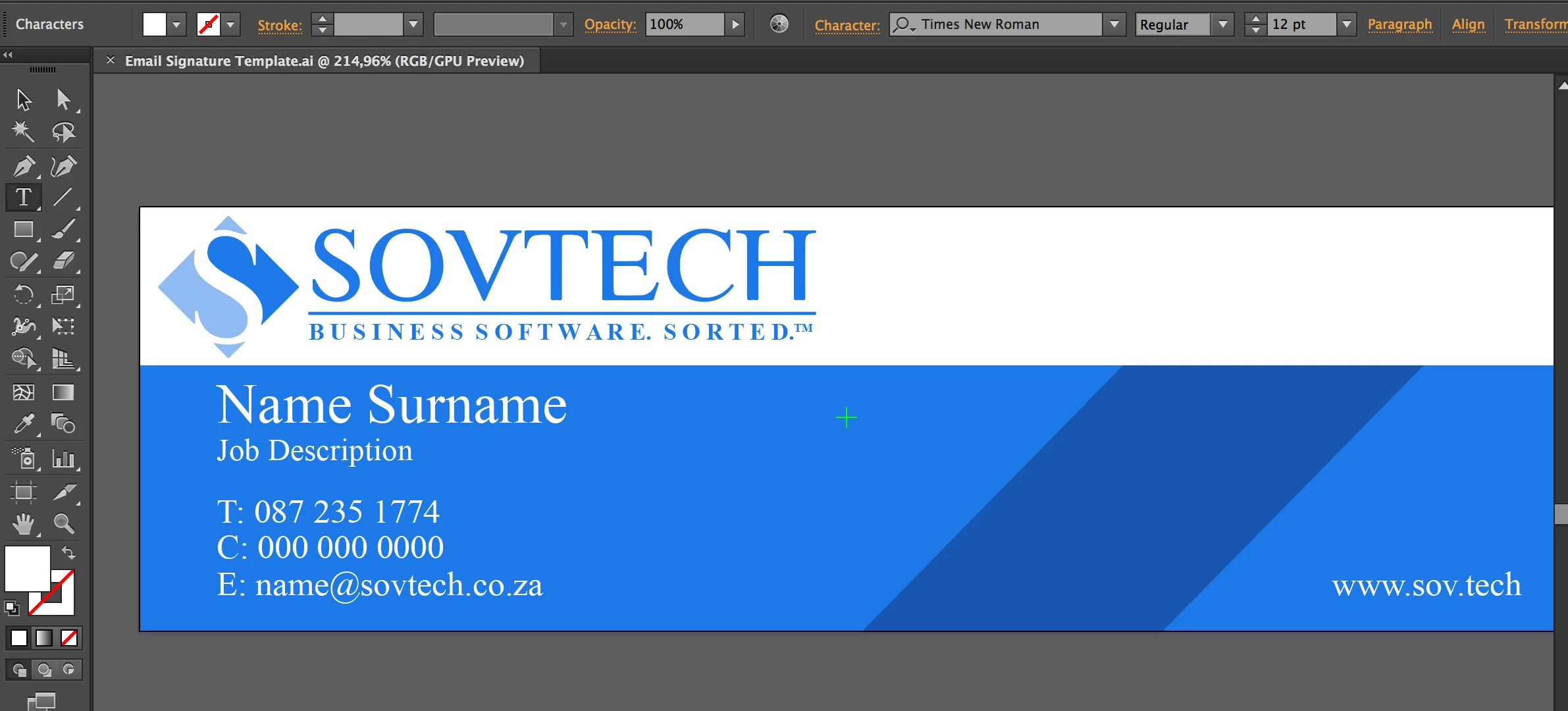
In the Illustrator window the quality is great but as soon as I "save for web" the quality disappears.

Below is an image of the working dartboard:
Below is the image of the "save for web" preview:
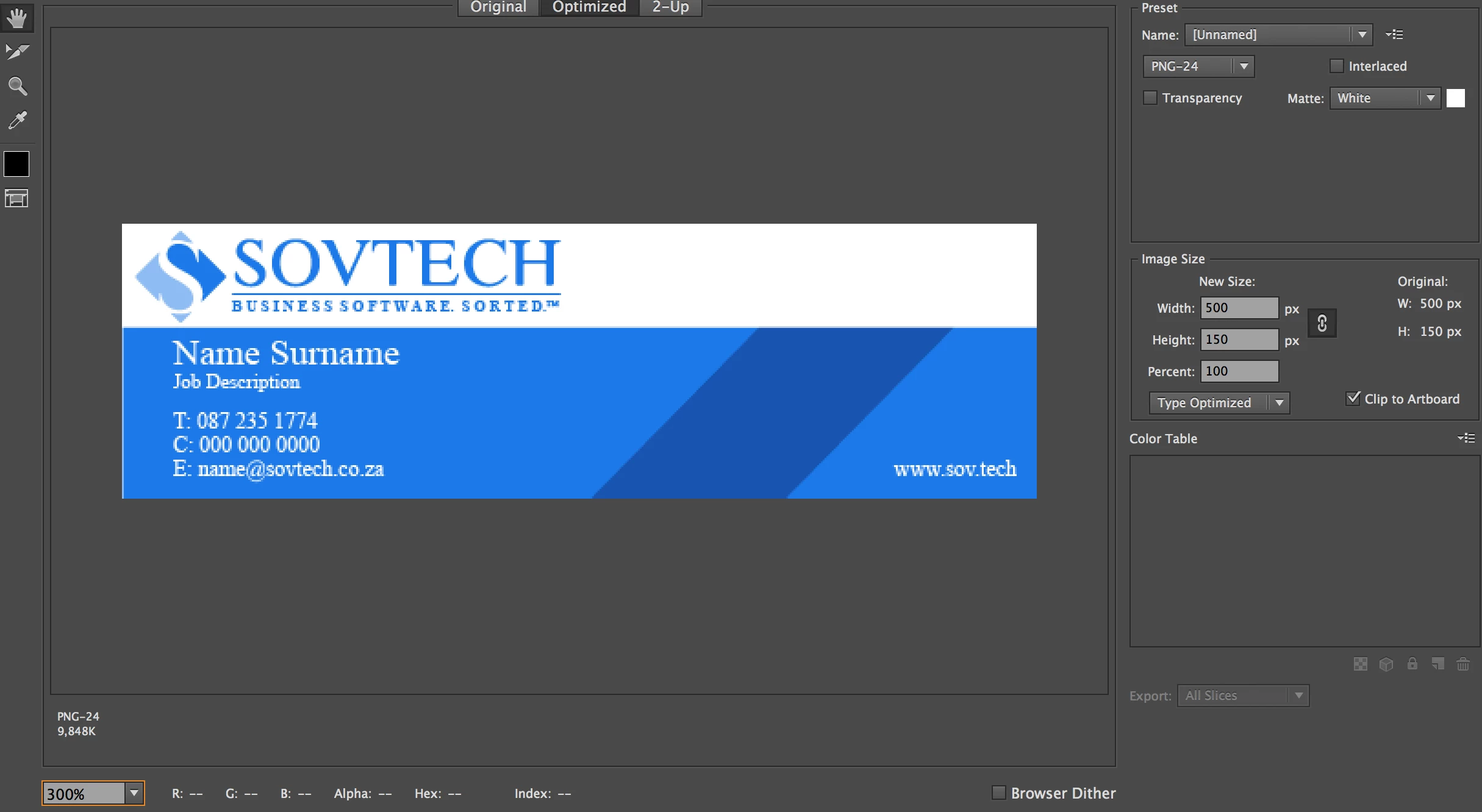
Note the difference in quality...

I am trying to retain the artboard size of 500px by 150px. I don't know how to save this signature and get crisp lines.

Another thing is that on my monitor it shows up crisp, but on my Mac with Retina Display its blurry. A colleague mentioned that it was the resolution difference between the monitor and mac (monitor < mac).

I want the signature to be perfectly clear on all displays, not just low res monitors.

Please help!

P.S. I could post the file if it would help and someone could tell me if my settings are wrong?

This topic has been closed for replies.

3 replies

Participating Frequently
July 4, 2017

Thanks Monika and Doug.

It seems though that my boss has a crisp email signature just in an old design. Would this have been designed on Photoshop perhaps?

Back to my original post, Are you saying there is no way to crisp the image using illustrator?

Doug A Roberts
Community Expert
Community Expert
July 4, 2017

yes, sure. make it using larger pixel dimensions and it will appear more crisp.

what size is your boss's signature image?

Participating Frequently
July 4, 2017

The problem is that I dont want the signatures to be too big.

My boss's sig is roughly those same dimensions.

On a monitor the difference isn't clear. On my retina screen, the difference is noticeable.

Monika Gause
Community Expert
Community Expert
July 4, 2017

With just 500x150 px this is what you get.

Inside Illustrator it's vector based artwork. No matter how far you are zoomed in, it will always render at highest possbile resolution.

When exporting in a pixel based format, it gets permanently converted to the pixel grid. When you zoom in the pixels get bigger.

BTW: THat's too much text for such a small size.

Set up a file: vector or raster, resolution, color mode and file format

Doug A Roberts
Community Expert
Community Expert
July 4, 2017

500 x 150 px is a small image. note that you're zoomed in to 300% in the preview window there. at 100%, it should look comparable to the vector original, but since you're converting it to pixels, you won't be able to zoom in any more and expect it to look crisp.