


bethanyc22183490
Participating Frequently
November 15, 2019
Question

Export settings for instagram profile icon logo?

  • November 15, 2019
  • 3 replies
  • 5351 views

I'm looking for advice on how to export my illustrator drawing for use as an instagram profile icon. 

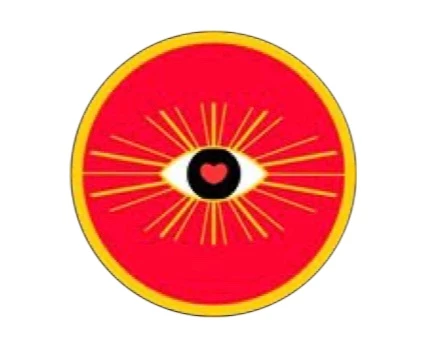
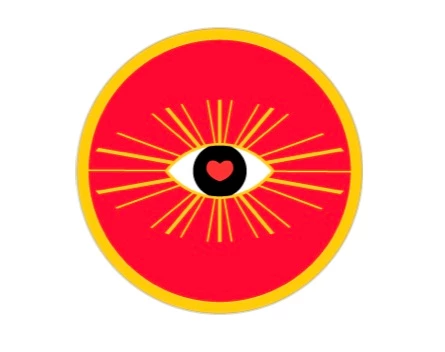
I followed previous posts advice by designing it in 300x300px and exporting as a jpeg and for the first time when I initially upload it it appears to be perfect quality but then when I go back to my profile it is blurry again 😞 I've tried exporting as jpg/jpeg/png with all different settings and still can't get it right.


Any advice on specific settings to export with for instagram profile icons?


example of quality degradation 


after exiting edit profile 
 

Before exiting edit profile 
 

This topic has been closed for replies.

3 replies

Monika Gause
Community Expert
Community Expert
November 15, 2019

Red is a particularly bad color for this, because it suffers a lot from the JPEG compression Instagram applies automatically

Nancy OShea
Community Expert
Community Expert
November 15, 2019

I forgot to mention that thumbnails are always blurry.  It's the same way with YouTube thumbnails.   Don't sweat it.  There's not much you can do because image sizing is controlled at the server level.

Nancy O'Shea— Product User & Community Expert
Nancy OShea
Community Expert
Community Expert
November 15, 2019

This is not so much an Illustrator question as it is an Instagram question.  See details below.

https://sharethis.com/best-practices/2018/07/instagram-profile-photo-size-plus-tips-tricks/

Nancy O'Shea— Product User & Community Expert